Catch where the EDI moves and the yard disagree
Every morning, WebRun opens MRI Intermodal Software, compares the CODECO gate-in and gate-out moves against the current yard inventory, logs every container where the EDI record and the physical count disagree to a Google Sheet, and posts the depot team a Slack list of units to check.
- No credit card
- Under $0.01 per run
- Cancel anytime
What does WebRun do on every run?
The exact actions WebRun takes, in order - in plain language, so you can adjust anything.
-
WebRun signs in and gets to work
Opens
www.mriintermodal.comin a real browser with your saved login - no setup, no API keys. -
1
MRI Intermodal Software - compare EDI moves to yard count
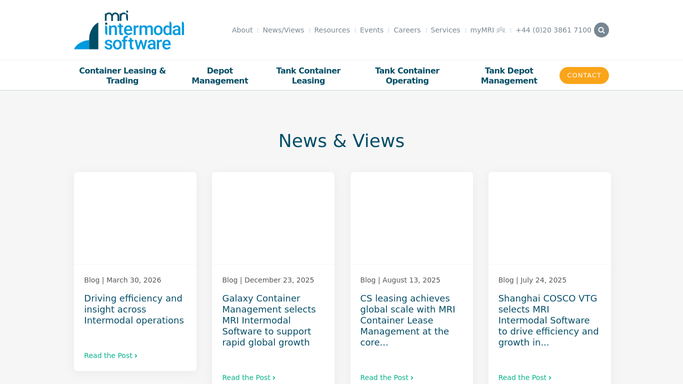
mriintermodal.com How to Automate MRI Intermodal Software

WebRun opens MRI Intermodal Software to compare EDI moves to yard count. - Open MRI Intermodal Software and pull the CODECO gate-in and gate-out moves from the last day
- Pull the current physical yard inventory alongside it
- Match each container across the two: an EDI gate-in should have a unit present, a gate-out should have it gone
- Capture every container where the EDI move and the yard count disagree, noting which side is off
Done when Every reconciliation mismatch is captured with the container and which record disagrees.
-
2
Google Sheets - log every mismatch
google.com How to Automate Google Sheets
WebRun opens Google Sheets to log every mismatch. - Open the EDI Reconciliation sheet
- Append one row per mismatch with the container, the EDI move, the yard status, and the gap type
- Tag each as a phantom gate-in, a missing gate-out, or a unit present without a move
- Keep a running log so repeat offenders and stale mismatches are visible
Done when Today's mismatches are logged with their gap type and added to the running record.
-
3
Slack - list containers to check
slack.com How to Automate Slack
WebRun opens Slack to list containers to check. - Post the day's reconciliation exceptions to the depot channel
- Group them by gap type so the yard crew and the EDI desk each see their share
- Flag any mismatch that has persisted for more than a day
Done when The depot team has a Slack list of every container that needs a reconciling check.


How do I reconcile EDI gate moves against the physical yard count automatically?
WebRun opens MRI Intermodal Software every morning, compares the CODECO gate-in and gate-out moves against the physical yard count, and captures every container where the two disagree. It logs each mismatch to a Google Sheet by gap type and posts the depot team a Slack exception list, so phantom gate-ins and missing gate-outs get chased down the same day.
- Phantom gate-ins and missing gate-outs are caught the same day
- Every mismatch is logged by gap type so the right desk fixes it
- Inventory in the system stays trustworthy for billing and planning
Built for container depots · equipment control teams · EDI coordinators · yard supervisors
How is each run configured?
Secure by default
Connect once, stays signed in
WebRun signs in once and keeps each session in a persistent environment, so every run picks up right where it left off.
Every action is checked against this policy before it runs.
Questions, answered
Does it correct the mismatch or resend any EDI?
No. WebRun only compares the EDI moves against the yard count and reports the gaps. It never edits a move, adjusts inventory, or resends a CODECO message. A person investigates and corrects each exception.
Is the reconciliation list shared externally?
No. The Google Sheet and the Slack list are internal only. Nothing is sent to a shipping line, carrier, or customer. This workflow is a purely internal accuracy check for your yard.
What kinds of mismatches does it catch?
It catches phantom gate-ins where the EDI says a unit arrived but the yard is empty, missing gate-outs where a unit left but no move exists, and units sitting in the yard with no matching move message.
Related templates
Put this on autopilot.
Turn it on in minutes - or have our team set it up for you.