How to Automate Airtable

Airtable automates a lot on its own. Triggers fire on new or changed records, scripts run inside the base, and sync pulls from products that publish an API. Getting records in from a system with no API and no export is the gap, and it is usually filled by somebody pasting.

Airtable is the database an operations team can actually build

Airtable is a database that looks enough like a spreadsheet that people who would never open a database will build one. That single fact explains most of where it ends up.

The teams using it are operations, marketing, production and HR, not engineering. They build the thing nobody would ever get budget to have built: an applicant tracker, a content calendar, an inventory of equipment, a pipeline of properties, a register of every machine on site and when it was last serviced.

What they get is real structure. Linked records, so a supplier connects to its orders. Views, so the same data is a grid for one person and a calendar for another. Forms, so somebody outside the team can add a row without touching the base.

It works well enough that within a year it holds something the business genuinely depends on.

The base is only as current as its last paste

A base earns its keep by being accurate, and accuracy is where the manual work hides.

Somebody exports a CSV from the ordering system every Monday and imports it. Somebody checks four supplier sites for lead times and updates a column. Somebody opens the applicant tracking system, reads which candidates moved stage, and mirrors that into the base the team actually looks at.

It is a strange kind of work: high consequence and no skill. If it is skipped for a fortnight nothing appears to break, and then a decision gets made on a stale number and the base loses the team's trust for good.

Once people stop believing the base, they go back to asking each other, and the whole thing quietly becomes a very tidy museum.

The airtable.com homepage, the app these three jobs run in. Airtable
Records that arrive on their own Orders, applications and stock levels written into the base from wherever they actually happen.
Fields kept current A status that changed in the source system changed in the base too, instead of quietly going stale.
No connector required The regional portal and the industry package never built an integration. They can still fill a table.

Automations and syncs stop at the connector list

Airtable is far from passive, and inside its own boundaries it is strong.

Automations trigger when a record is created, updated, or matches a condition, and then send email, update other records, post to chat or run a script. The scripting extension runs JavaScript against the base. Sync pulls a table from another base or from a product Airtable has built a connector for, and keeps it updated. Interfaces put a usable front end on top for people who should never see the raw grid.

All of that is triggered by something happening in the base, or by a product that already publishes an API and got a connector built for it.

The systems that hold most operational reality tend to have neither. The industry package the company runs on, the supplier portal, the customer's extranet, the government site with the licence status. Those are exactly the sources people paste in by hand, week after week.

The base can fill itself from anywhere you can log in

A connector list is a list of the systems somebody else decided to support. Your base can know more than that.

The orders that came in overnight, read from a system that only ever shows them on screen, written in as rows. Lead times checked across every supplier you buy from, updated in place, with the ones that moved marked. Candidate stages mirrored from the recruiting system so the base and the source agree by nine each morning.

The equipment register updated with the service dates the maintenance portal holds. The property pipeline updated with the listings that changed price. The compliance table updated with which certificates now expire inside ninety days.

One habit is worth adopting early: write incoming data to its own table that only the automation touches, and let your working views read from it. Then a bad run can never overwrite something a person typed, and you can compare the two when a number looks wrong.

Data entry is the part worth handing over

The judgement in a base is in how it is structured and what gets decided from it. Keeping the rows current is not judgement, it is transcription.

WebRun is an AI agent that works a real Chrome browser, signed in as you. It opens the ordering system, the portal or the industry package that has no API, reads what is on the screen, and writes the rows into your base.

It runs on your schedule in your own private environment, and you can watch a run and stop it mid-way. Anything that would message a person outside the team drafts and waits.

The workflows below are already built, and each one names the apps it touches.

Questions people ask

Do we need an Airtable paid plan for this?

No. It works the Airtable interface signed in as you, so whatever your current plan allows you to do by hand is what it can do. Sync and higher automation limits are separate Airtable features you may or may not want.

Will it create duplicate records?

Each workflow matches on a key from the source, such as an order number, so a second run updates the existing record rather than adding another. Writing to a dedicated intake table makes that easy to verify.

Can it pull from a system that offers no export?

Yes, and that is the usual reason to use it. It reads what is on the screen the way a person would, then writes the rows, so a portal with no download button stops being a weekly copy and paste job.

1,250 ready-made Airtable workflows

Each one names the apps it touches and the exact steps it takes. Open one to read what it will do, then turn it on.
Automated Guru Milestone Invoice Chasing
Every Monday, WebRun finds Guru milestones marked complete with no invoice sent, logs each one in Airtable with its amount, and messages you the total on WhatsApp.
GuruAirtableWhatsApp
Automated Grammarly Pre-Publish Copy Check
On demand, WebRun runs your draft through Grammarly, checks it against your style guide terms, writes the flagged sentences into Notion, and logs the check in Airtable.
GrammarlyAirtableNotion
Automated GoTo Webinar Registration Tracking
Every morning, WebRun reads the registration count on each upcoming GoTo Webinar session, compares it with the days remaining, logs the pace in Airtable, and texts you when one falls behind.
GoTo WebinarAirtableTwilio
Automated Google Voice Call Volume Reports
Every Monday, WebRun reads your Google Voice call log, counts calls, misses and voicemails by day and hour, and shows you the hours that need phone cover.
Google VoiceSlackAirtable
Automated Google Sheets Formula Error Audit
Every morning, WebRun scans your Google Sheets for formula errors and stale tabs, logs each one in Airtable, and posts the broken cells to Trello.
Google SheetsAirtableTrello
Automated Feedback Theme Analysis in Gemini
Upload your free-text answers and WebRun works through them in Gemini, groups them into themes with counts and example quotes, writes the result to Airtable, and drafts a Gmail summary.
Google GeminiAirtableGmail
Automatic Google Chat Shared File Index
Every Monday, WebRun collects the files and links shared across your Google Chat spaces, indexes each one in Airtable with who posted it and where, and sends the weekly roundup to Telegram.
Google ChatAirtableTelegram
Automated GoCardless Payout Reconciliation
When a GoCardless payout settles, WebRun breaks it back down into the payments, fees and refunds that make up the figure, files the breakdown in Airtable, and sends the bookkeeper a WhatsApp summary.
GoCardlessWhatsAppAirtable
Automated Genesys Schedule Coverage Checks
Every morning, WebRun compares tomorrow's Genesys schedules against the forecast, logs the gaps in Airtable, and posts the uncovered hours to Microsoft Teams.
GenesysAirtableMicrosoft Teams
Automated Front Awaiting-Reply Sweeps
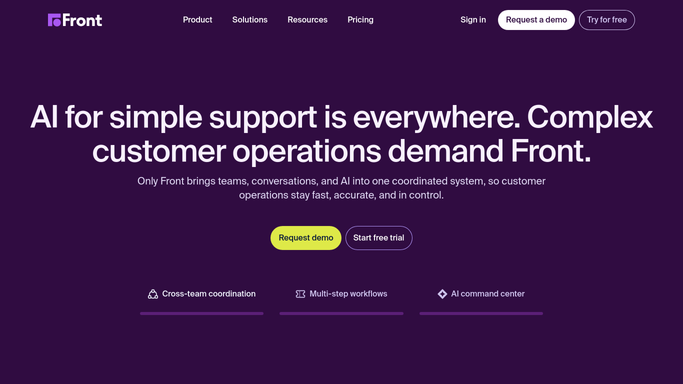
Every morning, WebRun finds Front conversations the customer never came back to, logs them in Airtable by owner, and files the nudge list with drafted follow-ups in Google Drive.
FrontAirtableGoogle Drive
Automated Freshsales Contact Data Cleanup
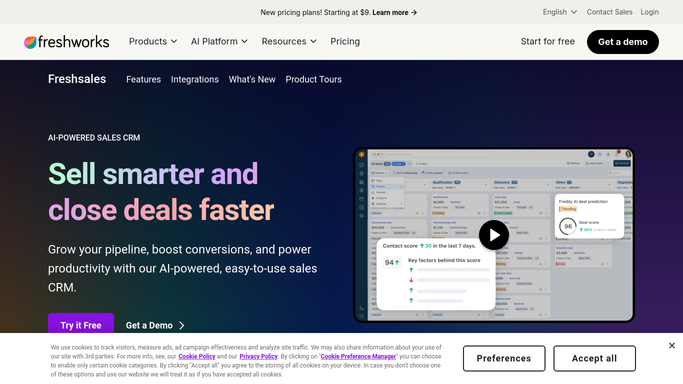
Every night, WebRun scans Freshsales for contacts with a missing email or phone, no owner, or an obvious duplicate, logs them in Airtable, and opens a Trello card per batch.
FreshsalesAirtableTrello
Automated Fresha Stock Reorder Alerts
Every Monday, WebRun reads Fresha stock levels against recent sales, works out weeks of cover left, cards the reorders in Trello, and logs the supplier list in Airtable.
FreshaTrelloAirtable
Automated Follow Up Boss Lead Source Reports
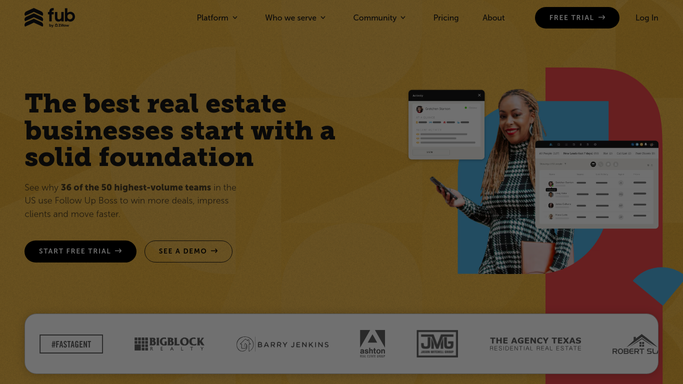
Every Monday, WebRun groups your Follow Up Boss people by lead source, follows each group through to appointments and deals, and files the per source numbers in Airtable and Notion.
Follow Up BossAirtableNotion
Automated Fireflies Competitor Mention Report
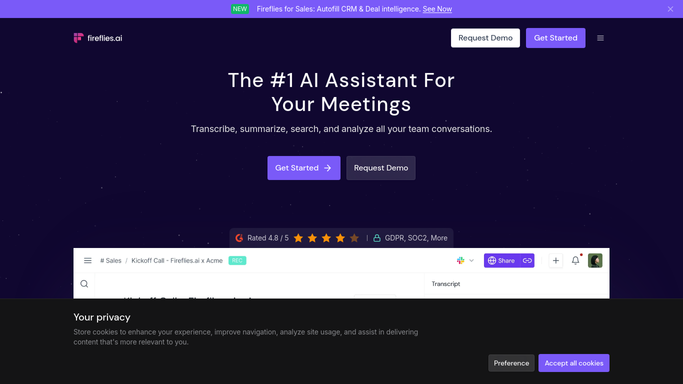
Every Monday, WebRun reads last week's Fireflies.ai transcripts, counts every competitor and objection mentioned, logs the tally in Airtable, and texts you the headline.
Fireflies.aiAirtableTwilio
Automated Firebase Usage and Quota Alerts
Every morning, WebRun opens the Firebase console, reads usage and billing on each project, records the burn in Airtable, and posts Slack a warning when a quota is running hot.
FirebaseAirtableSlack
Automated Fillout Form Drop-Off Review
Every Monday, WebRun reads views, starts and finishes for every Fillout form, tracks the completion rate in Airtable, and posts the drop-off review to Notion.
FilloutAirtableNotion
Automated Fastly TLS Certificate Expiry Alerts
Every Monday, WebRun reads the TLS certificates on your Fastly services, lists the domains expiring soonest in Airtable, and writes the renewal plan into Notion.
FastlyAirtableNotion
Automated Expedia Travel Receipt Exports
Every Monday, WebRun pulls the receipts and amounts from your completed Expedia trips, files them as expense ready rows in Airtable, and logs the batch in Notion for finance.
ExpediaAirtableNotion
Automated Evernote Unfiled Note Cleanup
Every Monday, WebRun finds the untagged notes still sitting in your Evernote default notebook, logs each with a suggested notebook and tag in Airtable, and sends you the list on WhatsApp.
EvernoteWhatsAppAirtable
Automated E*TRADE Statement Archiving
Every night, WebRun checks your E*TRADE documents for new statements, trade confirmations, and tax forms, saves each one to your folder, indexes it in Airtable, and updates the archive page in Notion.
E*TRADEAirtableNotion
Automated ESET Device and Seat Inventory
Every Monday, WebRun compares the devices on your ESET account against the seats you pay for, records the inventory in Airtable, and texts you the seats worth freeing.
ESETAirtableTwilio
Automated Envato Elements Asset Shortlists
Every Monday, WebRun reads next week's briefs in Notion, shortlists matching Envato Elements templates, fonts, and footage into a collection, and logs each candidate in Airtable.
Envato ElementsAirtableNotion
Automated Envato Elements Asset Shortlist
Every Monday, WebRun sweeps the Envato Elements categories your team uses for new items, saves the on-brand ones to a collection, logs them in Airtable, and posts the shortlist to Slack.
Envato ElementsAirtableSlack
Automated Eloqua Campaign Readiness Checks
Every morning, WebRun pre-flights your scheduled Oracle Eloqua campaigns, records what is still missing in Airtable, and posts the blockers to your marketing ops Slack.
Oracle EloquaAirtableSlack

Want one of these running on your own Airtable?

Show WebRun the process once and it will run it on schedule, in your own private browser environment.