File every statement and confirmation as it posts
Every night, WebRun signs in to E*TRADE, looks for statements, trade confirmations, and tax documents posted since the last run, saves each one into your own document folder, indexes it in Airtable by account, type, and date, and updates the running archive page in Notion.
- No credit card
- Under $0.01 per run
- Cancel anytime
How do I archive brokerage statements and trade confirmations automatically?
WebRun checks your E*TRADE documents every night for newly posted statements, trade confirmations, and tax forms. It saves each one into your own folder, indexes it in Airtable by account, type, and date, and updates a Notion archive page, so tax time starts with a complete folder.
- Tax time starts with a complete folder, not a year of downloads
- Every document is named by account, type, and date
- A missing monthly statement is flagged instead of discovered late
Built for investors · accountants · family offices · self-employed traders
What does WebRun do on every run?
The exact actions WebRun takes, in order - in plain language, so you can adjust anything.
-
WebRun signs in and gets to work
Opens
us.etrade.comin a real browser with your saved login - no setup, no API keys. -
1
E*TRADE - collect newly posted documents
etrade.com
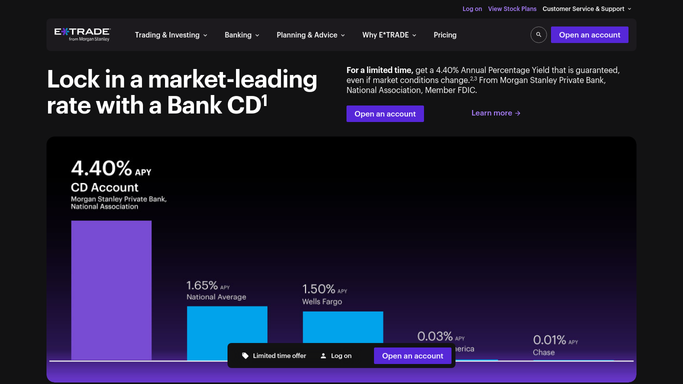
WebRun opens E*TRADE to collect newly posted documents. - Sign in to E*TRADE and open the documents area for each of your accounts
- List the account statements, trade confirmations, and tax documents posted since the last run
- Save each new document into the folder you have set aside for account paperwork
- Name every file with the account, the document type, and the document date, so the folder sorts itself
- Read documents only. WebRun never places a trade, transfers funds, or changes an account setting
Done when Every document posted since the last run has been saved and named consistently.
-
2
Airtable - index each document
airtable.com How to Automate Airtable

WebRun opens Airtable to index each document. - Open your documents base in Airtable and add a row per new document
- Record the account, the document type, the document date, and the file name
- Flag anything tax related so it groups for your accountant at year end
- Check the index for gaps: a missing month on a statement series is worth knowing about
Done when Airtable holds a row for every saved document, with tax items flagged.
-
3
Notion - keep the archive page current
notion.so How to Automate Notion

WebRun opens Notion to keep the archive page current. - Update your archive page in Notion with what arrived tonight
- Keep a per-year section so a tax year can be handed over in one link
- Note any expected document that has not appeared yet, such as a missing monthly statement
- Leave the page internal. Nothing is shared outside the people you have given access to
Done when The Notion archive page reflects tonight's documents and any gaps.
How is each run configured?
Secure by default
Connect once, stays signed in
WebRun signs in once and keeps each session in a persistent environment, so every run picks up right where it left off.
Every action is checked against this policy before it runs.
Questions, answered
Can it trade or move money?
No. WebRun only opens the documents area of your E*TRADE account and saves paperwork. It never places a trade, transfers funds, or changes an account setting, and the policy blocks anything beyond the pages you allow.
Where do the documents go?
Into the folder you nominate, named by account, document type, and date. The Airtable index and the Notion page point at those files, and nothing is shared outside the people you give access to.
What if a statement never appears?
The Airtable index shows the gap. WebRun notes an expected document that has not posted, such as a missing month in a statement series, on the Notion archive page.
Related templates
Put this on autopilot.
Turn it on in minutes - or have our team set it up for you.