How to Automate Slack

Slack automates in two layers. Workflow Builder, reminders and vendor Slack apps cover anything that starts inside Slack or gets pushed to it. Getting an answer out of a tool that never built a Slack app is the layer people still do by hand, one browser tab at a time.

Slack is where the company keeps its attention

Slack is a messaging app that turned into something else along the way: the place a company keeps its attention. Decisions get made in a thread before they are written down anywhere official. The person who needs to know something asks in a channel rather than opening the system that holds the answer. New staff learn how the business actually works by scrolling.

Most companies run a few dozen channels and about four that matter. The one where orders come in. The one where things break. The one where the numbers get posted every morning. Those few are checked constantly, by people who are supposed to be doing something else.

That is both the value and the cost. Everything important passes through Slack, which is what makes it worth automating. Everything unimportant passes through too, which is why half the workspace has notifications off.

Someone is quietly paid to watch the dashboards

In most teams one person has become the human integration layer, without anyone deciding they should be.

They open the payment dashboard each morning and post yesterday's total. They check whether the overnight job finished and tell the channel either way. They copy the day's bookings across because the booking system has no Slack app. When somebody asks whether an order shipped, they open another tab and look.

None of that is in their job description. It is what happens when the tool everyone watches knows nothing about the tools that hold the facts. The channel is full of people and short of data.

The slack.com homepage, the app these three jobs run in. Slack
Morning numbers Yesterday's takings, failures and bookings read from the systems that hold them and posted before the team logs on.
The usual questions, answered Whether it shipped, whether it cleared, whether the status changed, checked and posted without anyone opening a tab.
Exceptions only The three lines that fell below reorder, not the two hundred that did not. Quiet channels are the ones people still read.

Workflow Builder only reacts to what happens inside Slack

Slack automates a fair amount on its own, and for what it covers it is good.

Workflow Builder runs a sequence when someone joins a channel, reacts with an emoji, submits a form or clicks a button. Reminders repeat on a schedule. Scheduled send posts a message you already wrote at a time you pick. Hundreds of products publish a Slack app that pushes their own events into a channel.

Every one of those is triggered by something that happened in Slack, or pushed in by a vendor who decided to build the integration. That is the ceiling. A workflow cannot go and look at anything. It posts what it is handed.

So the gap is every tool that never built a Slack app: the supplier portal, the council website, the twenty-year-old booking system, the bank. Those hold the answers people ask for in channels all day, and Slack has no way to reach them.

The channel can report before anyone asks

Change what is able to reach the channel and the whole thing inverts. Instead of people asking the channel questions, the channel starts answering them first.

Yesterday's takings, posted at seven, read from the till system that only ever shows them on a dashboard. The overnight payment failures, listed by customer, out of a portal with no export. The three stock lines that dropped below reorder, checked across every supplier you buy from. The bookings that came in during the night from a system that never built an integration.

The same goes for the questions people ask over and over. Whether a shipment moved. Whether a permit changed status. Whether a listing is still on the first page. Whether a competitor put their price up again. Each of those is somebody opening a tab, looking, and typing what they saw.

One thing worth building in from the start: a channel that posts everything gets muted inside a week, and a muted channel is worse than no channel. The version that survives posts what changed and stays quiet otherwise. Report the exception, not the heartbeat.

Nobody has to be watching at six in the morning

The till system will not post its own number into a channel, and the number is wanted before the doors open. Reading it off a screen at that hour is work, but it is not the kind that justifies a phone by the bed.

WebRun is an AI agent that works a real Chrome browser, signed in as you. It opens the portal or the dashboard, reads what is on the screen, and posts the result into the channel you choose. Because it works the browser rather than an API, it reaches the tools that never built a Slack app, which is most of them.

It runs on your schedule in your own private environment, and you can watch a run and stop it. Anything that would reach a customer drafts and waits for you.

The workflows below are already built, and each one names the apps it touches.

Questions people ask

Will it post to a channel without me approving it?

Posting to your own internal channel runs on its own, because a message you did not want is a message you delete. Anything customer-facing, like an email or a public reply, is drafted and waits for a person.

Do we need a paid Slack plan or admin rights?

No. It posts through the browser using the access you already have, so there is no app to get approved into the workspace and no admin ticket to wait on.

How do we stop it turning into noise?

Post exceptions rather than everything. Each workflow decides what is worth saying: the lines below reorder, the payments that failed, the job that did not finish. A channel that only speaks when something changed keeps getting read.

5,789 ready-made Slack workflows

Each one names the apps it touches and the exact steps it takes. Open one to read what it will do, then turn it on.
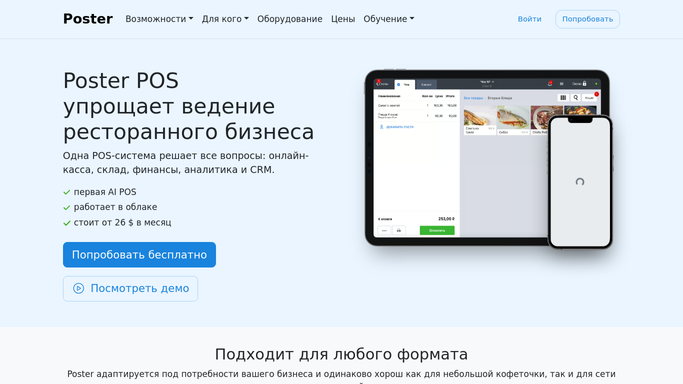

Automated Poster Ingredient Cost Variance Alerts
WebRun compares each recipe's theoretical cost in Poster against the real supplier invoices in Xero every week, and flags in Slack any dish whose actual cost has drifted from its menu price.
PosterXeroSlack
Automated Marg ERP Purchase Order Drafts
Every morning, WebRun checks Marg ERP for items below their reorder level, drafts a purchase order to the right supplier for each, mirrors the draft to Xero, and notifies purchasing in Slack. Nothing is sent without approval.
Marg ERPXeroSlack
Automated Weekly Deal Pipeline Summary
Every Friday, WebRun pulls every active listing's stage from BizBuySell, rolls it up against your Google Sheets deal tracker, and posts a full pipeline summary to Slack so your team starts the next week knowing exactly where every deal stands.
BizBuySellGoogle SheetsSlack
Automated Prenda Guide Payroll Reconciliation
Before each payroll run, WebRun compares every guide's enrollment and tuition totals in Prenda against what is queued in Gusto, and flags any mismatch for admin to fix before pay goes out.
PrendaGustoSlack
Automated iClassPro Tryout Signup Confirmations
Every Monday, WebRun pulls the week's competition team tryout signups from iClassPro, drafts a confirmation campaign in Mailchimp with tryout details, and posts the roster to Slack so coaches know who to expect.
iClassProMailchimpSlack
Automated CourseStorm Low Enrollment Alerts
Every morning, WebRun checks CourseStorm for classes starting soon that haven't hit minimum enrollment, logs them in Google Sheets with the enrollment gap, and posts a Slack alert so your coordinator can decide whether to promote, combine, or cancel the class.
CourseStormGoogle SheetsSlack
Automated Kiln Firing Schedule Reminders
Every evening, WebRun checks Punchpass for tomorrow's classes and the studio's firing log in Google Sheets, flags pieces due for a bisque or glaze firing, and reminds instructors in Slack before the kiln gets loaded.
PunchpassGoogle SheetsSlack
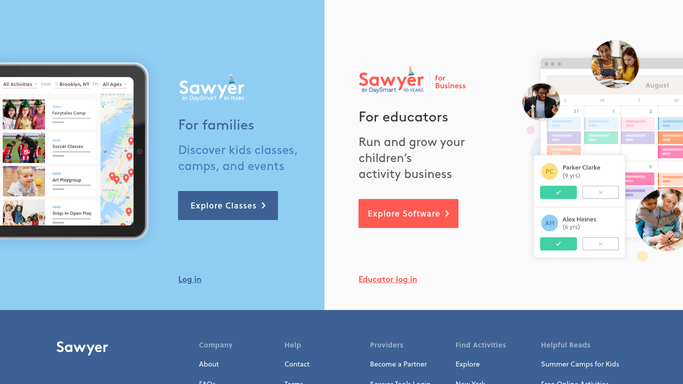
Automated Sawyer Equipment Checkout Logs
Every night, WebRun matches Google Form equipment checkout submissions against Sawyer's class schedule, logs who has each 3D printer, laptop cart, or tool kit, and posts a Slack alert for anything overdue for return.
Google FormsSawyerSlack
Automated Teachworks Level Progression Tracking
Every Monday, WebRun reads each student's latest assessment scores in Teachworks, logs level changes to a Google Sheets tracker, and tells the academic team in Slack who is ready to progress.
TeachworksGoogle SheetsSlack
Automated GoPrep Failed Payment Recovery
Every morning, WebRun flags GoPrep subscriptions with a declined payment, checks the invoice status in QuickBooks, drafts a payment update text in Twilio, and posts your billing team a Slack recovery worklist.
GoPrepQuickBooksTwilio
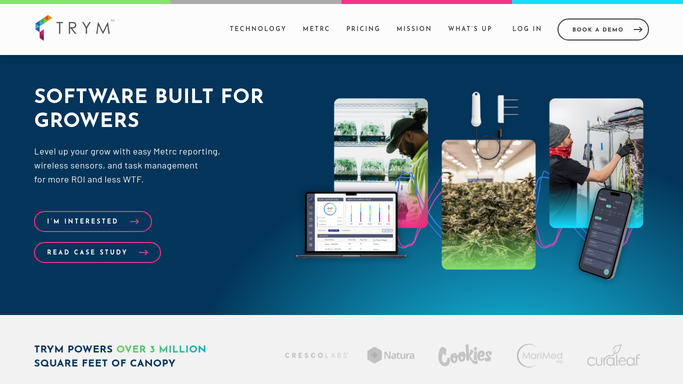
Automated Trym Inventory Aging Reports
Every Monday, WebRun reviews packaged flower, trim, and biomass inventory in Trym, calculates how many days each lot has sat since harvest, flags anything past your freshness threshold, and posts a Slack summary so aging stock gets sold or reworked before it loses value.
TrymGoogle SheetsSlack
Automated iUNU Grow Room Task Digests
Every morning, WebRun checks iUNU for each grow room's current crop stage, builds the day's care tasks such as pruning, trellising, and scouting, adds them to a Monday.com board, and posts the digest to Slack.
iUNUMonday.comSlack
Automated PoultryPlan Feed Mill Reorder Alerts
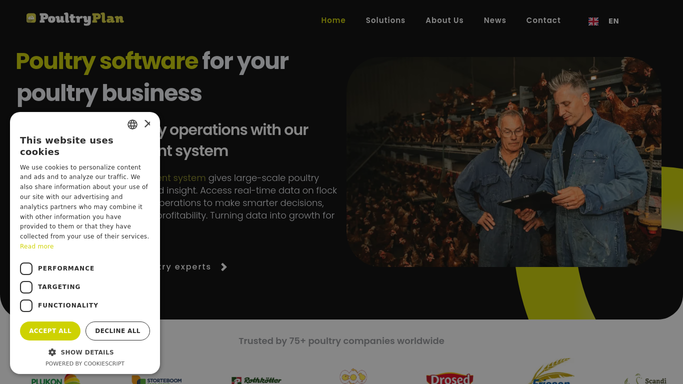
Every morning, WebRun checks feed bin levels against expected consumption in PoultryPlan, posts a reorder recommendation to Slack for your approval, and logs the confirmed order into QuickBooks against the right house.
PoultryPlanSlackQuickBooks
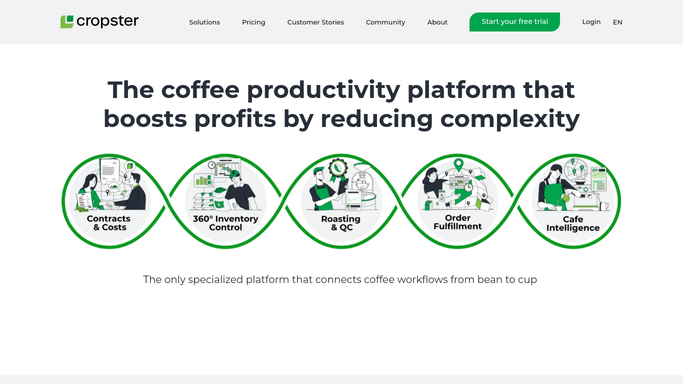
Automated Cropster Green Coffee Inventory Alerts
Every morning, WebRun checks each green coffee lot in Cropster against its reorder point, confirms the committed inventory value in QuickBooks, and posts a Slack alert for any origin that will run out before the next shipment lands.
CropsterQuickBooksSlack
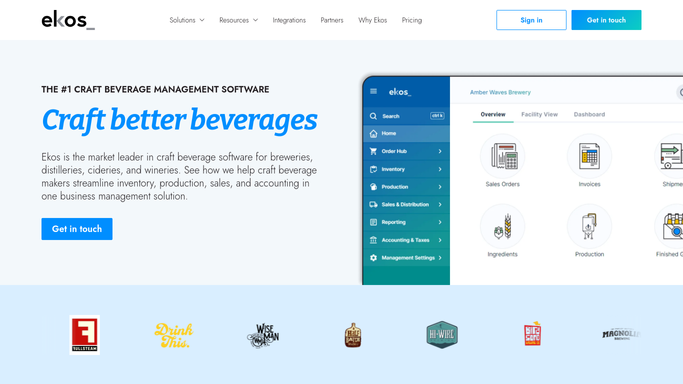
Automated Ekos Ingredient Reorder Alerts
Every morning, WebRun checks raw material inventory in Ekos against your reorder points, cross checks QuickBooks for any purchase order already outstanding, and posts a Slack alert listing exactly what to reorder and from whom.
EkosQuickBooksSlack
Tekla PowerFab Automatic Mill Order Tracking
Every morning, WebRun checks Tekla PowerFab's purchasing log for open mill orders, scans Gmail for mill and service center ship confirmations, and posts a Slack alert for any order running late against your fabrication start date.
Tekla PowerFabGmailSlack
FactoryLogix Automatic Forecast vs Build Plan Report
Every Monday, WebRun compares customer forecast quantities in NetSuite against the actual build plan and capacity in FactoryLogix, and posts your planning team a Slack report of every part number falling behind or running ahead.
FactoryLogixNetSuiteSlack
ePS Radius Automatic Press Changeover Alerts
Every morning, WebRun reviews the press schedule in ePS Radius for the day, flags back-to-back jobs that need a major ink, plate, or die change, and posts your crew a Slack list of what to stage first.
ePS RadiusSlack
Cabinet Vision Automatic Field Measure Reminders
WebRun checks Cabinet Vision for jobs still pending a field measure, confirms the visit is booked on Google Calendar, verifies dimension photos landed in CompanyCam afterward, and posts Slack a reminder for anything still missing.
Cabinet VisionGoogle CalendarCompanyCam
SigmaNEST Automatic Nesting Yield Reports
Every night, WebRun reviews the day's completed nests in SigmaNEST, calculates the material utilization on each sheet, and posts a yield report to Slack so you can see exactly which jobs wasted material.
SigmaNESTGoogle SheetsSlack
Automated CGM APRIMA Home Safety Checklists
When a home safety assessment is completed in CGM APRIMA, WebRun turns each flagged hazard into a checklist card on Trello, assigns it to the right team member, and posts a Slack alert so fall risks and other hazards get followed up.
CGM APRIMATrelloSlack
Automated Alora Emergency Respite Request Intake
Throughout the day and night, WebRun watches Alora for new urgent respite requests, pulls any related Twilio message thread for context, and alerts your on-call coordinator in Slack so crisis coverage can start within minutes.
AloraTwilioSlack
Automated MedVision Hospital Admission Alerts
Every hour, WebRun checks MedVision QuickCap for new hospital admission or discharge entries, posts an immediate Slack alert to the IDT, and logs each event to a Google Sheet so care coordination and follow up visits never fall behind.
MedVision QuickCapSlackGoogle Sheets
Automated StoriiCare Elopement Risk Alerts
Every hour, WebRun checks StoriiCare for behavior notes and history that signal rising wandering or elopement risk, and pings your care team in Slack immediately so they can respond.
StoriiCareSlack

Want one of these running on your own Slack?

Show WebRun the process once and it will run it on schedule, in your own private browser environment.