Check every guide's pay before you approve the run
The Monday before every payroll run, WebRun opens Prenda, pulls each guide's active enrollment count, tuition collected, and bonus tier, compares the totals against what Gusto has queued to pay them, and posts admin a Slack list of any mismatch to fix before the run is approved.
- No credit card
- Under $0.01 per run
- Cancel anytime
What does WebRun do on every run?
The exact actions WebRun takes, in order - in plain language, so you can adjust anything.
-
WebRun signs in and gets to work
Opens
app.prenda.comin a real browser with your saved login - no setup, no API keys. -
1
Prenda - pull each guide's enrollment and tuition totals
prenda.com How to Automate Prenda

WebRun opens Prenda to pull each guide's enrollment and tuition totals. - Open Prenda and pull each guide's active student count, tuition collected, and any bonus tier for the pay period
- Group the totals by guide
Done when Every guide has a Prenda enrollment and tuition total for the period.
-
2
Gusto - compare against queued payroll
gusto.com How to Automate Gusto
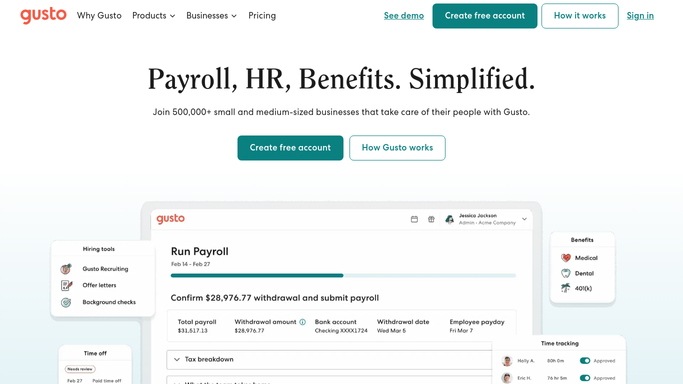
WebRun opens Gusto to compare against queued payroll. - Open Gusto's upcoming payroll run and compare each guide's queued pay against their Prenda totals and bonus tier
- Note any guide whose queued pay does not match
Done when Every guide's queued Gusto pay has been checked against Prenda.
-
3
Slack - flag mismatches for admin
slack.com How to Automate Slack
WebRun opens Slack to flag mismatches for admin. - Post any mismatches to the admin channel with the guide's name, the Prenda total, and the Gusto queued amount
- Leave payroll approval to the admin
Done when Admin has a list of any payroll mismatches before the run is approved.


How do I reconcile microschool guide payroll against enrollment before running payroll?
Before each payroll run, WebRun pulls every guide's active enrollment count, tuition collected, and bonus tier from Prenda and compares the totals against what Gusto has queued to pay them. It posts any mismatch to Slack with both numbers side by side, so admin can fix a payroll error before it goes out, not after a guide flags a short paycheck.
- Payroll mismatches get caught before approval, not after guides notice a short paycheck
- Admin reconciles every guide's pay in minutes instead of a spreadsheet by hand
- Enrollment linked bonus tiers get checked every pay period automatically
Built for microschool network admins · Prenda guides · learning pod operators · microschool finance leads
How is each run configured?
Secure by default
Connect once, stays signed in
WebRun signs in once and keeps each session in a persistent environment, so every run picks up right where it left off.
Every action is checked against this policy before it runs.
Questions, answered
Does it approve or change payroll on its own?
No. WebRun only compares totals and flags mismatches in Slack. Approving and running payroll in Gusto is always a human step.
What counts as a mismatch?
Any guide whose queued Gusto pay does not line up with their Prenda enrollment count, tuition collected, or bonus tier for that pay period.
Does it touch bank details or move money?
No. It only reads totals from Prenda and Gusto and reports differences. It never has access to move funds or edit bank details.
Related templates
Put this on autopilot.
Turn it on in minutes - or have our team set it up for you.