How to Automate Airtable

Airtable automates a lot on its own. Triggers fire on new or changed records, scripts run inside the base, and sync pulls from products that publish an API. Getting records in from a system with no API and no export is the gap, and it is usually filled by somebody pasting.

Airtable is the database an operations team can actually build

Airtable is a database that looks enough like a spreadsheet that people who would never open a database will build one. That single fact explains most of where it ends up.

The teams using it are operations, marketing, production and HR, not engineering. They build the thing nobody would ever get budget to have built: an applicant tracker, a content calendar, an inventory of equipment, a pipeline of properties, a register of every machine on site and when it was last serviced.

What they get is real structure. Linked records, so a supplier connects to its orders. Views, so the same data is a grid for one person and a calendar for another. Forms, so somebody outside the team can add a row without touching the base.

It works well enough that within a year it holds something the business genuinely depends on.

The base is only as current as its last paste

A base earns its keep by being accurate, and accuracy is where the manual work hides.

Somebody exports a CSV from the ordering system every Monday and imports it. Somebody checks four supplier sites for lead times and updates a column. Somebody opens the applicant tracking system, reads which candidates moved stage, and mirrors that into the base the team actually looks at.

It is a strange kind of work: high consequence and no skill. If it is skipped for a fortnight nothing appears to break, and then a decision gets made on a stale number and the base loses the team's trust for good.

Once people stop believing the base, they go back to asking each other, and the whole thing quietly becomes a very tidy museum.

The airtable.com homepage, the app these three jobs run in. Airtable
Records that arrive on their own Orders, applications and stock levels written into the base from wherever they actually happen.
Fields kept current A status that changed in the source system changed in the base too, instead of quietly going stale.
No connector required The regional portal and the industry package never built an integration. They can still fill a table.

Automations and syncs stop at the connector list

Airtable is far from passive, and inside its own boundaries it is strong.

Automations trigger when a record is created, updated, or matches a condition, and then send email, update other records, post to chat or run a script. The scripting extension runs JavaScript against the base. Sync pulls a table from another base or from a product Airtable has built a connector for, and keeps it updated. Interfaces put a usable front end on top for people who should never see the raw grid.

All of that is triggered by something happening in the base, or by a product that already publishes an API and got a connector built for it.

The systems that hold most operational reality tend to have neither. The industry package the company runs on, the supplier portal, the customer's extranet, the government site with the licence status. Those are exactly the sources people paste in by hand, week after week.

The base can fill itself from anywhere you can log in

A connector list is a list of the systems somebody else decided to support. Your base can know more than that.

The orders that came in overnight, read from a system that only ever shows them on screen, written in as rows. Lead times checked across every supplier you buy from, updated in place, with the ones that moved marked. Candidate stages mirrored from the recruiting system so the base and the source agree by nine each morning.

The equipment register updated with the service dates the maintenance portal holds. The property pipeline updated with the listings that changed price. The compliance table updated with which certificates now expire inside ninety days.

One habit is worth adopting early: write incoming data to its own table that only the automation touches, and let your working views read from it. Then a bad run can never overwrite something a person typed, and you can compare the two when a number looks wrong.

Data entry is the part worth handing over

The judgement in a base is in how it is structured and what gets decided from it. Keeping the rows current is not judgement, it is transcription.

WebRun is an AI agent that works a real Chrome browser, signed in as you. It opens the ordering system, the portal or the industry package that has no API, reads what is on the screen, and writes the rows into your base.

It runs on your schedule in your own private environment, and you can watch a run and stop it mid-way. Anything that would message a person outside the team drafts and waits.

The workflows below are already built, and each one names the apps it touches.

Questions people ask

Do we need an Airtable paid plan for this?

No. It works the Airtable interface signed in as you, so whatever your current plan allows you to do by hand is what it can do. Sync and higher automation limits are separate Airtable features you may or may not want.

Will it create duplicate records?

Each workflow matches on a key from the source, such as an order number, so a second run updates the existing record rather than adding another. Writing to a dedicated intake table makes that easy to verify.

Can it pull from a system that offers no export?

Yes, and that is the usual reason to use it. It reads what is on the screen the way a person would, then writes the rows, so a portal with no download button stops being a weekly copy and paste job.

1,250 ready-made Airtable workflows

Each one names the apps it touches and the exact steps it takes. Open one to read what it will do, then turn it on.
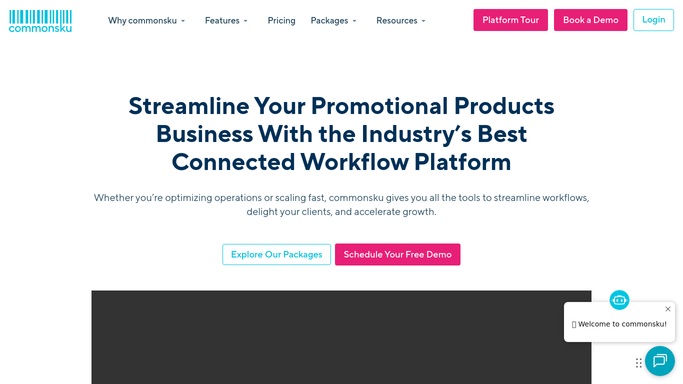
Automated commonsku In-Hands Date Risk Alerts
Every morning, WebRun scans commonsku for orders whose in-hands date is within five business days and whose production stage suggests they may not ship in time, then posts a risk alert digest to Slack.
commonskuSlackAirtable
Automated commonsku Post-Delivery Client Follow-Up
Every morning, WebRun finds orders in commonsku marked as delivered in the past three days, drafts a warm post-delivery check-in email for each client, and queues them in Gmail for your review.
commonskuGmailAirtable
Automated Workiz Recurring Service Reminders
WebRun checks Workiz for clients on recurring maintenance plans, identifies those due for service this week, and drafts a personalised reminder for each one ready for your review.
WorkizGmailAirtable
Automated Workiz Missed Call Follow-Up
WebRun checks Workiz for any missed calls or leads from callers who were not reached, drafts a call-back or text follow-up for each one, and queues the drafts for your review.
WorkizTwilioAirtable
Automated Gusto Garnishment Setup Tracker
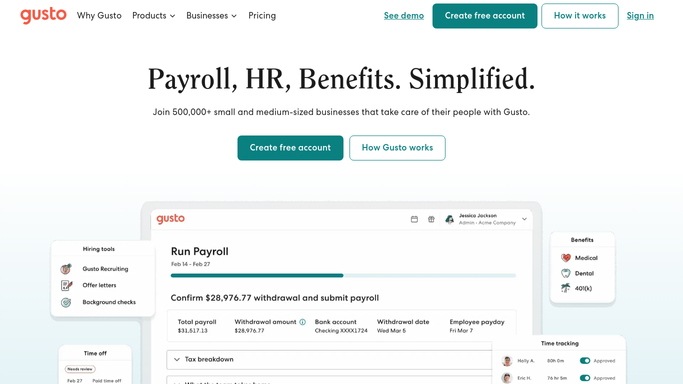
WebRun monitors your Gusto payroll garnishment orders, flags any that are approaching their effective date without being fully set up, and delivers a compliance checklist to your payroll team via Slack.
GustoSlackAirtable
Automated Gusto Contractor 1099 W-9 Chaser
WebRun checks Gusto for contractors who have been paid but are missing W-9 information needed for 1099-NEC filing, and delivers a follow-up worklist to your accounting team via Slack.
GustoSlackAirtable
ShipStation New Store Onboarding Kickoff Automation
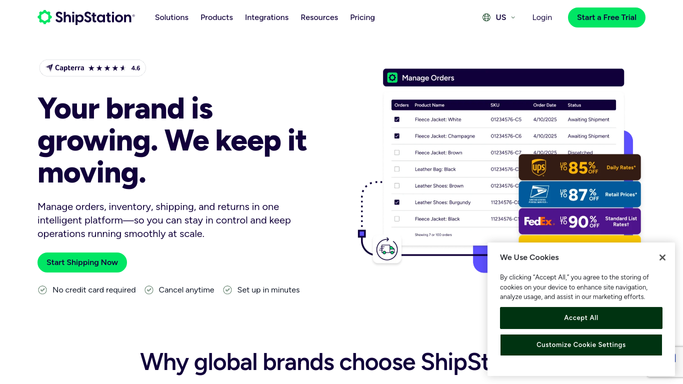
WebRun walks through the ShipStation store connection steps for a new sales channel, verifies the integration is receiving orders, and posts a setup confirmation checklist to Slack so your ops team knows the store is live.
ShipStationSlackAirtable
ShipStation Address Validation Error Queue Automation
WebRun scans ShipStation for orders with address validation errors or warnings, groups them by error type, and posts an actionable queue to Airtable so your team can correct them before the pick-and-pack run.
ShipStationAirtable
Automated DrChrono Denied Claim Appeal Worklist
WebRun pulls denied claims from DrChrono every morning and posts your billing team a prioritized Slack worklist ranked by denial reason and filing deadline so every appeal gets filed on time.
DrChronoAirtable
Automated ModMed Post-Op Follow-Up Reminders
WebRun reviews ModMed daily for patients due for post-operative follow-up visits, drafts outreach for each, and queues them for staff review before any patient contact.
ModMedAirtableSlack
Automated ModMed PT Referral Loop Closure
WebRun checks ModMed for outstanding PT referrals, identifies which patients have not yet scheduled or attended their first PT session, and posts a follow-up list so your team can close the loop.
ModMedAirtableSlack
Automated ModMed New Patient Intake Routing
WebRun checks ModMed for newly registered patients, reviews their referral diagnosis and insurance, and routes each to the correct provider with a Slack intake alert so the right team member follows up first.
ModMedAirtableSlack
Nextech Automated Referral Loop Closure Tracking
WebRun tracks incoming referrals in Nextech, identifies patients who were seen but whose referring provider has not yet received a consult report, and flags the open loops so your care coordinators can close them.
NextechAirtableGmail
Nextech Automated Prior Authorization Tracking
Every morning, WebRun scans Nextech for pending and expiring prior authorizations, flags those needing action, and posts a prioritized worklist to Slack so your billing team never misses a deadline.
NextechSlackAirtable
Nextech Automated Post-Op Follow-Up Reminders
WebRun checks Nextech for surgical patients whose post-op follow-up appointments are due, drafts reminder messages, and queues them for coordinator review so no patient misses a critical checkup.
NextechGmailAirtable
Nextech Automated Denied Claim Worklist
Every morning, WebRun pulls denied claims from Nextech, groups them by denial reason and payer, and logs a prioritized worklist to Airtable so your billing team can appeal before timely-filing deadlines.
NextechAirtableSlack
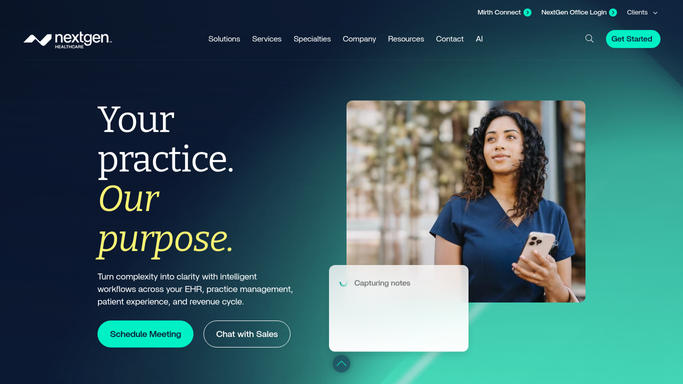
Automated NextGen Oncology Survivorship Follow-Up Tracking
WebRun scans NextGen weekly for oncology patients in survivorship care who are approaching or past their scheduled follow-up window, and queues draft outreach for your care team to review and send.
NextGenAirtable
Automated NextGen Missed Chemotherapy Cycle Follow-Up
WebRun checks NextGen each morning for oncology patients who were scheduled for a chemotherapy or infusion cycle but did not attend, then queues a care coordinator follow-up for each case so no missed dose goes unaddressed.
NextGenAirtable
Automated NextGen Oncology Financial Assistance Flagging
WebRun reviews NextGen each week for oncology patients with high out-of-pocket balances or insurance gaps, then flags them for your financial counselor to assess for copay assistance, grants, or charity care.
NextGenAirtable
Automated Cerbo Care Plan Adherence Tracking
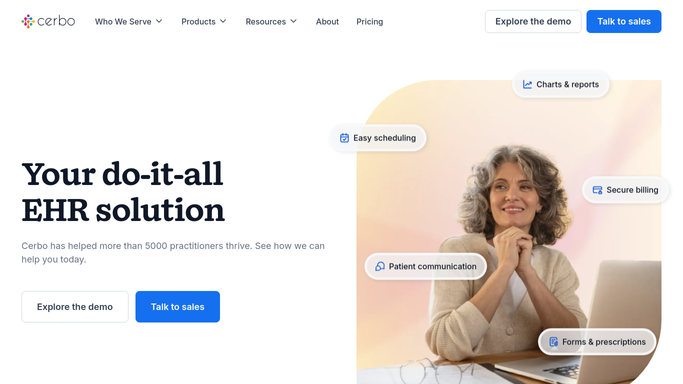
Every Monday, WebRun reviews Cerbo care plans, identifies patients who have not completed a scheduled step such as a lab order, follow-up visit, or lifestyle goal check-in, and posts an internal adherence digest to your team so you can reach out before a plan goes off track.
CerboAirtable
Automated Revel Underperforming Location Watchlist
WebRun monitors Revel Systems sales and transaction data weekly, identifies locations that have missed targets for two or more consecutive weeks, and maintains a watchlist in Airtable with context for each flagged site.
Revel SystemsAirtable
Automated Revel New Location Setup Checklist
WebRun verifies that a new Revel Systems location has menus, pricing, tax rates, and payment terminals configured correctly, and tracks completion in an Airtable checklist.
Revel SystemsAirtable
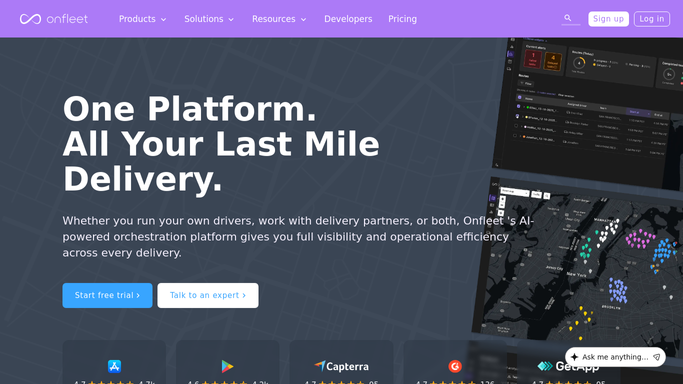
Automated Onfleet Undelivered Parcel Worklist
Every morning, WebRun scans Onfleet for tasks that remain undelivered after two or more attempts, builds a prioritized reattempt worklist ranked by days outstanding, and logs it to Airtable for your ops team to assign and action.
OnfleetAirtable
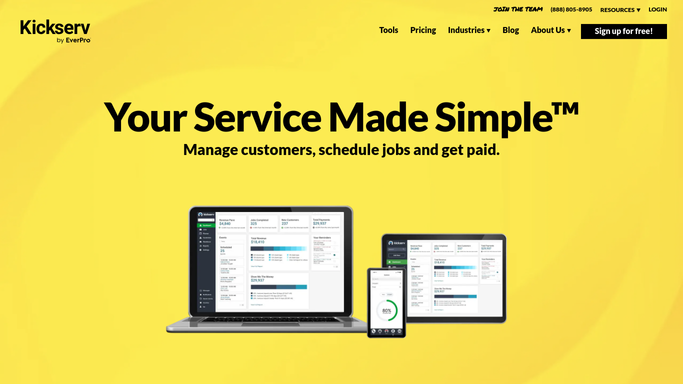
Kickserv Automated Irrigation Warranty Callback Tracker
Every morning, WebRun scans Kickserv for jobs flagged as warranty callbacks or recently reopened after a prior job, posts a callback worklist to Slack, and drafts a scheduling message for each affected customer.
KickservSlackAirtable

Want one of these running on your own Airtable?

Show WebRun the process once and it will run it on schedule, in your own private browser environment.