How to Automate Slack

Slack automates in two layers. Workflow Builder, reminders and vendor Slack apps cover anything that starts inside Slack or gets pushed to it. Getting an answer out of a tool that never built a Slack app is the layer people still do by hand, one browser tab at a time.

Slack is where the company keeps its attention

Slack is a messaging app that turned into something else along the way: the place a company keeps its attention. Decisions get made in a thread before they are written down anywhere official. The person who needs to know something asks in a channel rather than opening the system that holds the answer. New staff learn how the business actually works by scrolling.

Most companies run a few dozen channels and about four that matter. The one where orders come in. The one where things break. The one where the numbers get posted every morning. Those few are checked constantly, by people who are supposed to be doing something else.

That is both the value and the cost. Everything important passes through Slack, which is what makes it worth automating. Everything unimportant passes through too, which is why half the workspace has notifications off.

Someone is quietly paid to watch the dashboards

In most teams one person has become the human integration layer, without anyone deciding they should be.

They open the payment dashboard each morning and post yesterday's total. They check whether the overnight job finished and tell the channel either way. They copy the day's bookings across because the booking system has no Slack app. When somebody asks whether an order shipped, they open another tab and look.

None of that is in their job description. It is what happens when the tool everyone watches knows nothing about the tools that hold the facts. The channel is full of people and short of data.

The slack.com homepage, the app these three jobs run in. Slack
Morning numbers Yesterday's takings, failures and bookings read from the systems that hold them and posted before the team logs on.
The usual questions, answered Whether it shipped, whether it cleared, whether the status changed, checked and posted without anyone opening a tab.
Exceptions only The three lines that fell below reorder, not the two hundred that did not. Quiet channels are the ones people still read.

Workflow Builder only reacts to what happens inside Slack

Slack automates a fair amount on its own, and for what it covers it is good.

Workflow Builder runs a sequence when someone joins a channel, reacts with an emoji, submits a form or clicks a button. Reminders repeat on a schedule. Scheduled send posts a message you already wrote at a time you pick. Hundreds of products publish a Slack app that pushes their own events into a channel.

Every one of those is triggered by something that happened in Slack, or pushed in by a vendor who decided to build the integration. That is the ceiling. A workflow cannot go and look at anything. It posts what it is handed.

So the gap is every tool that never built a Slack app: the supplier portal, the council website, the twenty-year-old booking system, the bank. Those hold the answers people ask for in channels all day, and Slack has no way to reach them.

The channel can report before anyone asks

Change what is able to reach the channel and the whole thing inverts. Instead of people asking the channel questions, the channel starts answering them first.

Yesterday's takings, posted at seven, read from the till system that only ever shows them on a dashboard. The overnight payment failures, listed by customer, out of a portal with no export. The three stock lines that dropped below reorder, checked across every supplier you buy from. The bookings that came in during the night from a system that never built an integration.

The same goes for the questions people ask over and over. Whether a shipment moved. Whether a permit changed status. Whether a listing is still on the first page. Whether a competitor put their price up again. Each of those is somebody opening a tab, looking, and typing what they saw.

One thing worth building in from the start: a channel that posts everything gets muted inside a week, and a muted channel is worse than no channel. The version that survives posts what changed and stays quiet otherwise. Report the exception, not the heartbeat.

Nobody has to be watching at six in the morning

The till system will not post its own number into a channel, and the number is wanted before the doors open. Reading it off a screen at that hour is work, but it is not the kind that justifies a phone by the bed.

WebRun is an AI agent that works a real Chrome browser, signed in as you. It opens the portal or the dashboard, reads what is on the screen, and posts the result into the channel you choose. Because it works the browser rather than an API, it reaches the tools that never built a Slack app, which is most of them.

It runs on your schedule in your own private environment, and you can watch a run and stop it. Anything that would reach a customer drafts and waits for you.

The workflows below are already built, and each one names the apps it touches.

Questions people ask

Will it post to a channel without me approving it?

Posting to your own internal channel runs on its own, because a message you did not want is a message you delete. Anything customer-facing, like an email or a public reply, is drafted and waits for a person.

Do we need a paid Slack plan or admin rights?

No. It posts through the browser using the access you already have, so there is no app to get approved into the workspace and no admin ticket to wait on.

How do we stop it turning into noise?

Post exceptions rather than everything. Each workflow decides what is worth saying: the lines below reorder, the payments that failed, the job that did not finish. A channel that only speaks when something changed keeps getting read.

5,789 ready-made Slack workflows

Each one names the apps it touches and the exact steps it takes. Open one to read what it will do, then turn it on.

Automated Commission Clawback Flagging
WebRun watches Salesforce for churned or refunded deals, checks the paid commission in QuotaPath, and posts finance a clawback candidate list to review.
QuotaPathSalesforceSlack
Automated Below Break-Even Field Alerts
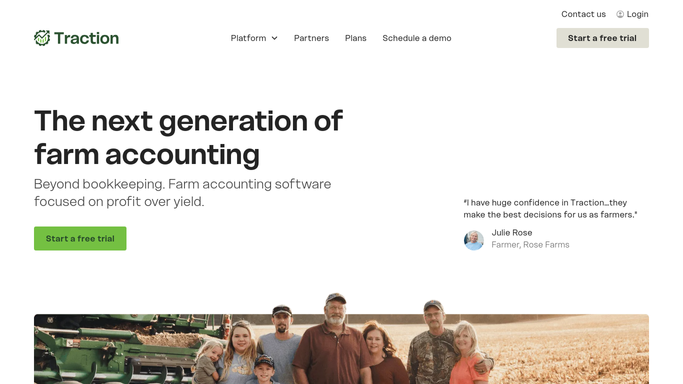
Each week, WebRun reads the cost per acre and expected return by field in Traction Ag, logs the fields sitting below break-even to a Google Sheet, and posts you a Slack alert so the worst acres get attention early.
Traction AgGoogle SheetsSlack
Automated Recipe Margin Overrun Alerts
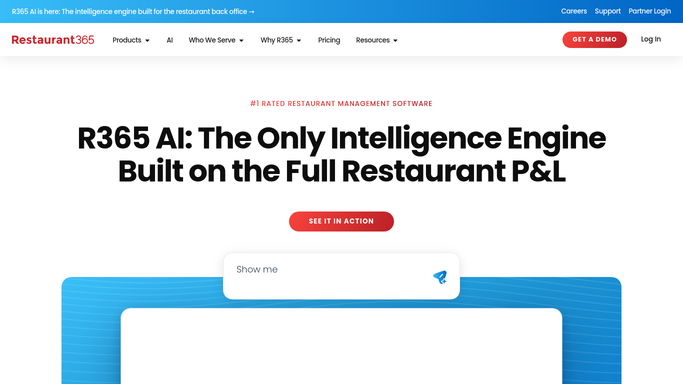
Every week, WebRun recalculates each recipe's plate cost in Restaurant365 from live vendor pricing, compares it to the current Toast menu price, and posts you a Slack list of dishes whose food cost has crept past your target margin.
Restaurant365ToastSlack
Automated Owner Suspense Balance Tracking
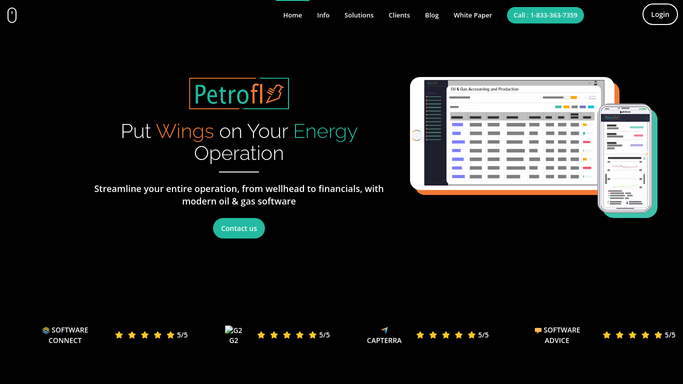
Each month, WebRun reviews Petrofly for revenue held in suspense, works out why each owner is suspended and how long the balance has been held, logs it to a Google Sheet, and posts the accounting team a Slack list of the balances to clear.
PetroflyGoogle SheetsSlack
Automated 481(a) Adjustment Summaries
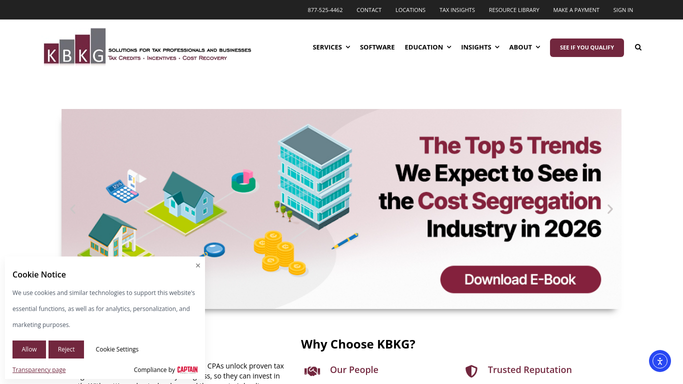
WebRun runs the 481(a) adjustment in KBKG for a look-back study, builds a plain summary of the catch-up amount and the assets behind it, and hands it to your preparer to file.
KBKGGoogle SheetsSlack
Automated Concrete Truck Reassignment
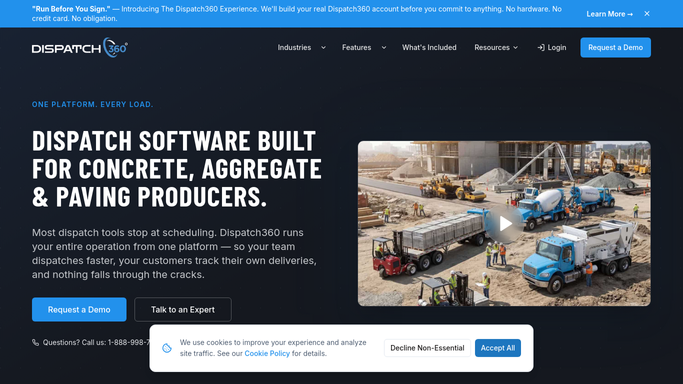
When a jobsite falls behind, WebRun spots trucks stacking up or waiting in Dispatch360, drafts a reassignment to a ready job, and pings dispatch on Slack and Telegram to approve the move before any truck is redirected.
Dispatch360SlackTelegram
Trux Automated Load Reassignment
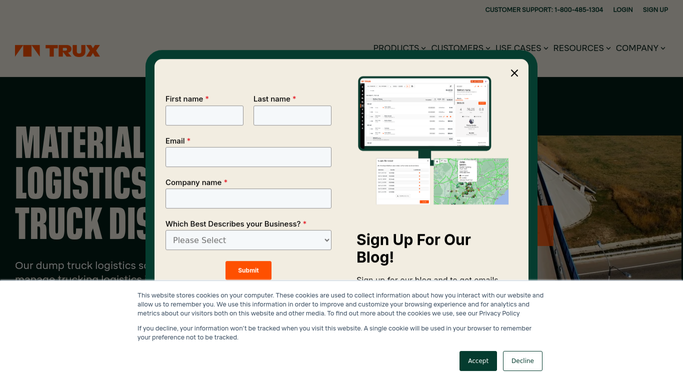
When a third-party hauler cancels in Trux, WebRun finds the orphaned loads, ranks available haulers by proximity and fit, posts a reassignment proposal to dispatch in Slack, and drafts an offer SMS to the top replacement in Twilio.
TruxSlackTwilio
Automated Damage and Rejection Digest
WebRun tallies the day's damages and refused deliveries in Deliveright, builds a clear scoreboard in Google Sheets, and posts a plain-English digest to Slack each evening.
DeliverightGoogle SheetsSlack
Automated Onboarded Carrier Digest
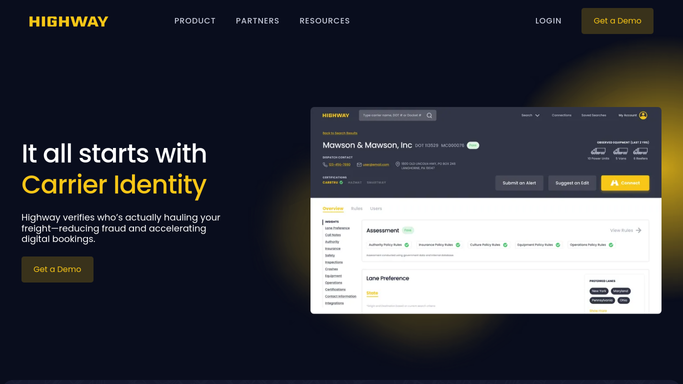
Every morning, WebRun gathers the carriers onboarded in Highway since yesterday, summarizes each one's vetting result, and posts your team a single clean Slack digest.
HighwaySlack
Automated Wash Bay Check-In Texts
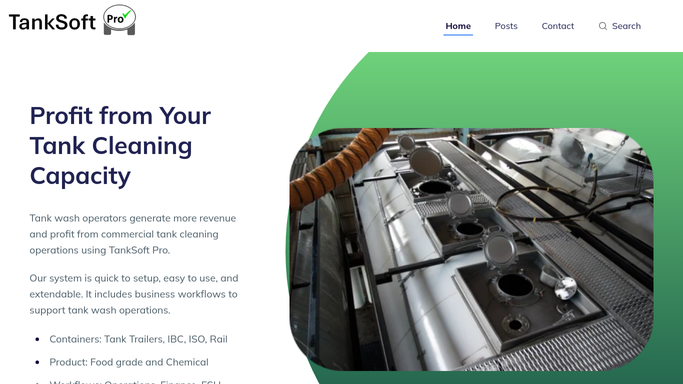
When a bay frees up in TankSoft Pro, WebRun matches it to the next waiting driver, drafts a Twilio text telling them to check in, holds it for approval, and posts the queue move to Slack.
TankSoft ProTwilioSlack
Automated On-Time Delivery Digest
Every morning, WebRun tallies yesterday's specimen deliveries in CXT Software, logs the on-time performance to a sheet, and posts a clear scorecard digest to your operations channel in Slack.
CXT SoftwareGoogle SheetsSlack
BeyondTrucks Automated Gallons-Hauled Digest
WebRun totals yesterday's delivered volume from BeyondTrucks by product, customer, and driver, logs the day to a Google Sheet, and posts your operations team a clean gallons-hauled digest in Slack every morning.
BeyondTrucksGoogle SheetsSlack
Automated Lactation Coverage Checks
Ahead of upcoming consults, WebRun reads each client's insurance details in MilkNotes, records the plan and reimbursement notes in a Google Sheet, and posts a worklist in Slack of any family that needs a coverage conversation.
MilkNotesGoogle SheetsSlack
Auditdata Automated Benefit Verification
Each morning, WebRun reads upcoming fitting appointments in Auditdata Manage, builds a benefit verification worklist for each patient, and posts your billing team an internal Slack digest so coverage is confirmed before the visit.
Auditdata ManageGoogle SheetsSlack
Automated Lab Account AR Digest
WebRun pulls past-due account invoices from QuickBooks each Monday, cross-references recent job volume in Ocuco Innovations, drafts a polite reminder per account, and posts your finance team a prioritized AR digest in Slack.
Ocuco InnovationsQuickBooksSlack
nAble Witness Automated Custody Log
Every night, WebRun reads the day's nAble Witness scan events in nAbleIVF, assembles a clean chain of custody log of each specimen handoff and move in a Google Sheet, and posts a summary to Slack that flags any gap in the custody trail.
nAbleIVFGoogle SheetsSlack
Verify MC Automated Renewal Reminder Drafts
WebRun works out where each expiring patient sits in your renewal reminder sequence in Verify MC, drafts the next reminder email in Gmail, and posts a Slack coverage summary, so the whole staggered series is prepared for staff to approve instead of written by hand.
Verify MCGmailSlack
Sonio Automated Charge Capture Sweep
Every night, WebRun opens Sonio, compares the day's finalized ultrasound reports against what has a CPT charge captured, lists any exam missing its charge in Google Sheets, and posts the billing team a Slack recap.
SonioGoogle SheetsSlack
Automated IR QA Complication Digest
Every week, WebRun reads the interventional radiology complication and QA entries logged in HI-IQ, groups them by type and severity, and posts a Slack digest so nothing is missed before the QA review.
HI-IQSlack
OmniMD Automated Necessity Packet Builder
When an ablation is planned, WebRun gathers the clinical photos, duplex report, and conservative therapy notes from OmniMD, assembles a labeled packet in Google Drive, and asks your team in Slack to review it before submission.
OmniMDGoogle DriveSlack
OnRamp Automated Powder Reorder Alerts
Each day, WebRun checks powder color stock in OnRamp against your reorder points, posts a Slack alert on any color running low, and drafts a purchase order in QuickBooks for you to review, so a hot job never stalls waiting on powder.
OnRampQuickBooksSlack
FieldX Automated VRT Prescription Log
Each day, WebRun opens FieldX, lists the variable-rate prescription maps built from soil and zone data, records each in Google Sheets, and posts a short summary to Slack.
FieldXGoogle SheetsSlack
FieldFlo Automated Clearance Report Compilation
When an abatement job passes final clearance in FieldFlo, WebRun gathers the clearance documents from Google Drive into one report package and drafts a delivery email to the client for your project manager to send.
FieldFloGoogle DriveGmail
Steelhead Automatic Rework and Reject Digest
Every night, WebRun reads the day's rework and reject records in Steelhead, groups the defects by cause, part, and line, and posts you a quality digest so the same problem stops recurring.
Steelhead TechnologiesSlack

Want one of these running on your own Slack?

Show WebRun the process once and it will run it on schedule, in your own private browser environment.