Queue a driver text the moment a wash bay opens for check-in
Every few minutes, WebRun checks TankSoft Pro for wash bays that just opened and for the waiting driver queue, matches the next driver to the free bay, drafts a Twilio SMS telling that driver which bay to check in at, queues it for a dispatcher to approve, and posts the bay assignment to Slack.
- No credit card
- Under $0.01 per run
- Cancel anytime
What does WebRun do on every run?
The exact actions WebRun takes, in order - in plain language, so you can adjust anything.
-
WebRun signs in and gets to work
Opens
tanksoftpro.comin a real browser with your saved login - no setup, no API keys. -
1
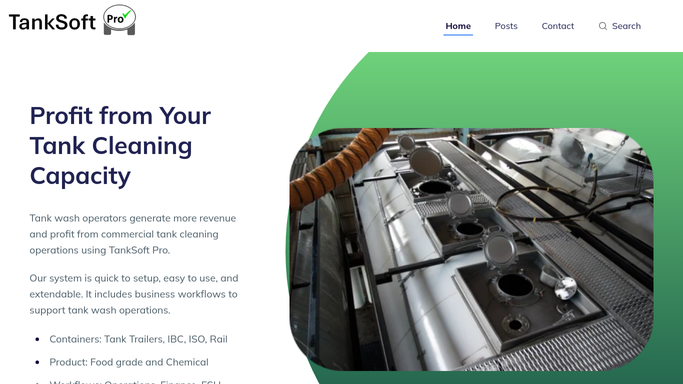
TankSoft Pro - match a free bay to the next driver
tanksoftpro.com How to Automate TankSoft Pro

WebRun opens TankSoft Pro to match a free bay to the next driver. - Open TankSoft Pro and check which wash bays have just become free
- Read the waiting driver queue with each driver's carrier, tank, and mobile number
- Match the next eligible driver to the open bay by arrival time and wash type
Done when Each free bay has the next waiting driver identified with their contact.
-
2
Twilio - draft the check-in text
twilio.com How to Automate Twilio
WebRun opens Twilio to draft the check-in text. - Draft a short SMS in Twilio telling the driver which bay is ready and to check in
- Include the bay number, tank, and any documents to have ready
- Queue the message for a dispatcher to approve before it is sent to the driver
Done when A check-in text is drafted and queued for each newly matched driver.
-
3
Slack - post the bay assignment
slack.com How to Automate Slack
WebRun opens Slack to post the bay assignment. - Post the bay assignment to the dispatch channel with the bay, driver, and tank
- Flag any free bay with no waiting driver or any driver with no mobile number on file
Done when The dispatch team sees each bay assignment and any gap in the queue.


How do I automatically tell the next driver when a wash bay is ready?
WebRun watches TankSoft Pro every few minutes for wash bays that just opened and reads the waiting driver queue. It matches the next driver to the free bay, drafts a Twilio text telling them which bay to check in at, queues it for a dispatcher to approve, and posts the assignment to Slack, so drivers are called forward promptly without any text sending on its own.
- The next driver is called forward within minutes of a bay opening
- No text reaches a driver without a dispatcher's approval
- Bays with no waiting driver or a missing number are flagged, not missed
Built for tank wash dispatchers · tanker cleaning stations · wash-bay coordinators · yard operations teams
How is each run configured?
Secure by default
Connect once, stays signed in
WebRun signs in once and keeps each session in a persistent environment, so every run picks up right where it left off.
Every action is checked against this policy before it runs.
Questions, answered
Will it text drivers without me?
No. Each check-in text is queued in Twilio for a dispatcher to approve. Nothing is sent to a driver until a person releases it, so the queue stays in your control.
How does it pick which driver is next?
It reads the waiting queue in TankSoft Pro and matches by arrival time and wash type, so the next eligible driver is paired with the bay that just opened.
What if a driver has no mobile number on file?
It posts that bay assignment to Slack and flags the missing number, so a dispatcher can reach the driver another way rather than a text failing silently.
Related templates
Put this on autopilot.
Turn it on in minutes - or have our team set it up for you.