Generate a wash certificate the moment a food-grade cycle finishes
Every few minutes, WebRun checks TankSoft Pro for food-grade wash cycles that just completed, reads the wash ticket for each, assembles the wash certificate with the tank, procedure, and detergent details, records it in a Google Sheets certificate register, and confirms in Slack that the certificate is ready.
- No credit card
- Under $0.01 per run
- Cancel anytime
What does WebRun do on every run?
The exact actions WebRun takes, in order - in plain language, so you can adjust anything.
-
WebRun signs in and gets to work
Opens
tanksoftpro.comin a real browser with your saved login - no setup, no API keys. -
1
TankSoft Pro - find completed food-grade cycles
tanksoftpro.com How to Automate TankSoft Pro

WebRun opens TankSoft Pro to find completed food-grade cycles. - Open TankSoft Pro and filter wash tickets to food-grade cycles closed since the last run
- Read the equipment type, wash procedure, detergent used, temperature, and operator for each ticket
- Capture the carrier, tank or trailer number, and prior commodity recorded on the ticket
Done when Every newly completed food-grade wash ticket has its full procedure detail captured.
-
2
Google Sheets - file the wash certificate
google.com How to Automate Google Sheets
WebRun opens Google Sheets to file the wash certificate. - Assemble a wash certificate for each ticket with a sequential certificate number, tank, procedure, detergent, and operator
- Append a row to the certificate register in Google Sheets with those fields and the completion timestamp
- Skip any ticket that already holds a certificate number so none is issued twice
Done when Each completed food-grade cycle has one certificate row in the register.
-
3
Slack - confirm the certificate is ready
slack.com How to Automate Slack
WebRun opens Slack to confirm the certificate is ready. - Post a short Slack note to the bay channel naming the tank and its new certificate number
- Flag any ticket that was missing a detergent or temperature reading so the operator can correct it
Done when The bay team sees each new certificate number in Slack.
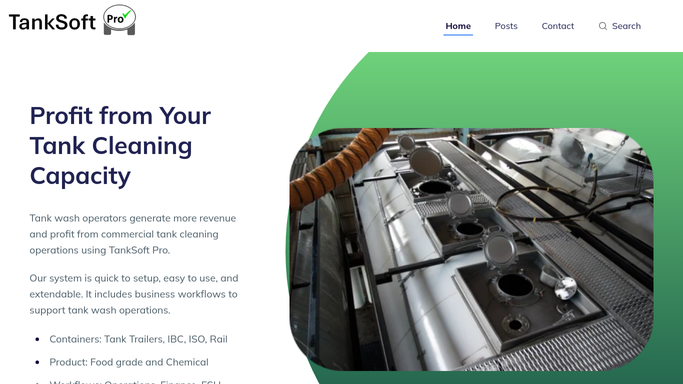


How do I automatically generate a wash certificate when a food-grade cycle finishes?
WebRun watches TankSoft Pro for food-grade wash cycles that just completed and reads each wash ticket for the tank, procedure, detergent, and temperature. It builds a numbered wash certificate, files it to a Google Sheets register, and confirms the certificate in Slack, so every food-grade cycle is documented within minutes of finishing.
- Every food-grade cycle is certified within minutes of completion
- No wash is certified before its ticket is marked complete
- Missing detergent or temperature readings are flagged before the certificate is shared
Built for tank wash operators · food-grade cleaning facilities · tanker cleaning stations · ESH coordinators
How is each run configured?
Secure by default
Connect once, stays signed in
WebRun signs in once and keeps each session in a persistent environment, so every run picks up right where it left off.
Every action is checked against this policy before it runs.
Questions, answered
Does it record a certificate before the wash is finished?
No. It only builds a certificate for tickets marked complete in TankSoft Pro, so a cycle still running is never certified early.
Can the same wash get two certificate numbers?
No. It checks whether a ticket already carries a certificate number before issuing one, so each completed food-grade cycle is numbered exactly once.
What if a ticket is missing a detergent or temperature reading?
It still files the certificate but flags the gap in Slack, so the operator can add the missing reading to the record before the certificate is shared.
Related templates
Put this on autopilot.
Turn it on in minutes - or have our team set it up for you.