How to Automate Slack

Slack automates in two layers. Workflow Builder, reminders and vendor Slack apps cover anything that starts inside Slack or gets pushed to it. Getting an answer out of a tool that never built a Slack app is the layer people still do by hand, one browser tab at a time.

Slack is where the company keeps its attention

Slack is a messaging app that turned into something else along the way: the place a company keeps its attention. Decisions get made in a thread before they are written down anywhere official. The person who needs to know something asks in a channel rather than opening the system that holds the answer. New staff learn how the business actually works by scrolling.

Most companies run a few dozen channels and about four that matter. The one where orders come in. The one where things break. The one where the numbers get posted every morning. Those few are checked constantly, by people who are supposed to be doing something else.

That is both the value and the cost. Everything important passes through Slack, which is what makes it worth automating. Everything unimportant passes through too, which is why half the workspace has notifications off.

Someone is quietly paid to watch the dashboards

In most teams one person has become the human integration layer, without anyone deciding they should be.

They open the payment dashboard each morning and post yesterday's total. They check whether the overnight job finished and tell the channel either way. They copy the day's bookings across because the booking system has no Slack app. When somebody asks whether an order shipped, they open another tab and look.

None of that is in their job description. It is what happens when the tool everyone watches knows nothing about the tools that hold the facts. The channel is full of people and short of data.

The slack.com homepage, the app these three jobs run in. Slack
Morning numbers Yesterday's takings, failures and bookings read from the systems that hold them and posted before the team logs on.
The usual questions, answered Whether it shipped, whether it cleared, whether the status changed, checked and posted without anyone opening a tab.
Exceptions only The three lines that fell below reorder, not the two hundred that did not. Quiet channels are the ones people still read.

Workflow Builder only reacts to what happens inside Slack

Slack automates a fair amount on its own, and for what it covers it is good.

Workflow Builder runs a sequence when someone joins a channel, reacts with an emoji, submits a form or clicks a button. Reminders repeat on a schedule. Scheduled send posts a message you already wrote at a time you pick. Hundreds of products publish a Slack app that pushes their own events into a channel.

Every one of those is triggered by something that happened in Slack, or pushed in by a vendor who decided to build the integration. That is the ceiling. A workflow cannot go and look at anything. It posts what it is handed.

So the gap is every tool that never built a Slack app: the supplier portal, the council website, the twenty-year-old booking system, the bank. Those hold the answers people ask for in channels all day, and Slack has no way to reach them.

The channel can report before anyone asks

Change what is able to reach the channel and the whole thing inverts. Instead of people asking the channel questions, the channel starts answering them first.

Yesterday's takings, posted at seven, read from the till system that only ever shows them on a dashboard. The overnight payment failures, listed by customer, out of a portal with no export. The three stock lines that dropped below reorder, checked across every supplier you buy from. The bookings that came in during the night from a system that never built an integration.

The same goes for the questions people ask over and over. Whether a shipment moved. Whether a permit changed status. Whether a listing is still on the first page. Whether a competitor put their price up again. Each of those is somebody opening a tab, looking, and typing what they saw.

One thing worth building in from the start: a channel that posts everything gets muted inside a week, and a muted channel is worse than no channel. The version that survives posts what changed and stays quiet otherwise. Report the exception, not the heartbeat.

Nobody has to be watching at six in the morning

The till system will not post its own number into a channel, and the number is wanted before the doors open. Reading it off a screen at that hour is work, but it is not the kind that justifies a phone by the bed.

WebRun is an AI agent that works a real Chrome browser, signed in as you. It opens the portal or the dashboard, reads what is on the screen, and posts the result into the channel you choose. Because it works the browser rather than an API, it reaches the tools that never built a Slack app, which is most of them.

It runs on your schedule in your own private environment, and you can watch a run and stop it. Anything that would reach a customer drafts and waits for you.

The workflows below are already built, and each one names the apps it touches.

Questions people ask

Will it post to a channel without me approving it?

Posting to your own internal channel runs on its own, because a message you did not want is a message you delete. Anything customer-facing, like an email or a public reply, is drafted and waits for a person.

Do we need a paid Slack plan or admin rights?

No. It posts through the browser using the access you already have, so there is no app to get approved into the workspace and no admin ticket to wait on.

How do we stop it turning into noise?

Post exceptions rather than everything. Each workflow decides what is worth saying: the lines below reorder, the payments that failed, the job that did not finish. A channel that only speaks when something changed keeps getting read.

5,789 ready-made Slack workflows

Each one names the apps it touches and the exact steps it takes. Open one to read what it will do, then turn it on.


Ordorite Automated Special-Order Tracking
Every morning, WebRun reviews open special orders in Ordorite, flags any whose supplier ETA has slipped or is missing, and posts your team a clear Slack watchlist.
OrdoriteSlack
Cigars POS Automated Aging Stock Report
WebRun reviews Cigars POS each week for premium boxes and bundles sitting in the humidor past a set age, logs their age and tied-up value to a Google Sheet, and posts a Slack digest so you can move or feature slow aging stock.
Cigars POSGoogle SheetsSlack
Automated BridalLive Special Order Tracking
WebRun reviews your BridalLive special orders each morning, compares each gown's promised ship date against its wedding date, logs the status to a Google Sheet, and posts your team a Slack list of orders slipping toward the danger zone.
BridalLiveGoogle SheetsSlack
Automated Grease-Trap Waste Manifests
After each shift, WebRun reads the day's completed grease trap jobs in Tank Track, builds a clean waste manifest record for every one with gallons pumped and disposal site, logs them to a Google Sheet, and posts your office a Slack summary.
Tank TrackGoogle SheetsSlack
Automated Cabling Drop Count Material List
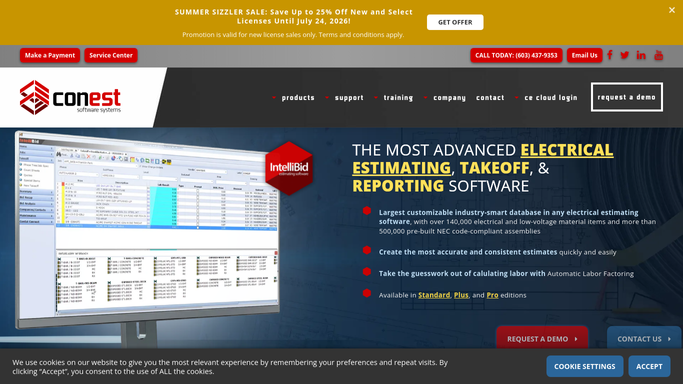
After a SureCount takeoff, WebRun reads the drop counts and device symbols from your Conest IntelliBid estimate, builds a clean cable and hardware material list in a Google Sheet, and posts your PM a Slack summary of quantities by area.
Conest IntelliBidGoogle SheetsSlack
Automated Fire Deficiency Repair Quotes
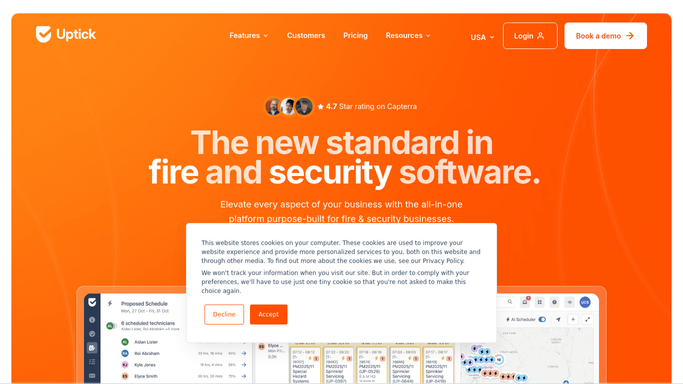
After each inspection, WebRun reads the deficiencies logged in Uptick, builds a priced repair quote for the property, saves the backup to Google Drive, and pings your service coordinator to review before it goes out.
UptickGoogle DriveSlack
Automated FIELDBOSS PM Visit Scheduling
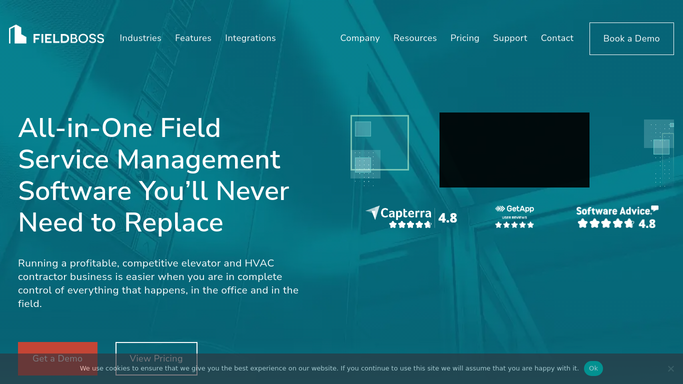
Each month, WebRun reads every FIELDBOSS maintenance contract, works out which units are due, and drafts a proposed PM visit schedule for your dispatcher to confirm.
FIELDBOSSGoogle CalendarSlack
Automated Landlord W-9 and Lease Chasing
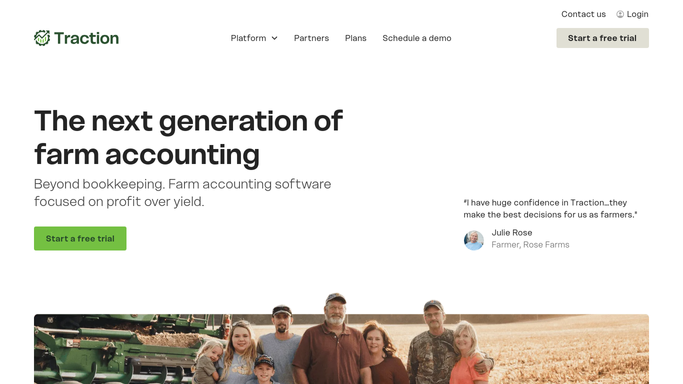
Each week, WebRun opens Traction Ag, finds the landlords missing a signed land agreement or a W-9, drafts a friendly request to each, leaves it unsent for review, and posts the team a Slack list of who is still outstanding.
Traction AgGmailSlack
Automated Restaurant365 Vendor Onboarding
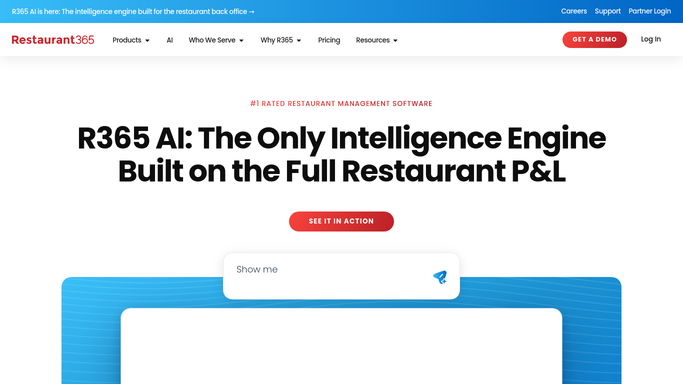
When you open a new restaurant, WebRun reads the vendor list from a Google Sheet, drafts each supplier as a vendor record in Restaurant365 with terms and GL defaults, and posts you a Slack checklist of what still needs a number or a W-9.
Restaurant365Google SheetsSlack
Automated Lease Document Collection
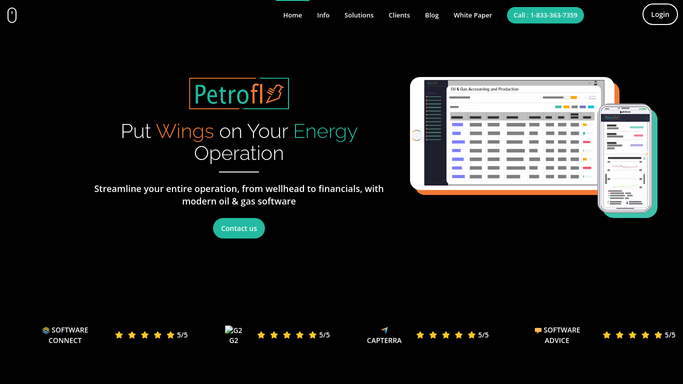
Each week, WebRun checks Petrofly for properties missing a lease, deed, or ownership document, drafts a request to the operator or landman for each gap, leaves it unsent for review, and posts the team a Slack list of what is still outstanding.
PetroflyGmailSlack
Automated Dormant Property Detection
Every week, WebRun opens Simple Escheat, checks each open property against its state dormancy period, lists everything now past the threshold, and gives you a clean workbook of what is ready to escheat.
Simple EscheatExcelSlack
Automated Concrete eTicket QC Capture
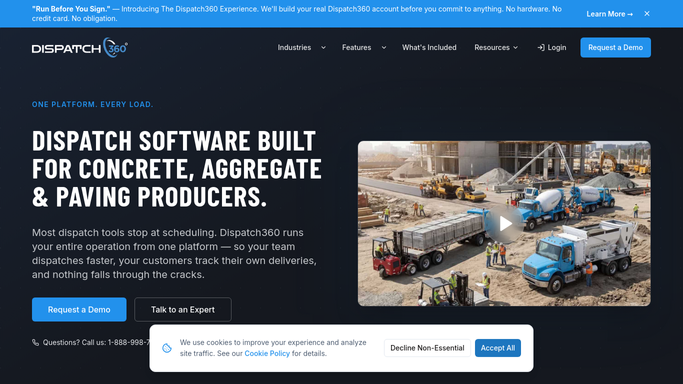
On each delivery, WebRun records the jobsite water added and drum rotation counts on the Dispatch360 eTicket, then flags any load that went past its allowed water or turns for a QC reviewer.
Dispatch360Slack
Deliveright Automated Damage Issue Logging
WebRun pulls handoff damage photos and crew notes from Deliveright, files them in a Google Sheet as a numbered issue, and pings the claims channel in Slack.
DeliverightGoogle SheetsSlack
Automated M2X Weight-Restriction Routing
WebRun reads each planned load in M2X, checks the gross weight against weight-restricted roads and bridges on the route, flags any conflict in a Google Sheet, and posts a routing warning to dispatch in Slack.
M2XGoogle SheetsSlack
Automated Carrier Wash Ticket and EIC Notices
When a wash ticket closes in TankSoft Pro, WebRun drafts an email to the carrier with the wash ticket and its EIC code, leaves it unsent for review, and logs each one in Slack.
TankSoft ProGmailSlack
Automated Training Package Scheduling
WebRun reads each athlete's purchased training package in RightEye, blocks the full run of sessions on Google Calendar, and posts the schedule to Slack for a coach to confirm before invites go out.
RightEyeGoogle CalendarSlack
LymphaTech Automated Garment Order Prep
After a LymphaTech scan is completed, WebRun reads the measurements, prepares the compression garment order with the right size and style, saves an order sheet to Google Drive, and posts your fitter in Slack to review and submit it.
LymphaTechGoogle DriveSlack
Automated Optical Lab Job Status Updates
WebRun tracks each open lab job in Ocuco Innovations, and when a job moves to a new stage it drafts a status update email to the ordering optometry practice for your team to approve and send.
Ocuco InnovationsGmailSlack
Automated Crown and Bridge Case Tracking
WebRun reviews your outstanding crown and bridge lab cases in XLDent each morning, logs each one's status and due date to a tracker, and posts the team a Slack list of cases running late so nothing misses its seat appointment.
XLDentGoogle SheetsSlack
nAble Witness Automated Exception Escalation
Every few minutes, WebRun checks the nAble Witness scan log in nAbleIVF for a barcode mismatch, an overridden double-check, or a skipped witnessing step, posts the exception to Slack, and drafts an on-call text so the lab lead is pulled in before the procedure moves on.
nAbleIVFSlackTwilio
Automated Remote Transmission Tracking
Every morning, WebRun reads each patient's remote-monitoring schedule in Octagos, logs who is due or overdue for a scheduled transmission to Google Sheets, and posts your coordinator a Slack digest so nobody drifts out of their monitoring cadence.
OctagosGoogle SheetsSlack
Renvio Automated Hospitalization Risk Digest
WebRun reads Renvio's predictive hospitalization-risk scores every Monday, ranks the patients whose risk climbed the most, and posts a prioritized rounding list to Slack so your interdisciplinary team can intervene before an admission.
RenvioSlack
Automated Endoscope Repair Tracking
WebRun reads which endoscopes are out for repair from EndoManager, logs each one's vendor, ship date, and quoted return to a Google Sheet, and posts a Slack summary so the center knows how many scopes are down and which are overdue.
EndoManagerGoogle SheetsSlack
Automated Angio Suite Turnover Reports
Every Monday, WebRun reads last week's HI-IQ case timestamps, calculates room turnover time between cases in each angio suite, logs it to Google Sheets, and posts a Slack summary of the slowest rooms and days.
HI-IQGoogle SheetsSlack

Want one of these running on your own Slack?

Show WebRun the process once and it will run it on schedule, in your own private browser environment.