Capture water and drum rotation on every eTicket
Every few minutes, WebRun opens Dispatch360, reads each active delivery, records the water added at the jobsite and the drum rotation count on the eTicket, checks both against the mix limits, and posts a Slack note whenever a load exceeds its allowed water or turns.
- No credit card
- Under $0.01 per run
- Cancel anytime
What does WebRun do on every run?
The exact actions WebRun takes, in order - in plain language, so you can adjust anything.
-
WebRun signs in and gets to work
Opens
www.dispatch360.comin a real browser with your saved login - no setup, no API keys. -
1
Dispatch360 - record water and drum turns
dispatch360.com How to Automate Dispatch360

WebRun opens Dispatch360 to record water and drum rotation on each eTicket. - Open Dispatch360 and list deliveries updated since the last run
- Read the jobsite water added and the drum rotation count from each truck
- Write both onto the eTicket alongside the batch water and mix design
Done when Every active eTicket carries its jobsite water and drum rotation count.
-
2
Slack - flag out-of-spec loads
slack.com How to Automate Slack
WebRun opens Slack to flag any load over its water or turn limit. - Compare added water and total turns against the mix limits for each load
- Post a short Slack note for any load that exceeded its allowed water or turns
- List the ticket, truck, job, and the exact figure so QC can review before the pour is accepted
Done when Every out-of-spec load has a QC flag in Slack with its figures.
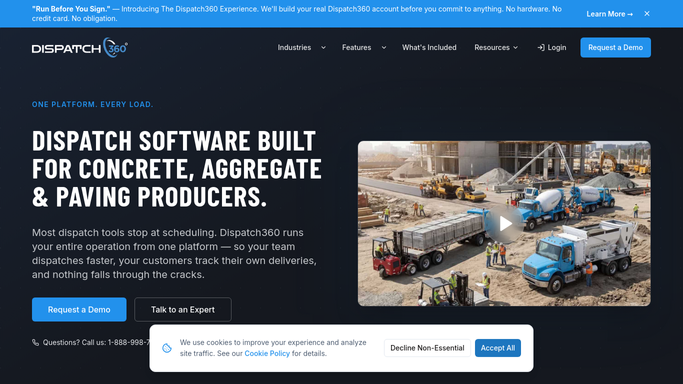

How do I capture water added and drum rotation on concrete eTickets?
WebRun keeps your eTickets complete and in spec. Every few minutes it reads each Dispatch360 delivery, records the jobsite water added and the drum rotation count on the eTicket, and checks both against the mix limits, posting an internal Slack flag for QC whenever a load runs past its allowed water or turns.
- Every eTicket carries its water and drum data automatically
- Out-of-spec loads reach QC before the pour is accepted
- Water and turn limits are checked on every single load
Built for ready mix producers · concrete QC managers · quality technicians · dispatchers
How is each run configured?
Secure by default
Connect once, stays signed in
WebRun signs in once and keeps each session in a persistent environment, so every run picks up right where it left off.
Every action is checked against this policy before it runs.
Questions, answered
Does it reject a load on its own?
No. WebRun records the data and posts an internal Slack flag for QC. A person decides whether to accept, adjust, or reject the load, so nothing is rejected without human review.
Where do the water and rotation numbers come from?
From the truck data already flowing into Dispatch360: the jobsite water added and the drum rotation count. WebRun reads them and writes them onto the matching eTicket.
What counts as out of spec?
Any load whose added water or total drum turns pass the limits set for its mix design. WebRun checks each load against those limits and flags only the ones that exceed them.
Related templates
Put this on autopilot.
Turn it on in minutes - or have our team set it up for you.