How to Automate Slack

Slack automates in two layers. Workflow Builder, reminders and vendor Slack apps cover anything that starts inside Slack or gets pushed to it. Getting an answer out of a tool that never built a Slack app is the layer people still do by hand, one browser tab at a time.

Slack is where the company keeps its attention

Slack is a messaging app that turned into something else along the way: the place a company keeps its attention. Decisions get made in a thread before they are written down anywhere official. The person who needs to know something asks in a channel rather than opening the system that holds the answer. New staff learn how the business actually works by scrolling.

Most companies run a few dozen channels and about four that matter. The one where orders come in. The one where things break. The one where the numbers get posted every morning. Those few are checked constantly, by people who are supposed to be doing something else.

That is both the value and the cost. Everything important passes through Slack, which is what makes it worth automating. Everything unimportant passes through too, which is why half the workspace has notifications off.

Someone is quietly paid to watch the dashboards

In most teams one person has become the human integration layer, without anyone deciding they should be.

They open the payment dashboard each morning and post yesterday's total. They check whether the overnight job finished and tell the channel either way. They copy the day's bookings across because the booking system has no Slack app. When somebody asks whether an order shipped, they open another tab and look.

None of that is in their job description. It is what happens when the tool everyone watches knows nothing about the tools that hold the facts. The channel is full of people and short of data.

The slack.com homepage, the app these three jobs run in. Slack
Morning numbers Yesterday's takings, failures and bookings read from the systems that hold them and posted before the team logs on.
The usual questions, answered Whether it shipped, whether it cleared, whether the status changed, checked and posted without anyone opening a tab.
Exceptions only The three lines that fell below reorder, not the two hundred that did not. Quiet channels are the ones people still read.

Workflow Builder only reacts to what happens inside Slack

Slack automates a fair amount on its own, and for what it covers it is good.

Workflow Builder runs a sequence when someone joins a channel, reacts with an emoji, submits a form or clicks a button. Reminders repeat on a schedule. Scheduled send posts a message you already wrote at a time you pick. Hundreds of products publish a Slack app that pushes their own events into a channel.

Every one of those is triggered by something that happened in Slack, or pushed in by a vendor who decided to build the integration. That is the ceiling. A workflow cannot go and look at anything. It posts what it is handed.

So the gap is every tool that never built a Slack app: the supplier portal, the council website, the twenty-year-old booking system, the bank. Those hold the answers people ask for in channels all day, and Slack has no way to reach them.

The channel can report before anyone asks

Change what is able to reach the channel and the whole thing inverts. Instead of people asking the channel questions, the channel starts answering them first.

Yesterday's takings, posted at seven, read from the till system that only ever shows them on a dashboard. The overnight payment failures, listed by customer, out of a portal with no export. The three stock lines that dropped below reorder, checked across every supplier you buy from. The bookings that came in during the night from a system that never built an integration.

The same goes for the questions people ask over and over. Whether a shipment moved. Whether a permit changed status. Whether a listing is still on the first page. Whether a competitor put their price up again. Each of those is somebody opening a tab, looking, and typing what they saw.

One thing worth building in from the start: a channel that posts everything gets muted inside a week, and a muted channel is worse than no channel. The version that survives posts what changed and stays quiet otherwise. Report the exception, not the heartbeat.

Nobody has to be watching at six in the morning

The till system will not post its own number into a channel, and the number is wanted before the doors open. Reading it off a screen at that hour is work, but it is not the kind that justifies a phone by the bed.

WebRun is an AI agent that works a real Chrome browser, signed in as you. It opens the portal or the dashboard, reads what is on the screen, and posts the result into the channel you choose. Because it works the browser rather than an API, it reaches the tools that never built a Slack app, which is most of them.

It runs on your schedule in your own private environment, and you can watch a run and stop it. Anything that would reach a customer drafts and waits for you.

The workflows below are already built, and each one names the apps it touches.

Questions people ask

Will it post to a channel without me approving it?

Posting to your own internal channel runs on its own, because a message you did not want is a message you delete. Anything customer-facing, like an email or a public reply, is drafted and waits for a person.

Do we need a paid Slack plan or admin rights?

No. It posts through the browser using the access you already have, so there is no app to get approved into the workspace and no admin ticket to wait on.

How do we stop it turning into noise?

Post exceptions rather than everything. Each workflow decides what is worth saying: the lines below reorder, the payments that failed, the job that did not finish. A channel that only speaks when something changed keeps getting read.

5,789 ready-made Slack workflows

Each one names the apps it touches and the exact steps it takes. Open one to read what it will do, then turn it on.

OmniMD Automated Duplex Result Filing
WebRun watches for new duplex ultrasound reports, matches each to its patient in OmniMD, files it to the vascular imaging folder in Google Drive, and flags any abnormal finding for the surgeon in Slack.
OmniMDGoogle DriveSlack
Angelpaw Automatic Chain of Custody Log
Every few hours, WebRun reads each pet's RFID, QR, and wristband scans in Angelpaw, logs the chain of custody to a Sheet, and posts you a Slack digest of any pet stalled between stations.
AngelpawGoogle SheetsSlack
OnRamp Automated Cure Cycle Compliance Log
Each shift, WebRun reads the cure cycle records logged in OnRamp for every batch, checks oven temperature, dwell time, powder lot, and operator against your spec, writes a running Google Sheet log, and posts a Slack alert on any out-of-spec bake.
OnRampGoogle SheetsSlack
Automated Farm-Call Record Sync Checks
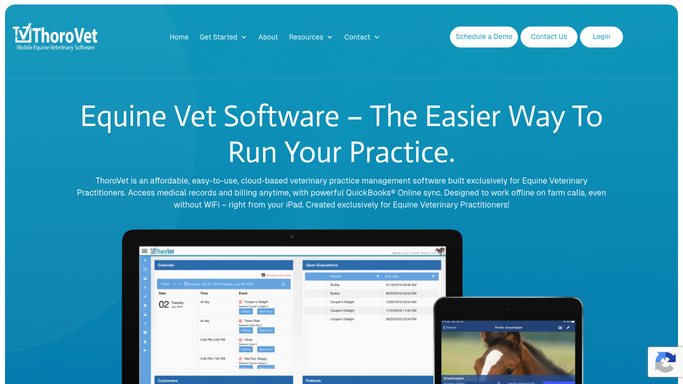
WebRun checks ThoroVet each evening for the day's farm-call visits, confirms offline records synced on reconnect, flags any exam missing a treatment or charge, and posts your team a clean end-of-day list.
ThoroVetGoogle SheetsSlack
FieldFlo Automated Air Monitoring Result Log
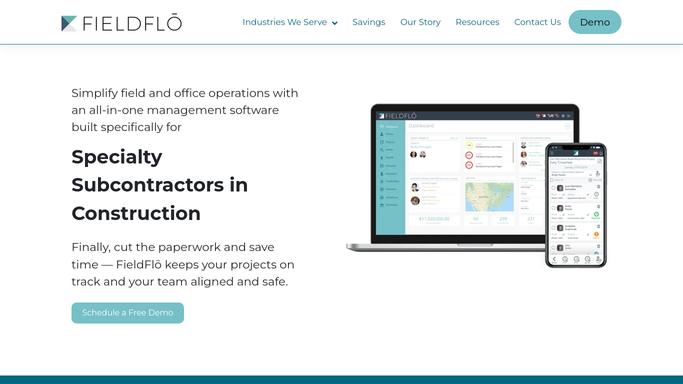
Each day, WebRun collects the air monitoring sample results logged against your abatement jobs in FieldFlo, records them in a Google Sheet, and posts your team a Slack alert if any reading is over the exposure limit.
FieldFloGoogle SheetsSlack
Steelhead Automatic Traveler Status Tracking
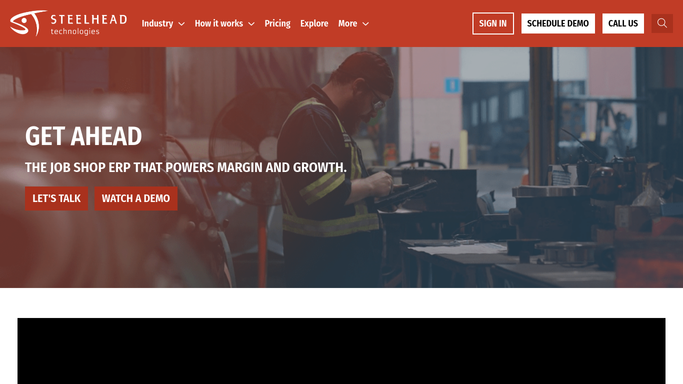
Every few hours, WebRun reads your Steelhead digital travelers, groups open jobs by process step, and posts a live status board to Slack so nothing stalls unseen.
Steelhead TechnologiesSlack
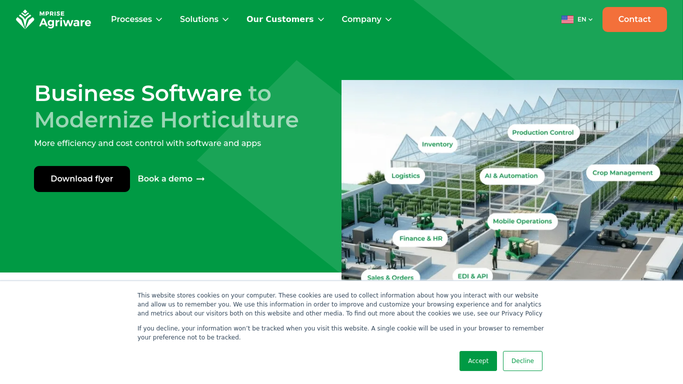
Agriware Automated Batch Movement Log
Every evening, WebRun reads the day's batch moves in Agriware 365, logs each transfer to a Google Sheet, and posts your growers a short Slack recap of what shifted and where.
Agriware 365Google SheetsSlack
Automated Farm360 FCR Reporting
Every morning, WebRun reads yesterday's feed use and biomass per cage in Farm360, works out the feed conversion ratio, logs it to Google Sheets, and posts the day's FCR summary to Slack.
Innovasea Farm360Google SheetsSlack
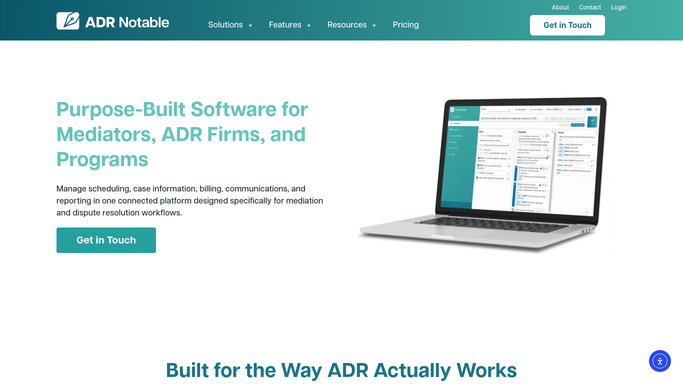
Automated Mediation Intake Reply Drafts
When a new referral lands in ADR Notable, WebRun reads the party and dispute details, drafts a professional intake reply in Outlook that explains next steps and requests missing information, and leaves it unsent for you to review.
ADR NotableOutlookSlack
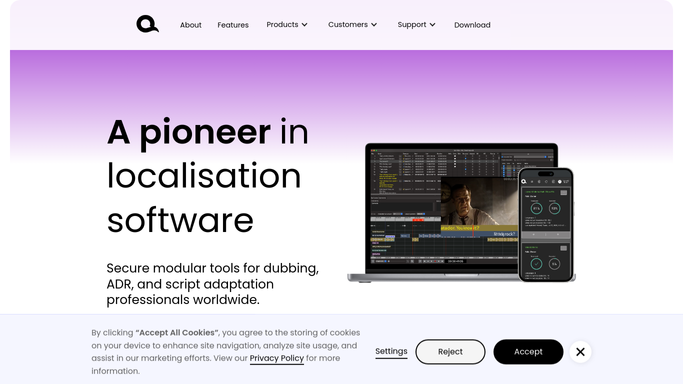
Automated Dubbing Casting Inquiry Replies
When a producer emails about a new dubbing or ADR project, WebRun reads the request, checks VoiceQ for matching voice talent and open capacity, and drafts a tailored reply for you to review before it goes out.
GmailVoiceQSlack
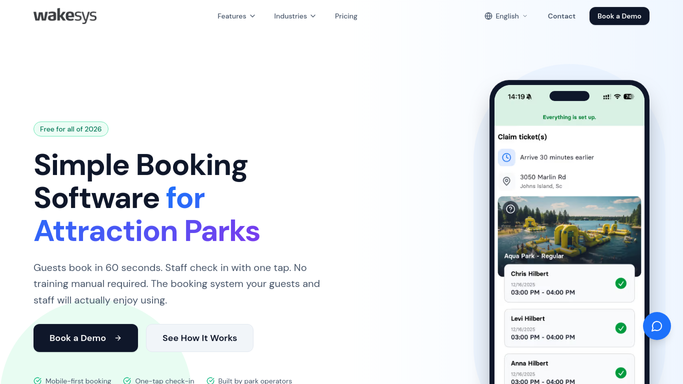
Automated Wakesys Booking Confirmations
When a jump session is booked in Wakesys, WebRun drafts a friendly confirmation email with the time slot, waiver status, and arrival tips, then leaves it for staff to approve and send.
WakesysGmailSlack
Automated Parker Ticket Confirmations
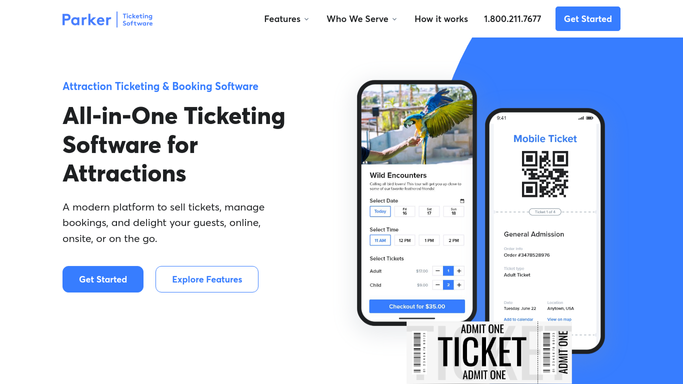
When a guest books a timed-entry ticket, WebRun reads the order in Parker, drafts a friendly confirmation email with the entry window and QR code details in Gmail, and posts the box office a short summary in Slack, leaving every email for a human to send.
ParkerGmailSlack
Automated Cider Club Pickup Notifications
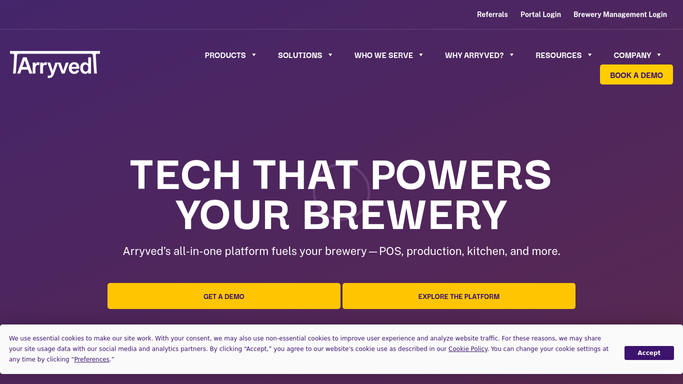
WebRun finds this batch's club allocations in Arryved, drafts a personalized pickup-ready email for each member in Mailchimp, and posts a Slack alert so your team approves it before anything sends.
ArryvedMailchimpSlack
FEARTICKET Automated Confirmation Emails
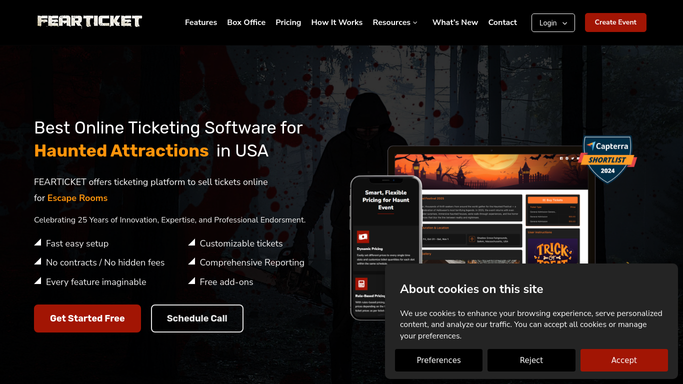
WebRun reads each new FEARTICKET order, builds a clear confirmation email with the guest's entry window and parking and check-in details, and queues it in Gmail for your box office to approve before it goes out.
FEARTICKETGmailSlack
WaveRez Automated Lesson Confirmations
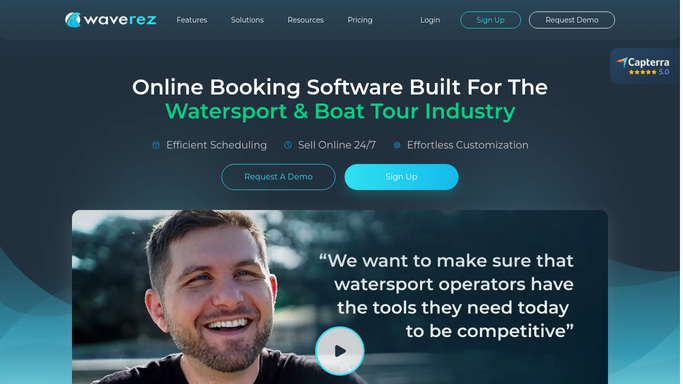
When a lesson is booked in WaveRez, WebRun drafts a friendly confirmation email with the meeting spot, arrival time, and a personalized what-to-bring checklist, then leaves it in Gmail for you to review and send.
WaveRezGmailSlack
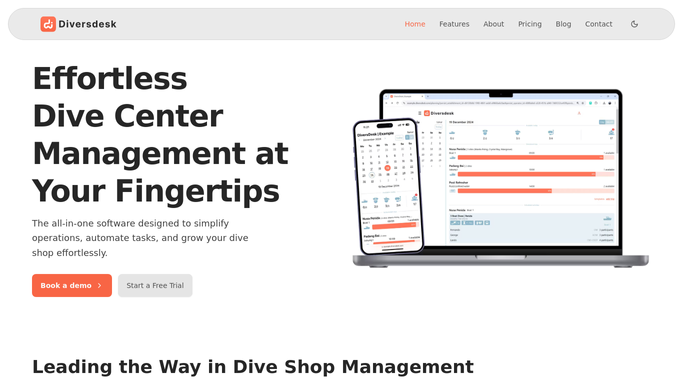
Automated Diversdesk Booking Confirmations
When a new trip booking appears in Diversdesk, WebRun reads the trip, date, and dive site, drafts a personalized confirmation email in Gmail, and posts the front desk a heads-up in Slack.
DiversdeskGmailSlack
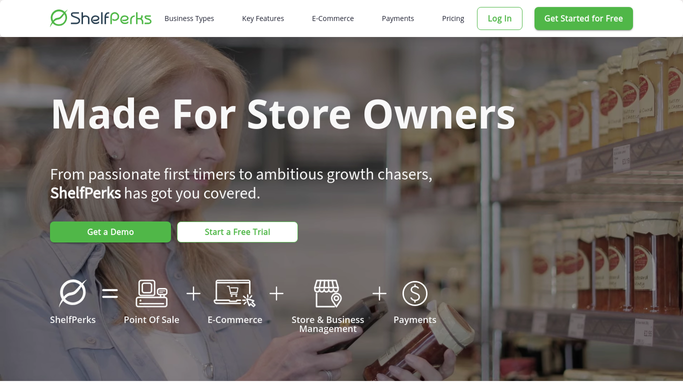
Automated Cheese Sell-By Date Tracking
Every morning, WebRun reviews your ShelfPerks aging lots, flags any cheese wheel past or nearing its sell-by date, logs it to a Google Sheet, and posts your counter team a ranked pull list in Slack.
ShelfPerksGoogle SheetsSlack
Automated GiftLogic Low Stock Alerts
Every morning, WebRun opens GiftLogic PurchasePal, finds items that have dropped below their reorder point, and posts your buyer a ranked restock list in Slack.
GiftLogicGoogle SheetsSlack
Automated School Uniform Reorder Alerts
Every morning, WebRun checks The Uniform Solution for school uniform styles running low by size, drafts a purchase order to the vendor, and posts a Slack list of what to reorder.
The Uniform SolutionGoogle SheetsSlack
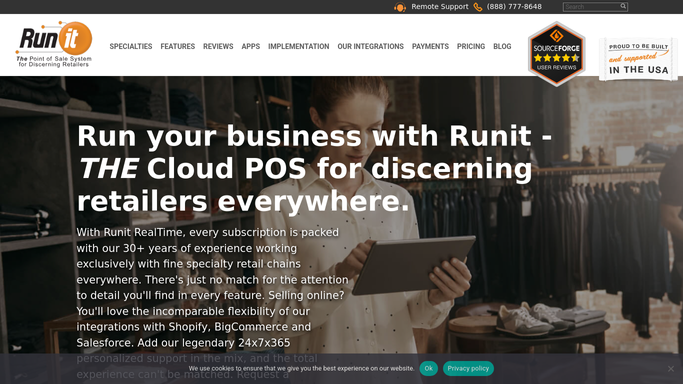
Runit Automated Size Gap Reorder Alerts
Every morning, WebRun scans your Runit size, width and color matrix, finds styles missing their popular sizes, and posts a Slack reorder list so gaps get filled before a customer walks.
RunitSlack
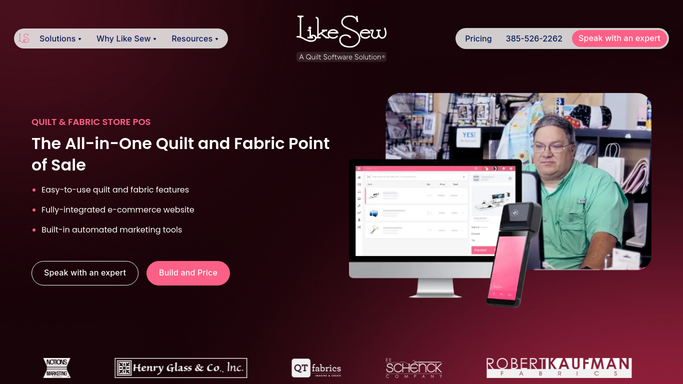
Automated Like Sew Reorder Alerts
Every morning, WebRun opens Like Sew, checks remaining yardage on every bolt, and posts you a Slack reorder list of the fabrics about to run out.
Like SewGoogle SheetsSlack
Ordorite Automated Delivery Reminders
Every afternoon, WebRun reads tomorrow's Ordorite delivery routes, drafts a personal arrival-window text for each customer in Twilio, and leaves them for you to approve before they go out.
OrdoriteTwilioSlack
Automated Discogs Listing Sync
Every morning, WebRun compares your Common Ground inventory against your Discogs Marketplace listings, flags titles that sold in store but are still live on Discogs, and posts your team a Slack list of listings to pull or re-price.
Common GroundDiscogsSlack
Automated FastBound Aging Inventory Alerts
Every morning, WebRun opens FastBound, finds acquired firearms still sitting without a disposition, logs the aging ones to a Google Sheet, and posts your team a Slack list of what to move first.
FastBoundGoogle SheetsSlack

Want one of these running on your own Slack?

Show WebRun the process once and it will run it on schedule, in your own private browser environment.