Draft a warm casting reply for every new dubbing project inquiry
Whenever a casting or project inquiry lands in Gmail, WebRun reads the languages, runtime, and deadline the producer asked for, checks VoiceQ for suitable voice talent and studio availability, drafts a warm, specific reply, and leaves it unsent in Gmail for you to review while posting a heads-up to Slack.
- No credit card
- Under $0.01 per run
- Cancel anytime
What does WebRun do on every run?
The exact actions WebRun takes, in order - in plain language, so you can adjust anything.
-
WebRun signs in and gets to work
Opens
mail.google.comin a real browser with your saved login - no setup, no API keys. -
1
Gmail - read the new project inquiry
gmail.com How to Automate Gmail

WebRun opens Gmail to read the new dubbing project inquiry. - Open the new inbound email and identify it as a dubbing, ADR, or voiceover project inquiry
- Pull out the target languages, content type, episode or runtime count, and requested delivery date
- Note the producer name, studio, and any budget or union terms mentioned
Done when The inquiry is parsed into languages, scope, deadline, and sender details.
-
2
VoiceQ - check talent fit and capacity
voiceq.com How to Automate VoiceQ
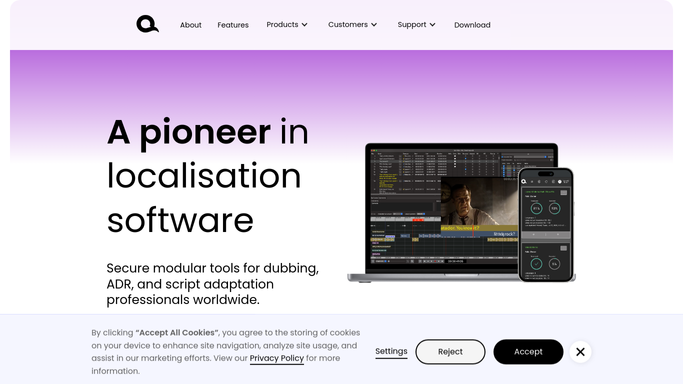
WebRun opens VoiceQ to check talent fit and studio capacity. - Open VoiceQ and review current projects to gauge studio and booth availability for the requested window
- Check the talent roster for voices matching the requested languages and character profiles
- Capture which languages you can staff now and which would need freelance casting
Done when You know which parts of the request you can cover and by when.
-
3
Slack - flag the inquiry to the studio lead
slack.com How to Automate Slack
WebRun opens Slack to flag the inquiry to the studio lead. - Post a short summary of the inquiry and the suggested fit to the studio channel
- Attach the drafted reply so the studio lead can adjust tone or terms
- Leave the email itself as an unsent Gmail draft. Never reply to the producer without approval
Done when The studio lead has the inquiry summary in Slack and a draft reply waiting in Gmail.


How do I automatically reply to new dubbing project inquiries?
When a dubbing inquiry lands in Gmail, WebRun reads the requested languages, runtime, and deadline, checks your VoiceQ roster and studio availability for a realistic fit, and drafts a warm, specific reply. It leaves the email unsent for your approval and posts a Slack summary, so every producer gets a fast, informed response.
- Every project inquiry gets a warm, specific reply within minutes, not the next day
- Suggested voices are drawn from real VoiceQ availability, not guesswork
- No producer is left waiting because a casting email slipped through the cracks
Built for dubbing studios · voiceover casting directors · localization producers · ADR studio owners
How is each run configured?
Secure by default
Connect once, stays signed in
WebRun signs in once and keeps each session in a persistent environment, so every run picks up right where it left off.
Every action is checked against this policy before it runs.
Questions, answered
Will it email the producer without my approval?
No. WebRun writes the reply and saves it as an unsent Gmail draft. Nothing reaches the producer until you read it, adjust the terms, and click send yourself.
How does it know which voices to suggest?
It reads the requested languages and character notes from the email, then checks your VoiceQ talent roster and current project load to suggest voices you can realistically cast and a window you can hit.
What if we cannot take the project on?
It still drafts a courteous reply and flags in Slack that capacity is tight, so you can decline gracefully or propose a later start date rather than leaving the producer waiting.
Related templates
Put this on autopilot.
Turn it on in minutes - or have our team set it up for you.