How to Automate Airtable

Airtable automates a lot on its own. Triggers fire on new or changed records, scripts run inside the base, and sync pulls from products that publish an API. Getting records in from a system with no API and no export is the gap, and it is usually filled by somebody pasting.

Airtable is the database an operations team can actually build

Airtable is a database that looks enough like a spreadsheet that people who would never open a database will build one. That single fact explains most of where it ends up.

The teams using it are operations, marketing, production and HR, not engineering. They build the thing nobody would ever get budget to have built: an applicant tracker, a content calendar, an inventory of equipment, a pipeline of properties, a register of every machine on site and when it was last serviced.

What they get is real structure. Linked records, so a supplier connects to its orders. Views, so the same data is a grid for one person and a calendar for another. Forms, so somebody outside the team can add a row without touching the base.

It works well enough that within a year it holds something the business genuinely depends on.

The base is only as current as its last paste

A base earns its keep by being accurate, and accuracy is where the manual work hides.

Somebody exports a CSV from the ordering system every Monday and imports it. Somebody checks four supplier sites for lead times and updates a column. Somebody opens the applicant tracking system, reads which candidates moved stage, and mirrors that into the base the team actually looks at.

It is a strange kind of work: high consequence and no skill. If it is skipped for a fortnight nothing appears to break, and then a decision gets made on a stale number and the base loses the team's trust for good.

Once people stop believing the base, they go back to asking each other, and the whole thing quietly becomes a very tidy museum.

The airtable.com homepage, the app these three jobs run in. Airtable
Records that arrive on their own Orders, applications and stock levels written into the base from wherever they actually happen.
Fields kept current A status that changed in the source system changed in the base too, instead of quietly going stale.
No connector required The regional portal and the industry package never built an integration. They can still fill a table.

Automations and syncs stop at the connector list

Airtable is far from passive, and inside its own boundaries it is strong.

Automations trigger when a record is created, updated, or matches a condition, and then send email, update other records, post to chat or run a script. The scripting extension runs JavaScript against the base. Sync pulls a table from another base or from a product Airtable has built a connector for, and keeps it updated. Interfaces put a usable front end on top for people who should never see the raw grid.

All of that is triggered by something happening in the base, or by a product that already publishes an API and got a connector built for it.

The systems that hold most operational reality tend to have neither. The industry package the company runs on, the supplier portal, the customer's extranet, the government site with the licence status. Those are exactly the sources people paste in by hand, week after week.

The base can fill itself from anywhere you can log in

A connector list is a list of the systems somebody else decided to support. Your base can know more than that.

The orders that came in overnight, read from a system that only ever shows them on screen, written in as rows. Lead times checked across every supplier you buy from, updated in place, with the ones that moved marked. Candidate stages mirrored from the recruiting system so the base and the source agree by nine each morning.

The equipment register updated with the service dates the maintenance portal holds. The property pipeline updated with the listings that changed price. The compliance table updated with which certificates now expire inside ninety days.

One habit is worth adopting early: write incoming data to its own table that only the automation touches, and let your working views read from it. Then a bad run can never overwrite something a person typed, and you can compare the two when a number looks wrong.

Data entry is the part worth handing over

The judgement in a base is in how it is structured and what gets decided from it. Keeping the rows current is not judgement, it is transcription.

WebRun is an AI agent that works a real Chrome browser, signed in as you. It opens the ordering system, the portal or the industry package that has no API, reads what is on the screen, and writes the rows into your base.

It runs on your schedule in your own private environment, and you can watch a run and stop it mid-way. Anything that would message a person outside the team drafts and waits.

The workflows below are already built, and each one names the apps it touches.

Questions people ask

Do we need an Airtable paid plan for this?

No. It works the Airtable interface signed in as you, so whatever your current plan allows you to do by hand is what it can do. Sync and higher automation limits are separate Airtable features you may or may not want.

Will it create duplicate records?

Each workflow matches on a key from the source, such as an order number, so a second run updates the existing record rather than adding another. Writing to a dedicated intake table makes that easy to verify.

Can it pull from a system that offers no export?

Yes, and that is the usual reason to use it. It reads what is on the screen the way a person would, then writes the rows, so a portal with no download button stops being a weekly copy and paste job.

1,250 ready-made Airtable workflows

Each one names the apps it touches and the exact steps it takes. Open one to read what it will do, then turn it on.
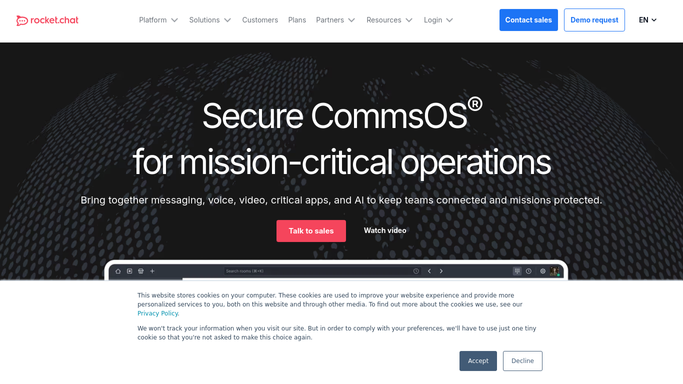

Automated Rocket.Chat Unanswered Alerts
Every few hours, WebRun scans your Rocket.Chat channels for questions nobody replied to, logs each one in Airtable, and pings the channel owner in Microsoft Teams.
Rocket.ChatAirtableMicrosoft Teams
Automated Replit App Inventory Export
Every Monday, WebRun lists your Replit apps and deployments, exports the inventory into Airtable, and writes a short what-changed note in Notion.
ReplitNotionAirtable
Automated Reed Job Ad Expiry Tracking
Every Monday, WebRun checks which Reed job ads are close to expiry or attracting nobody, logs each one in Airtable, and posts the renewal decisions to Microsoft Teams.
ReedMicrosoft TeamsAirtable
Automated Rakuten Low Stock Alerts
Every morning, WebRun checks stock levels across your Rakuten shop listings, updates the reorder tracker in Airtable, and alerts Microsoft Teams about anything below its reorder point.
RakutenAirtableMicrosoft Teams
Automated Rackspace Mailbox Quota Alerts
Every morning, WebRun checks mailbox storage in your Rackspace Email control panel, logs each account's usage to Airtable, and pings you on Telegram when a mailbox nears its quota.
Rackspace EmailTelegramAirtable
Automated Quizlet Class Progress Tracking
Once a week, WebRun reads the study activity on your Quizlet classes, logs it per student in Airtable, and writes a plain progress summary into your Notion planner.
QuizletAirtableNotion
Automated QuestionPro Response Pace Alerts
Every morning, WebRun opens QuestionPro, checks how each live survey is pacing against its target, logs the counts in Airtable, and texts you through Twilio when one stalls.
QuestionProAirtableTwilio
Automated project44 Late Shipment Reporting
Every morning, WebRun reads shipment status in project44, logs delayed loads and their new arrival estimates to Airtable, and posts the exception digest into your Notion operations page.
project44AirtableNotion
Automated Power BI Refresh Monitoring
Every morning, WebRun checks which Power BI datasets failed or skipped their refresh, logs each failure in Airtable, and drafts an email in Gmail to the report owner for you to send.
Power BIGmailAirtable
Automated Podbean Episode Release Checks
Every Thursday, WebRun checks the episode queued in Podbean for missing show notes, artwork, or tags, logs the episode in Airtable, and drafts the listener announcement email in Gmail.
PodbeanAirtableGmail
Automated Pennylane Receivables Digest
Every Monday, WebRun opens Pennylane, lists every unpaid customer invoice by age, logs it in Airtable, and sends you a short Telegram digest of who to chase first.
PennylaneAirtableTelegram
Automated Pendo Feature Usage Drop Alerts
Every Monday, WebRun opens Pendo, compares last week's usage of your key features against the week before, logs every meaningful drop in Airtable, and drafts a heads-up email in Gmail for you to send.
PendoAirtableGmail
Automated Palo Alto Alert Digests
Every morning, WebRun reads the last 24 hours of Palo Alto Networks alerts, logs them in Airtable, and sends the security team a ranked digest on Telegram.
Palo Alto NetworksAirtableTelegram
Automated Optimizely Experiment Register
Every Monday, WebRun reads your running Optimizely experiments, keeps an Airtable register of every test, and raises a Trello card for any experiment past its planned end date or starved of traffic.
OptimizelyAirtableTrello
Automated OpenSea Offer Alerts
Several times a day, WebRun checks OpenSea for new offers on the items in your wallet, records each one in Airtable, and alerts Telegram when an offer beats the threshold you set.
OpenSeaAirtableTelegram
Automated OpenAI API Key Inventory Audit
Every Monday, WebRun opens the OpenAI Platform, lists every API key with its age and last use, records the inventory in Airtable, and texts you about keys that look stale or unowned.
OpenAI PlatformAirtableTwilio
Automated OneDrive Storage Cleanup Queue
Every Monday, WebRun checks how much OneDrive storage is left, lists the biggest and longest untouched files in Airtable, and books cleanup time in Google Calendar before you run out.
OneDriveAirtableGoogle Calendar
Automated Okta User Access Reviews
Every month, WebRun reads your Okta users and app assignments, logs the review to Airtable, and drafts a Gmail sign-off request to each manager for approval.
OktaAirtableGmail
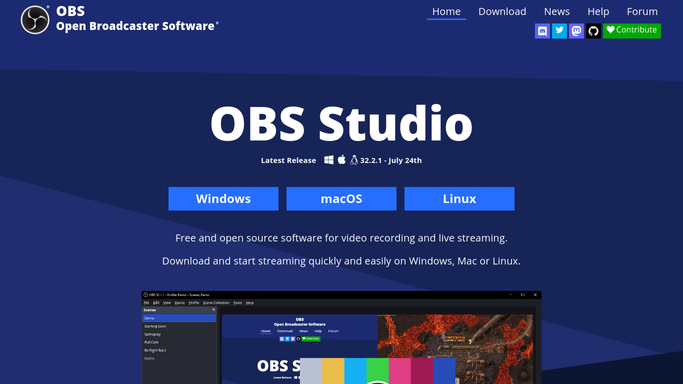
Automated OBS Studio Version Checks
Every Monday, WebRun checks the current OBS Studio release, compares it against the version logged for each machine in Airtable, and texts the on-call operator about any rig left behind.
OBS StudioAirtableTwilio
Automated Obsidian Task Roundup
Every morning, WebRun searches your Obsidian vault for unticked tasks, logs each one in Airtable with its source note, and posts the day's list to your Microsoft Teams channel.
ObsidianMicrosoft TeamsAirtable
Automated Norton Device and Seat Audits
Every month, WebRun opens your Norton account, lists every protected device and seat in use, records them in Airtable, and posts the renewal and spare-seat picture to Microsoft Teams.
NortonAirtableMicrosoft Teams
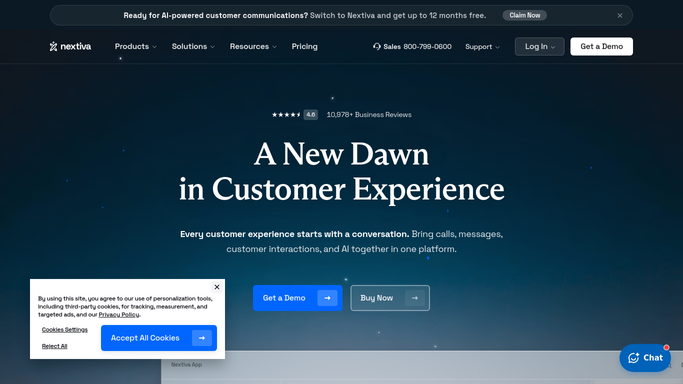
Automated Nextiva Call Queue Reporting
Every Monday, WebRun pulls last week's Nextiva call activity, logs the numbers in Airtable, and posts your team a Telegram scorecard of answered, missed, and abandoned calls.
NextivaTelegramAirtable
Automated New Relic Error Budget Reviews
Every Monday, WebRun reads your New Relic service levels, logs each service's attainment and error budget in Airtable, and writes the week's reliability review into Notion.
New RelicAirtableNotion
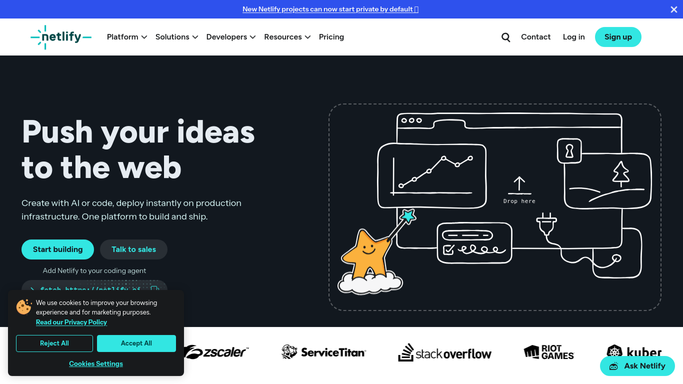
Automated Netlify Domain Expiry Tracking
Every week, WebRun checks the domains and certificates on your Netlify sites, tracks the renewal dates in Airtable, and writes the renewal brief in Notion.
NetlifyAirtableNotion

Want one of these running on your own Airtable?

Show WebRun the process once and it will run it on schedule, in your own private browser environment.