Never let a domain or certificate lapse
Every Monday, WebRun opens Netlify, reads the custom domains and certificate status on each site, records every domain with its expiry and certificate renewal date in Airtable, and writes a Notion renewal brief listing what expires in the next 60 days and anything already showing a problem.
- No credit card
- Under $0.01 per run
- Cancel anytime
How do I get reminded before a domain or SSL certificate expires?
WebRun reviews your Netlify sites every Monday, reading each custom domain and its certificate status. It tracks every expiry date in an Airtable register and writes a Notion renewal brief listing what lapses within 60 days plus any certificate or DNS warning, so no site goes dark over a missed renewal.
- Expiring domains surface 60 days before they lapse
- Certificate and DNS warnings lead the brief the week they appear
- The Airtable register gives every domain a renewal history
Built for web agencies · developers · IT operations · startup engineering teams
What does WebRun do on every run?
The exact actions WebRun takes, in order - in plain language, so you can adjust anything.
-
WebRun signs in and gets to work
Opens
app.netlify.comin a real browser with your saved login - no setup, no API keys. -
1
Netlify - read domains and certificates
netlify.com
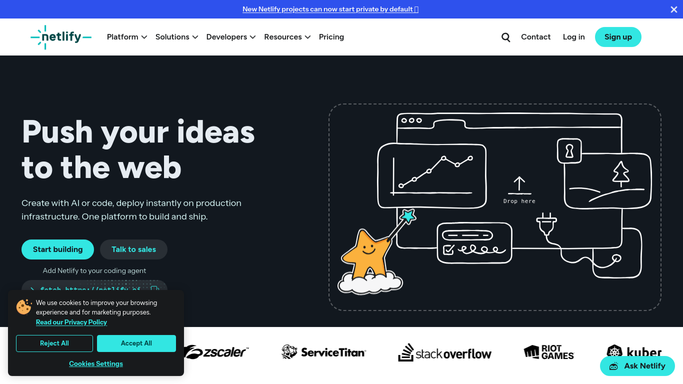
WebRun opens Netlify to read domains and certificates. - Sign in to Netlify and open your list of sites
- For each site, read the custom domains and the certificate status under domain management
- Capture the domain, the site it serves, the expiry date, and the certificate state
- Flag any domain with a DNS warning or a certificate not showing as valid
Done when Every custom domain has an expiry date and a certificate status.
-
2
Airtable - track every renewal date
airtable.com How to Automate Airtable

WebRun opens Airtable to track every renewal date. - Open your domain register in Airtable
- Add or update one row per domain with the site, expiry date, certificate state, and date checked
- Compute days remaining on each row so sorting is easy
- Keep resolved rows in place so you have a renewal history per domain
Done when The Airtable domain register matches what Netlify shows this week.
-
3
Notion - write the renewal brief
notion.so How to Automate Notion

WebRun opens Notion to write the renewal brief. - Publish this week's renewal brief in Notion
- List everything expiring inside 60 days, soonest first, with the site it affects
- Put certificate warnings and DNS problems in their own section at the top
- Leave renewing, transferring, or buying a domain to a person. WebRun never spends money
Done when The renewal brief is published in Notion with the soonest expiries first.
How is each run configured?
Secure by default
Connect once, stays signed in
WebRun signs in once and keeps each session in a persistent environment, so every run picks up right where it left off.
Every action is checked against this policy before it runs.
Questions, answered
Will it renew or buy a domain?
No. WebRun never spends money, renews a domain, or changes a billing setting. It reads the expiry dates and reports them. A person does the renewal in Netlify or at the registrar.
Does it change DNS or site settings?
No. The run is read-only inside Netlify. It does not edit DNS records, trigger a deploy, provision a certificate, or change any site configuration.
How much warning do I get?
Sixty days by default, and you can widen the window. Certificate warnings and DNS problems appear in the brief immediately, at the top, rather than waiting for an expiry date to approach.
Related templates
Put this on autopilot.
Turn it on in minutes - or have our team set it up for you.