Automated project44 Late Shipment Reporting
Every morning, WebRun signs into project44, reads the tracked shipments in transit, picks out the ones whose estimated arrival has slipped past the promised date, records each delay with its new estimate and reason in Airtable, and writes the exception digest into your Notion operations page for the morning stand-up.
How do I get a daily list of late shipments before customers ask?
WebRun signs into project44 every morning, reads every shipment in transit, and flags the loads whose estimated arrival has slipped past the promised date. It logs each delay and its new estimate in Airtable and publishes a ranked exception digest to your Notion operations page.
- Delayed loads are known before the customer calls about them
- Carrier slippage is tracked shipment by shipment in Airtable
- The morning stand-up opens to a ready-made exception list
Built for logistics teams · supply chain managers · freight brokers · manufacturers and distributors
What does WebRun do on every run?
The exact actions WebRun takes, in order - in plain language, so you can adjust anything.
-
WebRun signs in and gets to work
Opens
www.project44.comin a real browser with your saved login - no setup, no API keys. -
1
project44 - read shipments in transit
project44.com
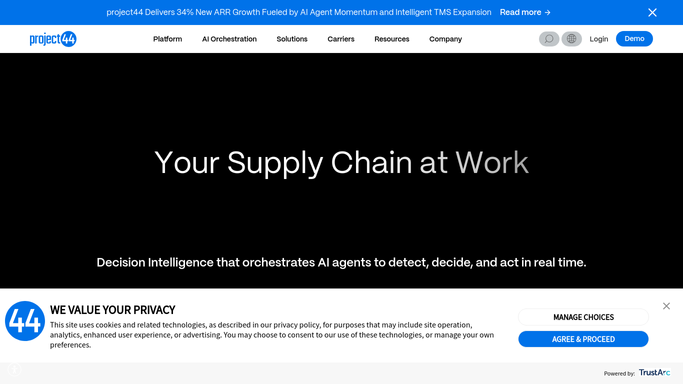
WebRun opens project44 to read shipments in transit. - Sign into project44 and open your tracked shipments
- Filter to loads currently in transit
- Capture the shipment reference, carrier, origin, destination, promised date, and current estimated arrival
- Flag any shipment whose estimate is later than the promised date
- Note the delay reason or status message where one is shown
Done when Every in-transit shipment has a promised date and a current estimate.
-
2
Airtable - log each delay
airtable.com

WebRun opens Airtable to log each delay. - Open your shipment exceptions base in Airtable
- Add or update a row per delayed shipment with today's date, the new estimate, and hours late
- Increment the slip count when a shipment slips again on a later day
- Mark rows as delivered once the shipment no longer appears in transit
Done when Every delayed shipment has a current row in Airtable.
-
3
Notion - publish the exception digest
notion.so

WebRun opens Notion to publish the exception digest. - Open your operations page in Notion and add today's dated section
- List the delayed shipments ranked by hours late, with carrier and destination
- Group by carrier so repeat offenders stand out
- Add the count of on-time loads for context
Done when Today's exception digest is published on the Notion operations page.
How is each run configured?
Secure by default
Connect once, stays signed in
WebRun signs in once and keeps each session in a persistent environment, so every run picks up right where it left off.
Every action is checked against this policy before it runs.
Questions, answered
Will it contact carriers or customers?
No. WebRun reads shipment status and writes internal records only. It never emails a carrier, messages a customer, or updates a shipment record in project44.
How does it decide a shipment is late?
It compares the current estimated arrival against the promised date on each tracked load. Anything estimated to arrive after the promise is flagged with the hours of slip.
Can I see which carriers slip most often?
Yes. Airtable keeps one row per delayed shipment with a slip count, and the Notion digest groups the day's exceptions by carrier, so repeat offenders become visible over weeks.
Related templates
Put this on autopilot.
Turn it on in minutes - or have our team set it up for you.