How to Automate Twilio

Twilio is already an automation platform: Studio builds flows visually, Functions run code on events, and the APIs send messages and calls on command. The missing piece is usually the trigger, because the fact that should start the text lives in a system with no API at all.

Twilio is the plumbing behind the text you actually read

Twilio is the service behind an enormous amount of the messaging people receive without thinking about it. The text confirming an appointment. The code that logs you in. The call that gets routed to whoever is on shift. The reminder that stops somebody missing a delivery slot.

Businesses reach for it because phone numbers are the last channel that genuinely works. Email gets filtered, app notifications get switched off, but a text is read within minutes by almost everyone, including the customers who never installed anything.

It sits in a different place from most tools in an automation stack. It is not where work is tracked or decided. It is the last few inches, the bit that turns a fact somebody already knows into something arriving on a phone.

The message is easy, knowing when to send it is not

Sending a text through Twilio is a handful of lines. That has never been the hard part.

The hard part is the trigger. A reminder should go out when tomorrow's appointment is confirmed, and the confirmation lives in a scheduling system nobody can get data out of. A customer should be told their delivery slipped, and the only place that is visible is the courier's website. A chase text should follow an invoice going overdue, and the ledger is in an accounting package with no useful export.

So the message that gets sent is usually the one somebody remembered to send. The reminders that go out are the ones with a person behind them, and the ones that would have prevented a no-show quietly do not happen at all.

The twilio.com homepage, the app these three jobs run in. Twilio
Triggers from anywhere A text that fires because a portal changed, a delivery stalled or a payment failed, not because your own code noticed.
No integration required The booking system and the supplier portal never built an API. They can still start a message.
Customer messages stay supervised Texts reach real phones and cannot be recalled, so anything customer-facing waits for a person by default.

Studio and Functions run on events you can already see

Twilio is not a passive API, and it is worth knowing how much it does before adding anything to it.

Studio gives you a visual flow builder: an incoming message or call enters, and branches, waits, gathers input and sends replies without any code. Functions run small pieces of JavaScript on Twilio's own infrastructure when something happens. Messaging Services handle sender pools and compliance. Verify covers one-time passcodes. Webhooks push events to you the moment a message arrives or a call ends.

All of that is triggered by an event Twilio can see, or by a request your own software makes. That is the ceiling, and it is a reasonable one: Twilio is a communications platform, not a browser.

It means the constraint is upstream. If the system that knows the appointment moved cannot tell anyone, no amount of Studio will help, because the flow is waiting for a call that never comes.

The trigger can come from a system that has no API

A screen that changed is a signal, the same as a webhook is. All it lacks is something watching it.

Tomorrow's confirmed appointments, read out of a scheduling system that only shows them in a calendar view, turned into reminder texts the evening before. A delivery that has not moved in two days, spotted on the courier site, turned into a message that reaches the customer before they ring to complain.

An invoice that just tipped past thirty days in an accounting package with no export, turned into a polite chase. A part that finally came into stock at a supplier, turned into a text to the person who has been waiting for it.

The pattern is the same each time. Something in a browser changed, nobody was watching, and a phone should have buzzed.

One boundary matters more here than almost anywhere else. Texts and calls reach real people, cost money each time, and cannot be taken back. Anything going to a customer should be drafted and approved, or bounded by a rule narrow enough that you would be comfortable explaining it.

Watching a screen is a job for an agent

Twilio sends the instant it is told to, and the telling is still a person noticing that the appointment is tomorrow, the delivery has stalled or the invoice went past due.

WebRun is an AI agent that works a real Chrome browser, signed in as you. It opens the scheduling system, the courier site or the ledger, reads what is on the screen, and calls Twilio when what it finds meets the condition you set.

It runs on your schedule in your own private environment, and you can watch a run and stop it mid-way. Anything that would text a customer drafts and waits unless you have deliberately said otherwise.

The workflows below are already built, and each one shows the steps it takes.

Questions people ask

Does this replace Twilio Studio?

No, it feeds it. Studio is good at what happens once a flow starts. This is about starting the flow from something happening in a system that has no way to call Twilio on its own.

Could it send hundreds of texts by mistake?

Each workflow has a bounded list to act on and a limit you set. Customer-facing messages default to drafting for approval, and you can watch a run and stop it before anything goes out.

Do we still need Twilio credentials and a number?

Yes. This does not replace your Twilio account. It decides when a message should go, using facts from systems Twilio cannot see, and your existing number and messaging service send it.

1,692 ready-made Twilio workflows

Each one names the apps it touches and the exact steps it takes. Open one to read what it will do, then turn it on.

Automated TimescaleDB Disk Usage Alerts
WebRun checks TimescaleDB disk usage and query performance, posts a status update to Telegram, and texts the on-call engineer through Twilio if a threshold is breached.
TimescaleDBTelegramTwilio
Automated Tidal New Release Alerts
WebRun checks Tidal for new releases from the artists on your roster, posts a daily roundup to Telegram, and texts you the moment a release goes live on launch day.
TidalTelegramTwilio
Automated Noun Project Icon Library Backup
Every morning, WebRun checks The Noun Project for icons added to your team collections since yesterday, backs each one up to Google Drive, and texts the design lead a quick summary.
The Noun ProjectGoogle DriveTwilio
Automated Teikametrics Weekly ACoS Scorecards
Every Monday, WebRun checks Teikametrics for last week's ad spend and ACoS, texts you through Twilio if a campaign is over target, and archives the report to Google Drive.
TeikametricsTwilioGoogle Drive
Automated Tailor Brands Kit Readiness Checklist
When a new brand kit is generated in Tailor Brands, WebRun posts a Telegram checklist of the logo, colors, and fonts that are ready, and texts the founder via Twilio once everything is finalized.
Tailor BrandsTelegramTwilio
Automated Tableau KPI Scorecard and Alerts
Every Monday, WebRun pulls a workbook's KPI values from Tableau, saves a snapshot to Drive, and texts you when a KPI is out of range.
TableauGoogle DriveTwilio
Automated Superhuman Attachment Archiving and Alerts
Every day, WebRun scans Superhuman for emails with attachments, saves each file to a Google Drive folder, and texts you on Twilio when a contract or agreement needs a signature.
SuperhumanTwilioGoogle Drive
Automated Storenvy Order Digest Alerts
Every morning, WebRun checks your Storenvy shop for new orders, posts the day's order list to Telegram, and texts you through Twilio for anything needing same day shipping.
StorenvyTelegramTwilio
Automated StatCounter Traffic Spike Alerts
WebRun reads your StatCounter traffic each day, archives the report to Google Drive, and texts you through Twilio when visits spike or drop sharply.
StatCounterGoogle DriveTwilio
Automated Soverin New Account Setup Checks
When a new Soverin account is created, WebRun checks the signature, forwarding, and recovery settings are in place, saves a confirmation record to Google Drive, and texts the admin on Twilio once it passes.
SoverinTwilioGoogle Drive
Automated SourceForge Weekly Download Scorecard
Every Monday, WebRun compiles the week's SourceForge download counts and new tickets, texts the maintainer through Twilio with the summary, and saves a CSV export to Google Drive.
SourceForgeTwilioGoogle Drive
Automated SonyLIV Content Expiry Tracking
Every week, WebRun checks SonyLIV for your tracked titles nearing the end of their licensing window, saves the report to Google Drive, and texts you through Twilio before a title expires.
SonyLIVTwilioGoogle Drive
Automated Sleep Cycle Team Challenge Tracking
WebRun checks Sleep Cycle for each participant's weekly sleep consistency, archives a scorecard to Google Drive, and texts the group a reminder to log their night before the week wraps up.
Sleep CycleTwilioGoogle Drive
Automated Skrapp.io Verified Email Export
Every morning, WebRun checks Skrapp.io for the emails your team found and verified yesterday, saves them to a dated file in Google Drive, and texts you the day's count.
Skrapp.ioTwilioGoogle Drive
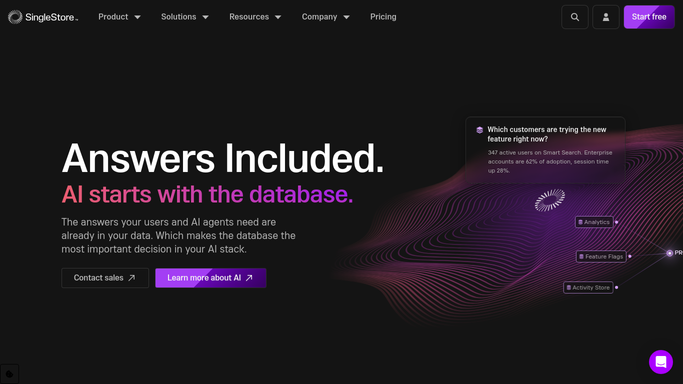
Automated SingleStore Cluster Health Alerts
WebRun checks the SingleStore portal for cluster health, posts a status update to Telegram, and texts the on-call engineer through Twilio if a threshold is breached.
SingleStoreTelegramTwilio
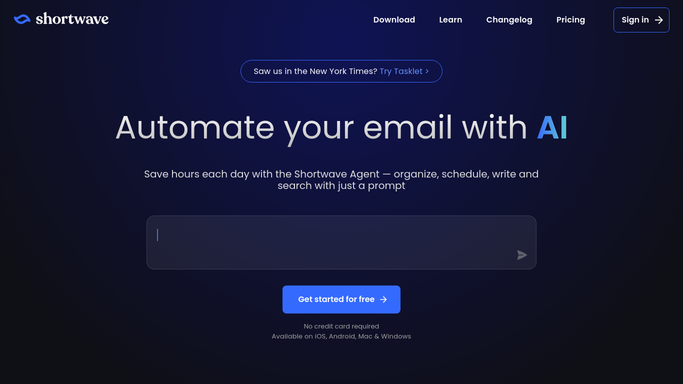
Automated Shortwave Morning Inbox Digest
Every morning, WebRun opens Shortwave, sorts new mail into needs a reply, FYI, and receipts, posts the digest to Telegram, and texts you on Twilio if anything looks urgent.
ShortwaveTelegramTwilio
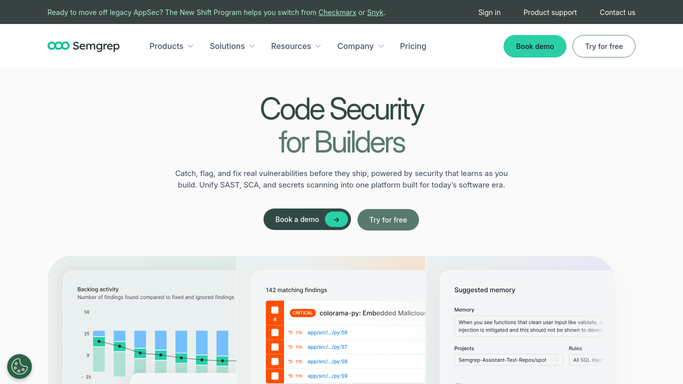
Automated Semgrep Critical Finding Escalation
Every day, WebRun checks Semgrep scan results for newly introduced high or critical severity findings, posts them to Telegram, and texts the security lead through Twilio for critical ones.
SemgrepTelegramTwilio
Automated SeLoger Listing Alerts
Every hour, WebRun checks your saved SeLoger searches for new listings and price changes, posts the shortlist to Telegram, and texts you through Twilio when a standout match appears.
SeLogerTelegramTwilio
Automated Sellbrite Low Stock Alerts
Every hour, WebRun checks Sellbrite for SKUs nearing zero across every synced channel, texts the warehouse manager through Twilio, and archives the stock report to Google Drive.
SellbriteTwilioGoogle Drive
Automated Segment Delivery Reconciliation
WebRun checks Segment delivery success rates across destinations every hour, posts a Telegram digest, and texts the on-call engineer if a destination keeps failing.
SegmentTelegramTwilio
Automated Seesaw Inactive Portfolio Alerts
WebRun checks each student's Seesaw portfolio for new posts, saves a list of inactive students to Google Drive, and drafts a Twilio note for parents to check in.
SeesawTwilioGoogle Drive
Automated Seamless.ai Contact Discovery Alerts
Every morning, WebRun pulls the contacts found in Seamless.ai the day before, saves the export to Google Drive, and texts the rep on Twilio when a named target account contact was found.
Seamless.aiGoogle DriveTwilio
Automated Santander Flagged Transaction Handoff
WebRun flags Santander transactions above your threshold, saves the flagged list to Google Drive, and texts your finance lead through Twilio.
SantanderTwilioGoogle Drive
Automated Salesmate New Deal Checklist
The moment a new deal is created in Salesmate, WebRun checks it has an owner and a scheduled first call, posts it to Telegram, and texts the owner a same-day reminder if the call isn't booked yet.
SalesmateTelegramTwilio

Want one of these running on your own Twilio?

Show WebRun the process once and it will run it on schedule, in your own private browser environment.