Turn Skrapp.io finds into a backed up, ready list
Every morning, WebRun opens Skrapp.io, pulls the emails your team found and verified the day before from LinkedIn searches and domain lookups, saves them to a dated file in Google Drive, and texts you the day's total so you always know the list is growing and backed up.
- 7-day free trial
- Under $0.01 per run
- Cancel anytime

What does WebRun do on every run?
The exact actions WebRun takes, in order - in plain language, so you can adjust anything.
-
WebRun signs in and gets to work
Opens
skrapp.ioin a real browser with your saved login - no setup, no API keys. -
1
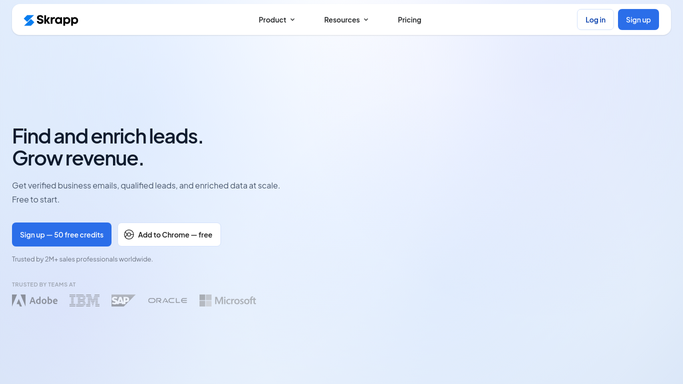
Skrapp.io - pull verified emails found yesterday
skrapp.io

WebRun opens Skrapp.io to pull verified emails found yesterday. - Open Skrapp.io and check emails found and verified since the last run
- Keep only results marked verified
- Capture name, company, and email for each
Done when Every verified email found since yesterday is captured.
-
2
Twilio - text you the day's count
twilio.com How to Automate Twilio
WebRun opens Twilio to text you the day's count. - Text you the total number of verified emails found today
- Flag if any came from a target account domain
Done when You have a same-day text with today's total.
-
3
Google Drive - back up the day's finds
drive.google.com How to Automate Google Drive
WebRun opens Google Drive to back up the day's finds. - Save today's verified emails as a dated CSV file
- Add it to the shared Prospecting Exports folder
Done when Today's finds are backed up as a file in Drive.

How do I automatically back up verified emails found in Skrapp.io?
WebRun checks Skrapp.io every morning for emails your team found and verified the day before, keeping only results marked verified. It saves them to a dated file in Google Drive and texts you the day's total, so your prospecting list keeps growing and stays backed up without any manual exporting.
- Verified emails get backed up every morning with zero manual exporting
- You get a same-day text total instead of checking Skrapp.io directly
- Only verified results make it into the export
Built for SDRs · growth marketers · lead generation agencies · recruiters
How is each run configured?
Secure by default
Connect once, stays signed in
WebRun signs in once and keeps each session in a persistent environment, so every run picks up right where it left off.
Every action is checked against this policy before it runs.
Questions, answered
Does it reach out to any of these emails?
No. WebRun only finds, verifies, and backs up emails. Reaching out to anyone on the list is a separate step you or your outreach tool handles.
What does verified mean here?
Only emails Skrapp.io returns as verified, not just found or guessed, are included in the export. Unverified results are skipped.
Where can I find the actual list, not just the count?
Every day's finds are saved to Google Drive as a dated CSV file, linked from the daily text.
Related templates
Put this on autopilot.
Turn it on in minutes - or have our team set it up for you.