How to Automate Slack

Slack automates in two layers. Workflow Builder, reminders and vendor Slack apps cover anything that starts inside Slack or gets pushed to it. Getting an answer out of a tool that never built a Slack app is the layer people still do by hand, one browser tab at a time.

Slack is where the company keeps its attention

Slack is a messaging app that turned into something else along the way: the place a company keeps its attention. Decisions get made in a thread before they are written down anywhere official. The person who needs to know something asks in a channel rather than opening the system that holds the answer. New staff learn how the business actually works by scrolling.

Most companies run a few dozen channels and about four that matter. The one where orders come in. The one where things break. The one where the numbers get posted every morning. Those few are checked constantly, by people who are supposed to be doing something else.

That is both the value and the cost. Everything important passes through Slack, which is what makes it worth automating. Everything unimportant passes through too, which is why half the workspace has notifications off.

Someone is quietly paid to watch the dashboards

In most teams one person has become the human integration layer, without anyone deciding they should be.

They open the payment dashboard each morning and post yesterday's total. They check whether the overnight job finished and tell the channel either way. They copy the day's bookings across because the booking system has no Slack app. When somebody asks whether an order shipped, they open another tab and look.

None of that is in their job description. It is what happens when the tool everyone watches knows nothing about the tools that hold the facts. The channel is full of people and short of data.

The slack.com homepage, the app these three jobs run in. Slack
Morning numbers Yesterday's takings, failures and bookings read from the systems that hold them and posted before the team logs on.
The usual questions, answered Whether it shipped, whether it cleared, whether the status changed, checked and posted without anyone opening a tab.
Exceptions only The three lines that fell below reorder, not the two hundred that did not. Quiet channels are the ones people still read.

Workflow Builder only reacts to what happens inside Slack

Slack automates a fair amount on its own, and for what it covers it is good.

Workflow Builder runs a sequence when someone joins a channel, reacts with an emoji, submits a form or clicks a button. Reminders repeat on a schedule. Scheduled send posts a message you already wrote at a time you pick. Hundreds of products publish a Slack app that pushes their own events into a channel.

Every one of those is triggered by something that happened in Slack, or pushed in by a vendor who decided to build the integration. That is the ceiling. A workflow cannot go and look at anything. It posts what it is handed.

So the gap is every tool that never built a Slack app: the supplier portal, the council website, the twenty-year-old booking system, the bank. Those hold the answers people ask for in channels all day, and Slack has no way to reach them.

The channel can report before anyone asks

Change what is able to reach the channel and the whole thing inverts. Instead of people asking the channel questions, the channel starts answering them first.

Yesterday's takings, posted at seven, read from the till system that only ever shows them on a dashboard. The overnight payment failures, listed by customer, out of a portal with no export. The three stock lines that dropped below reorder, checked across every supplier you buy from. The bookings that came in during the night from a system that never built an integration.

The same goes for the questions people ask over and over. Whether a shipment moved. Whether a permit changed status. Whether a listing is still on the first page. Whether a competitor put their price up again. Each of those is somebody opening a tab, looking, and typing what they saw.

One thing worth building in from the start: a channel that posts everything gets muted inside a week, and a muted channel is worse than no channel. The version that survives posts what changed and stays quiet otherwise. Report the exception, not the heartbeat.

Nobody has to be watching at six in the morning

The till system will not post its own number into a channel, and the number is wanted before the doors open. Reading it off a screen at that hour is work, but it is not the kind that justifies a phone by the bed.

WebRun is an AI agent that works a real Chrome browser, signed in as you. It opens the portal or the dashboard, reads what is on the screen, and posts the result into the channel you choose. Because it works the browser rather than an API, it reaches the tools that never built a Slack app, which is most of them.

It runs on your schedule in your own private environment, and you can watch a run and stop it. Anything that would reach a customer drafts and waits for you.

The workflows below are already built, and each one names the apps it touches.

Questions people ask

Will it post to a channel without me approving it?

Posting to your own internal channel runs on its own, because a message you did not want is a message you delete. Anything customer-facing, like an email or a public reply, is drafted and waits for a person.

Do we need a paid Slack plan or admin rights?

No. It posts through the browser using the access you already have, so there is no app to get approved into the workspace and no admin ticket to wait on.

How do we stop it turning into noise?

Post exceptions rather than everything. Each workflow decides what is worth saying: the lines below reorder, the payments that failed, the job that did not finish. A channel that only speaks when something changed keeps getting read.

5,789 ready-made Slack workflows

Each one names the apps it touches and the exact steps it takes. Open one to read what it will do, then turn it on.
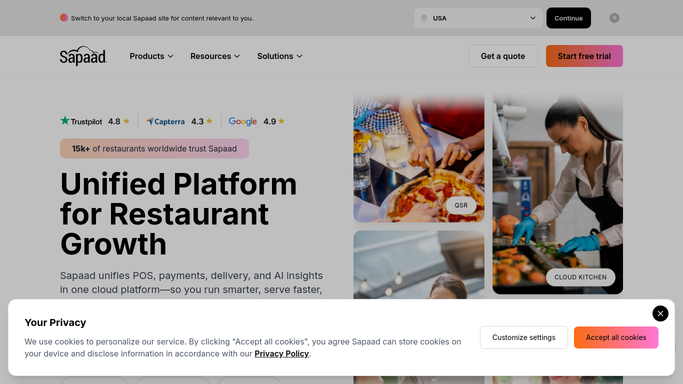
Automated Sapaad Slow Moving Item Alerts
Every Monday, WebRun reviews Sapaad item sales, finds menu items with sales trending down over the past four weeks, and posts the list to Slack so you can fix pricing, placement, or promotion before they become dead weight.
SapaadSlack
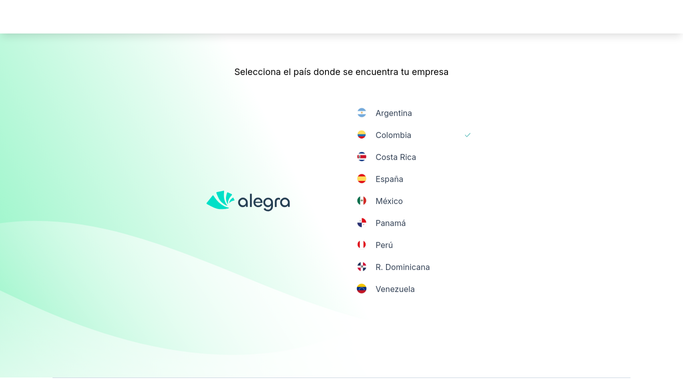
Automated Alegra WhatsApp Payment Reminders
Every Monday, WebRun opens Alegra, finds invoices past their due date, drafts a friendly WhatsApp nudge for each customer, and posts your team a Slack list of who still owes and how much.
AlegraWhatsAppSlack
Automated Deskera Purchase Order Approval Alerts
Every hour, WebRun checks Deskera for purchase orders waiting on approval above your threshold, pings the right approver in Slack, and drafts the vendor confirmation email in Gmail until they say go.
DeskeraSlackGmail
Automated Yoco Terminal Offline Alerts
WebRun checks the connection status of every Yoco terminal, and the moment one goes offline during trading hours, posts an alert to your ops Slack channel and messages the branch manager on Telegram.
YocoSlackTelegram
Automated BCC Software Postage Savings Reports
Every Monday, WebRun pulls each job's presort results from BCC Software, calculates the postage saved versus the single-piece rate, reconciles the actual postage spend in QuickBooks, logs the breakdown to Google Sheets, and posts your account managers a Slack-ready summary to share with clients.
BCC SoftwareQuickBooksGoogle Sheets
Automated Credit Repair Cloud Score Reports
On the first of every month, WebRun pulls each active client's starting and current credit score per bureau from Credit Repair Cloud, compiles a score change report in Google Sheets, and posts your team a Slack summary of the average improvement and the biggest wins.
Credit Repair CloudGoogle SheetsSlack
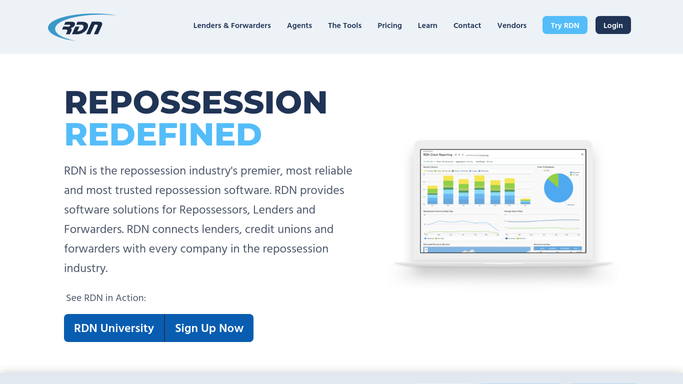
Automated RDN Redemption Request Routing
When a redemption inquiry comes in, WebRun pulls the payoff, lienholder, and storage fee details from RDN and routes it to your office manager to call back.
RDN (Recovery Database Network)Google SheetsSlack
Automated PermitFlow Permit Status Alerts
WebRun checks PermitFlow every hour for permit status changes such as approved, on hold, or rejected, and posts an instant Slack alert naming the project, the jurisdiction, and what changed.
PermitFlowSlack
Automated PrismHR Payroll Approval Reminders
Before every payroll deadline, WebRun opens PrismHR, finds which clients still have not approved their payroll run, drafts a reminder email to each payroll contact, leaves it unsent for you to review, and posts your payroll team a Slack list of who is still outstanding.
PrismHRGmailSlack
Automated TazWorks Pending Order Digest
Every morning, WebRun opens TazWorks, pulls every order still in progress, and posts your team a Slack digest grouped by status so nothing pending falls through the cracks.
TazWorksGoogle SheetsSlack
Automated ATM Placement Onboarding Checklists
When a new placement agreement is signed, WebRun checks DocuSign for the completed terms, creates the terminal profile and route assignment in Switch Commerce, drafts a welcome email with the install date for your review, and posts the onboarding checklist to Slack.
DocuSignSwitch CommerceGmail
Automated accesso Ride Downtime Alerts
WebRun watches accesso's live attraction status, and the moment a ride is marked down, it pings the on duty maintenance lead on Telegram and logs the incident to your ops channel in Slack, so guest impact gets managed within minutes.
accessoTelegramSlack
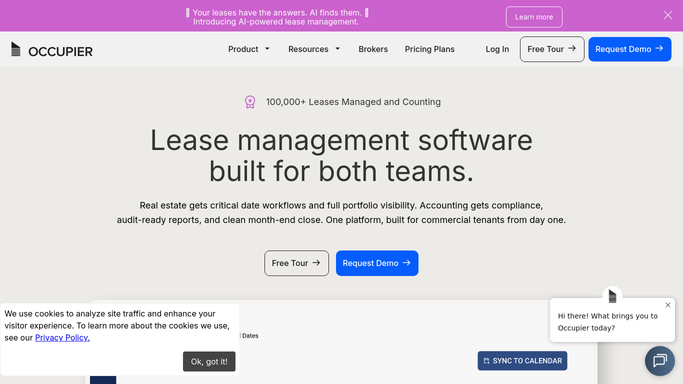
Automated Occupier Renewal Option Alerts
Every Monday, WebRun scans Occupier for leases with a renewal, expansion, or termination option whose exercise window is closing, drafts an internal decision brief in Gmail, and posts the team a ranked Slack list.
OccupierGmailSlack
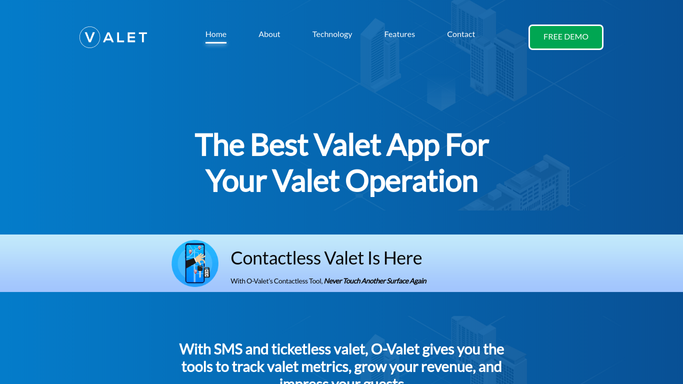
Automated O-Valet Guest Follow Up Texts
The moment a ticketless SMS retrieval completes in O-Valet, WebRun drafts a short thank-you follow-up text for the guest and posts it to Slack for your team to review. It never texts a guest without a human approving it first.
O-ValetTwilioSlack
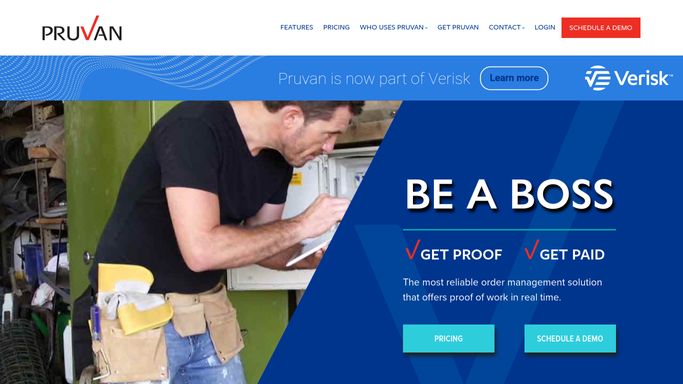
Automated Pruvan Work Order Assignment Alerts
WebRun checks Pruvan every 15 minutes for newly assigned work orders, then posts the property address, order type, due date, and assigned contractor to Slack so nothing sits unseen.
PruvanSlack
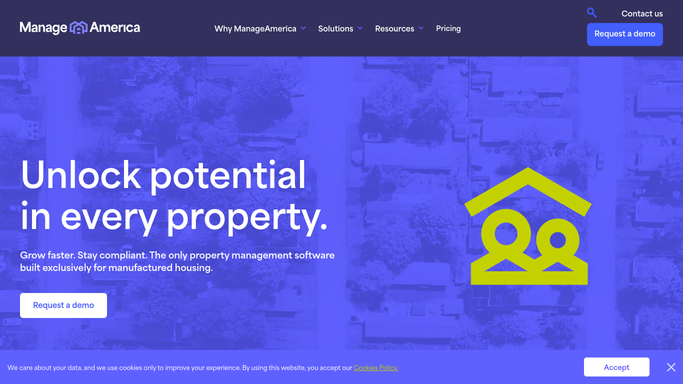
Automated ManageAmerica Submeter Exception Alerts
WebRun checks each new batch of submeter readings uploaded to ManageAmerica against the resident's usage history, flags anything that looks like a meter error, and logs the exceptions to a sheet before bills go out.
ManageAmericaGoogle SheetsSlack
UpKeep Automated Preventive Maintenance Reminders
Every Monday, WebRun scans UpKeep for preventive maintenance tasks due in the next 7 days and posts each technician a Slack checklist so scheduled maintenance never gets missed.
UpKeepSlack
Automatic Flash Parking Overstay Vehicle Alerts
WebRun watches parked vehicles against their paid or permitted window in Flash Parking, and the moment one overstays, it alerts your team in Slack and texts the roving attendant.
Flash ParkingSlackTwilio
Point of Rental Automated Quote Followups
Every morning, WebRun finds quotes sitting open for 3 days or more in Point of Rental, drafts a follow up email for each prospect, and posts your rental rep a Slack list to review and send before the job goes to a competitor.
Point of RentalGmailSlack
Automated Technician Efficiency Digest
WebRun compares clocked hours to billed hours for every technician in ASPEN Service, calculates each tech's weekly efficiency rate, logs the trend in Google Sheets, and posts a ranked digest to Slack for your service manager.
ASPEN (Charter Software)Google SheetsSlack
Automated DockMaster Slip Renewal Invoices
Every Monday, WebRun finds slip and dry-stack rentals coming up for renewal in DockMaster, drafts the renewal invoice in QuickBooks, and gives your billing team a Slack list to review before anything sends.
DockMasterQuickBooksSlack
Automated Real Estate Radon Deadline Alerts
Every morning, WebRun checks RadonEasy for real estate radon tests tied to a closing deadline, flags anything urgent to your scheduler in Slack, and drafts a status update email to the agent for review.
RadonEasySlackGmail
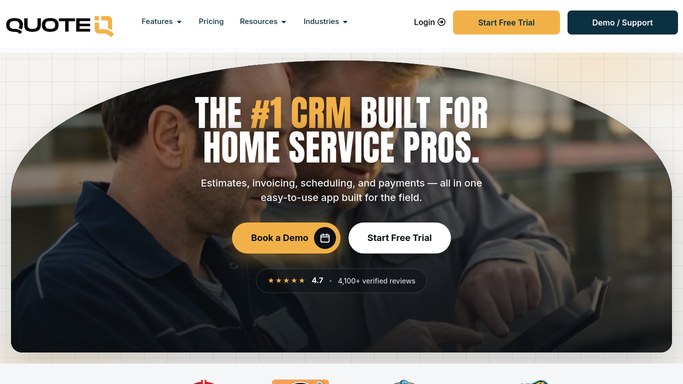
Automated QuoteIQ Rooftop Fan Repair Quotes
When a technician notes a rooftop exhaust fan issue on a cleaning job in QuoteIQ, WebRun drafts a repair quote email with the photo evidence attached and pings sales in Slack, so the upsell gets followed up while the crew is still fresh from the roof.
QuoteIQGmailSlack
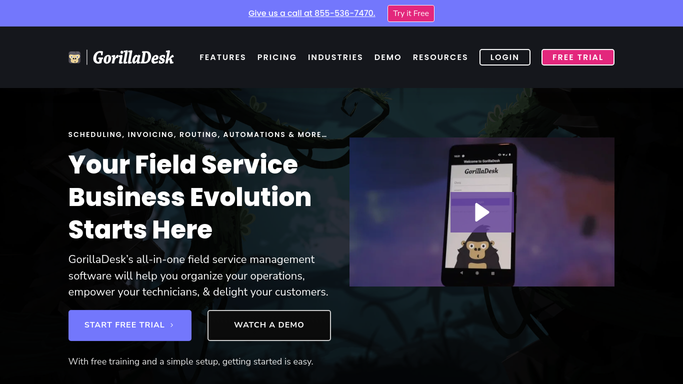
Automated GorillaDesk Species-Specific Quotes
The moment a new inquiry names the species involved, WebRun drafts a tailored quote email with the right pricing and process in Gmail, and pings your sales team in Slack so they can review and send it fast.
GorillaDeskGmailSlack

Want one of these running on your own Slack?

Show WebRun the process once and it will run it on schedule, in your own private browser environment.