How to Automate Slack

Slack automates in two layers. Workflow Builder, reminders and vendor Slack apps cover anything that starts inside Slack or gets pushed to it. Getting an answer out of a tool that never built a Slack app is the layer people still do by hand, one browser tab at a time.

Slack is where the company keeps its attention

Slack is a messaging app that turned into something else along the way: the place a company keeps its attention. Decisions get made in a thread before they are written down anywhere official. The person who needs to know something asks in a channel rather than opening the system that holds the answer. New staff learn how the business actually works by scrolling.

Most companies run a few dozen channels and about four that matter. The one where orders come in. The one where things break. The one where the numbers get posted every morning. Those few are checked constantly, by people who are supposed to be doing something else.

That is both the value and the cost. Everything important passes through Slack, which is what makes it worth automating. Everything unimportant passes through too, which is why half the workspace has notifications off.

Someone is quietly paid to watch the dashboards

In most teams one person has become the human integration layer, without anyone deciding they should be.

They open the payment dashboard each morning and post yesterday's total. They check whether the overnight job finished and tell the channel either way. They copy the day's bookings across because the booking system has no Slack app. When somebody asks whether an order shipped, they open another tab and look.

None of that is in their job description. It is what happens when the tool everyone watches knows nothing about the tools that hold the facts. The channel is full of people and short of data.

The slack.com homepage, the app these three jobs run in. Slack
Morning numbers Yesterday's takings, failures and bookings read from the systems that hold them and posted before the team logs on.
The usual questions, answered Whether it shipped, whether it cleared, whether the status changed, checked and posted without anyone opening a tab.
Exceptions only The three lines that fell below reorder, not the two hundred that did not. Quiet channels are the ones people still read.

Workflow Builder only reacts to what happens inside Slack

Slack automates a fair amount on its own, and for what it covers it is good.

Workflow Builder runs a sequence when someone joins a channel, reacts with an emoji, submits a form or clicks a button. Reminders repeat on a schedule. Scheduled send posts a message you already wrote at a time you pick. Hundreds of products publish a Slack app that pushes their own events into a channel.

Every one of those is triggered by something that happened in Slack, or pushed in by a vendor who decided to build the integration. That is the ceiling. A workflow cannot go and look at anything. It posts what it is handed.

So the gap is every tool that never built a Slack app: the supplier portal, the council website, the twenty-year-old booking system, the bank. Those hold the answers people ask for in channels all day, and Slack has no way to reach them.

The channel can report before anyone asks

Change what is able to reach the channel and the whole thing inverts. Instead of people asking the channel questions, the channel starts answering them first.

Yesterday's takings, posted at seven, read from the till system that only ever shows them on a dashboard. The overnight payment failures, listed by customer, out of a portal with no export. The three stock lines that dropped below reorder, checked across every supplier you buy from. The bookings that came in during the night from a system that never built an integration.

The same goes for the questions people ask over and over. Whether a shipment moved. Whether a permit changed status. Whether a listing is still on the first page. Whether a competitor put their price up again. Each of those is somebody opening a tab, looking, and typing what they saw.

One thing worth building in from the start: a channel that posts everything gets muted inside a week, and a muted channel is worse than no channel. The version that survives posts what changed and stays quiet otherwise. Report the exception, not the heartbeat.

Nobody has to be watching at six in the morning

The till system will not post its own number into a channel, and the number is wanted before the doors open. Reading it off a screen at that hour is work, but it is not the kind that justifies a phone by the bed.

WebRun is an AI agent that works a real Chrome browser, signed in as you. It opens the portal or the dashboard, reads what is on the screen, and posts the result into the channel you choose. Because it works the browser rather than an API, it reaches the tools that never built a Slack app, which is most of them.

It runs on your schedule in your own private environment, and you can watch a run and stop it. Anything that would reach a customer drafts and waits for you.

The workflows below are already built, and each one names the apps it touches.

Questions people ask

Will it post to a channel without me approving it?

Posting to your own internal channel runs on its own, because a message you did not want is a message you delete. Anything customer-facing, like an email or a public reply, is drafted and waits for a person.

Do we need a paid Slack plan or admin rights?

No. It posts through the browser using the access you already have, so there is no app to get approved into the workspace and no admin ticket to wait on.

How do we stop it turning into noise?

Post exceptions rather than everything. Each workflow decides what is worth saying: the lines below reorder, the payments that failed, the job that did not finish. A channel that only speaks when something changed keeps getting read.

5,789 ready-made Slack workflows

Each one names the apps it touches and the exact steps it takes. Open one to read what it will do, then turn it on.


Automated DockMaster Winterization Outreach
Every Monday through fall, WebRun finds boats in DockMaster still needing winterization service, drafts a scheduling email for each owner, and gives your service team a Slack list to review before anything sends.
DockMasterGmailSlack
Automated Wet Basement Lead Replies
The moment a wet basement lead comes in, WebRun logs it as a new ArcSite project, drafts a text reply offering a free inspection, and pings your estimator in Slack so someone calls back within minutes.
ArcSiteTwilioSlack
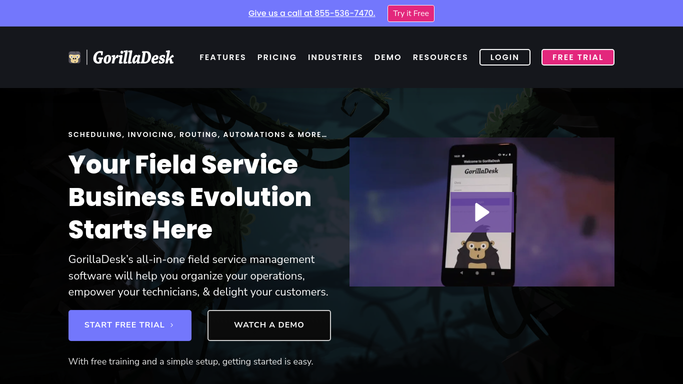
Automated GorillaDesk Unpaid Invoice Chaser
Every Monday, WebRun finds every invoice past due in QuickBooks, drafts a polite payment reminder for each customer, and posts your office a Slack chase list so nothing slips through.
GorillaDeskQuickBooksSlack
Automated Workiz Unsold Estimate Follow Ups
WebRun finds Workiz estimates that were sent but never accepted, drafts a personalized follow up email for each prospect, and posts your sales team a ranked list of who to call first.
WorkizGmailSlack
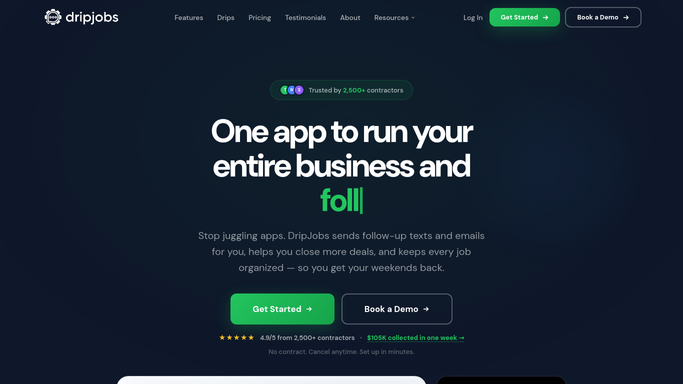
Automated DripJobs Aging Estimate Nudges
WebRun finds gutter estimates that have sat unaccepted for 14 days or more, logs them with days outstanding in Google Sheets, and posts your sales team a prioritized Slack nudge sorted by value so nothing quietly expires.
DripJobsGoogle SheetsSlack
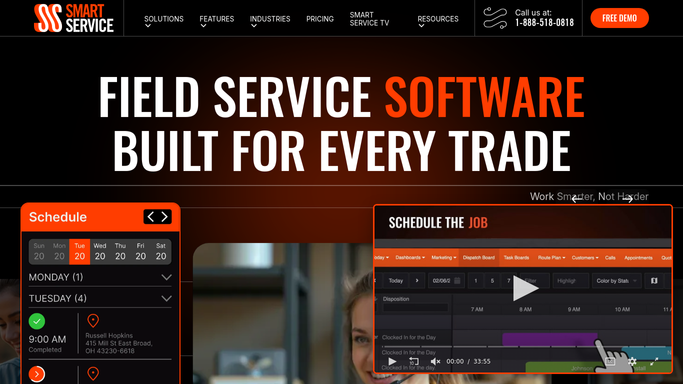
Automated Smart Service Renewal Notices
WebRun checks Smart Service for service agreements expiring in the next 30 days, drafts a renewal invoice in QuickBooks, drafts a renewal reminder text in Twilio, and posts your office a Slack worklist to review before anything goes to the customer.
Smart ServiceQuickBooksTwilio
Automated Undelivered Medication Follow-Ups
WebRun finds meds to beds orders in adherent360 that are still undelivered well past their expected window, texts the courier or dispatch team to close the gap, and posts your ops channel a running chase list.
adherent360TwilioSlack
Automated Unacknowledged Alarm Escalation
WebRun watches Norav Medical for alarms sitting unacknowledged past your threshold, pages the next person in the on-call chain through PagerDuty, and never lets one go quiet.
Norav MedicalPagerDutySlack
Automated Digisonics Unsigned Report Reminders
WebRun checks Digisonics each morning for finalized cath reports still unsigned, drafts a reminder email to each physician in Outlook, and posts the cath lab manager a Slack summary of who is still outstanding.
DigisonicsOutlookSlack
Automated Workers Comp Injury Filing Alerts
The moment a work related injury is logged in Enterprise Health, WebRun prepares the First Report of Injury form in DocuSign for the claims adjuster's review and posts the safety team a Slack alert with the filing deadline.
Enterprise HealthDocuSignSlack
Automated Craneware Underpayment Recovery Worklist
Every Monday, WebRun checks Craneware for claims paid below the contracted rate, ranks them into a recovery worklist in Google Sheets with a drafted dispute note for each, and posts your recovery team a Slack summary of what to chase first.
CranewareGoogle SheetsSlack
Automated Verity TPA Remittance Reconciliation
When a payment lands, WebRun opens Verity Solutions, checks the TPA remittance against the expected replenishment cost for each claim, logs any mismatch in Smartsheet, and posts a Slack alert with a drafted dispute note for your team to review.
Verity SolutionsSmartsheetSlack
Automated RLDatix Serious Event Escalation
WebRun watches RLDatix for events tagged serious or high harm, texts your on-call safety leader through Twilio right away, and posts the full details to the safety leadership Slack channel.
RLDatixTwilioSlack
Automated Waystar Write Off Approval Nudges
WebRun finds denials your team has recommended for write off in Waystar, emails the approving manager an Outlook request with the reason and amount, and nudges Slack if it sits unapproved for 3 days so uncollectible balances get resolved, not forgotten.
WaystarOutlookSlack
Automated Experian Health Self-Pay Conversion Alerts
Every morning, WebRun screens self-pay patients in Experian Health against your financial assistance criteria, alerts your counselors in Slack ranked by balance, and prepares a payment plan or assistance application in DocuSign for review before it reaches the patient.
Experian HealthSlackDocuSign
Automated Dolbey Uncoded Chart Backlog Digest
Every night, WebRun opens Dolbey, counts uncoded charts by service line and age, logs the totals in Google Sheets, and posts the coding manager a Slack digest of where the backlog is growing.
DolbeyGoogle SheetsSlack
Automated XSOLIS Status Change Recommendations
WebRun reviews XSOLIS's status change recommendations every hour, drafts a physician facing note explaining the clinical reason for each suggested change, and posts a Slack alert to the UM lead listing every recommendation still waiting on a physician decision.
XSOLISOutlookSlack
Automated iQueue Underused Block Alerts
Every Monday, WebRun reviews the trailing four weeks of block utilization in LeanTaaS iQueue, flags any block stuck below your target for multiple weeks running, logs it to a tracking sheet, and posts the OR director a short list of blocks that need a conversation.
LeanTaaS iQueueGoogle SheetsSlack
Automated QGenda Block Utilization Report
WebRun calculates every surgeon and service's OR block utilization from QGenda each week, logs the breakdown to a Google Sheet, emails a summary to leadership in Outlook, and posts the headline numbers to Slack.
QGendaGoogle SheetsOutlook
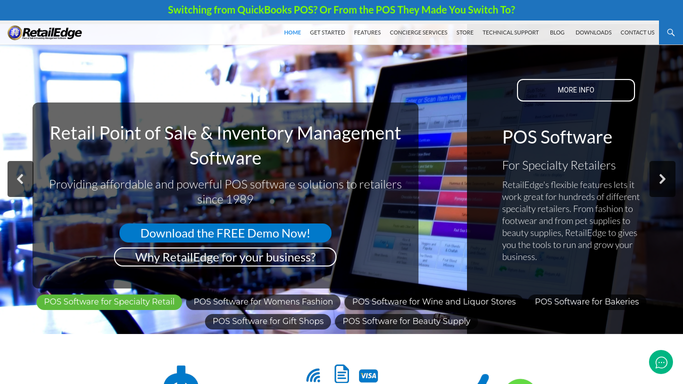
Automated RetailEdge Popup Sales Recap
Every Monday, WebRun checks Google Calendar for which pop up markets ran this week, splits RetailEdge sales between those events and your main store, and posts the comparison to Slack.
RetailEdgeGoogle CalendarSlack
Automated Online vs In-Store Sales Recap
Every Monday, WebRun opens Rain POS, splits last week's sales between the counter and the website, and posts you a clear Slack recap of which channel is pulling ahead.
Rain POSGoogle SheetsSlack
Automated Copyt Marketplace Fee Reconciliation
Every Monday, WebRun matches each sale's marketplace fee in Copyt against the payout in Stripe, reconciles it in QuickBooks, and flags mismatches in Slack.
CopytStripeQuickBooks
Automated GiftLogic Vendor Backorder Alerts
Every Monday, WebRun checks GiftLogic for vendor purchase orders running late, drafts a status check email for each vendor, and posts the delayed list to Slack.
GiftLogicGmailSlack
Automated Bsale SII Submission Reconciliation
Every night, WebRun compares the boletas and facturas Bsale sent to SII against what is booked in Xero, flags any document that is accepted but unbooked or rejected and unresolved, and posts the gaps to Slack for your accountant.
BsaleXeroSlack

Want one of these running on your own Slack?

Show WebRun the process once and it will run it on schedule, in your own private browser environment.