Automated Supabase Security Warning Reviews
Every Monday, WebRun signs in to Supabase, opens each project in your organisation, and reads the security warnings the dashboard raises, including tables exposed without row level security and policies that leave data readable. It records every warning in Airtable with the project and table, and writes a dated review page in Notion with the highest risk findings first.
How do I review Supabase security warnings across all my projects?
WebRun opens every Supabase project each Monday and collects the security warnings the dashboard raises, including tables exposed without row level security. It logs each finding in Airtable with its project and table, then writes a dated review page in Notion showing what is new, ageing, and fixed.
- Tables left without row level security are named within a week
- Warnings open for more than two weeks are escalated by name
- The security review is written every Monday without anyone opening a dashboard
Built for backend engineers · platform teams · startup CTOs · security engineers
What does WebRun do on every run?
The exact actions WebRun takes, in order - in plain language, so you can adjust anything.
-
WebRun signs in and gets to work
Opens
app.supabase.comin a real browser with your saved login - no setup, no API keys. -
1
Supabase - collect each project's security warnings
supabase.com
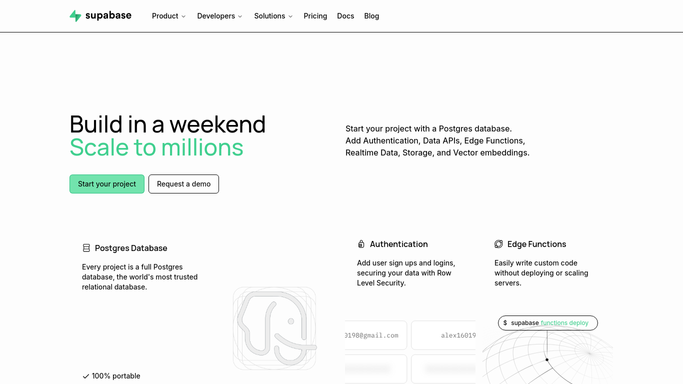
WebRun opens Supabase to collect each project's security warnings. - Sign in to Supabase and open each project in your organisation
- Open the advisor warnings for the project and read the security findings
- Capture tables exposed without row level security, along with any other warning raised
- Record the project, the table or object, the warning, and its severity. Never change a policy or run SQL
Done when Every project has been checked and its security warnings captured.
-
2
Airtable - log every warning by project and table
airtable.com

WebRun opens Airtable to log every warning by project and table. - Open the platform review base in Airtable and add this week's rows
- Record project, table or object, warning, severity, and the date first seen
- Mark warnings that have persisted for more than two weeks as ageing
- Close rows for warnings that no longer appear
Done when Every current warning has an up to date row in Airtable.
-
3
Notion - write the weekly security review
notion.so

WebRun opens Notion to write the weekly security review. - Add this week's section to the engineering security page in Notion
- Lead with the highest severity findings and the projects they belong to
- Show how many warnings were fixed and how many are new since last week
- Name anything that has been open for more than two weeks so it gets an owner
Done when The Notion security page carries this week's review with new and fixed counts.
How is each run configured?
Secure by default
Connect once, stays signed in
WebRun signs in once and keeps each session in a persistent environment, so every run picks up right where it left off.
Every action is checked against this policy before it runs.
Questions, answered
Will it change my database or enable policies itself?
No. WebRun reads the dashboard warnings and reports them. It never runs SQL, enables row level security, edits a policy, rotates a key, or pauses a project. Every fix is made by an engineer.
Does it read any of my data?
No. It reads project level warnings and object names such as tables and schemas. It never opens table contents, runs a query, or exports rows.
Can it cover several projects at once?
Yes. It walks every project in the organisation you point it at and keeps the findings separate by project, so a shared warning across projects is easy to spot in the Notion review.
Related templates
Put this on autopilot.
Turn it on in minutes - or have our team set it up for you.