Automated Google Cloud IAM Access Audit
Every Monday, WebRun opens the Google Cloud console, reads the IAM policy on each project, lists every principal and service account holding a broad role, compares it with last week, opens a Trello card for each thing worth revoking, and sends you the summary on WhatsApp.
How do I audit who has access to my Google Cloud projects each week?
Every Monday WebRun opens the Google Cloud console, reads the IAM policy on each project, and lists every person and service account holding a broad role. It compares the result with last week, opens a Trello card for each change worth revoking, and sends the summary to WhatsApp.
- Access creep is caught weekly instead of at audit time
- Every ageing service account key gets a card before it is a finding
- New owner and editor grants are visible the Monday after they happen
Built for platform teams · cloud engineers · DevOps · security and compliance leads
What does WebRun do on every run?
The exact actions WebRun takes, in order - in plain language, so you can adjust anything.
-
WebRun signs in and gets to work
Opens
console.cloud.google.comin a real browser with your saved login - no setup, no API keys. -
1
Google Cloud - read the IAM policy
cloud.google.com
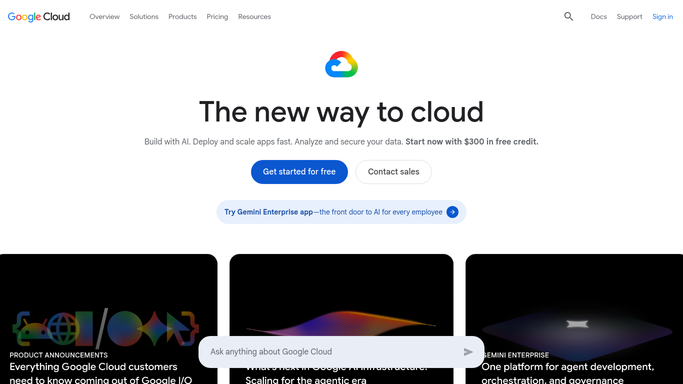
WebRun opens Google Cloud to read the IAM policy. - Open the Google Cloud console and go to IAM and admin for each project on your list
- Record every principal, the roles they hold, and whether the role is a broad or primitive one
- List the service accounts, who can impersonate them, and the age of each service account key
- Read only. Never change or remove a binding, and never create a key
Done when Every project has its full list of principals, roles, service accounts and key ages captured.
-
2
Trello - file each revocation
trello.com

WebRun opens Trello to file each revocation. - Compare this week's list with the one from last week and isolate what changed
- Open a card on your access review board for each new broad role, each dormant principal and each key past your age limit
- Put the project, the principal, the role and the reason on the card so it can be actioned without opening the console
- Move any card that was resolved during the week to Done
Done when Every access change worth reviewing has a card with the project, principal and reason on it.
-
3
WhatsApp - send you the diff
whatsapp.com

WebRun opens WhatsApp to send you the diff. - Send the platform group a short summary of the week
- Lead with anything newly granted at owner or editor level, then the ageing service account keys
- Include the count of principals per project and a link to the board
Done when The platform group has this week's access diff with the new grants at the top.
How is each run configured?
Secure by default
Connect once, stays signed in
WebRun signs in once and keeps each session in a persistent environment, so every run picks up right where it left off.
Every action is checked against this policy before it runs.
Questions, answered
Will it remove anyone's access on its own?
No. WebRun reads the IAM policy and never edits a binding, deletes a key or removes a principal. Everything it thinks should go becomes a Trello card for a human to action.
How does it know what changed?
It keeps last week's list of principals, roles and key ages, then diffs this week against it, so you see the new grants rather than re-reading the whole policy.
Can it cover more than one project?
Yes. Give WebRun the list of projects during setup and each run walks all of them, reporting per project so the cards and the WhatsApp summary stay grouped.
Related templates
Put this on autopilot.
Turn it on in minutes - or have our team set it up for you.