Reconcile every milk check against your own production numbers
When your co-op's milk check payment lands, WebRun compares the pounds shipped and component values on the statement against production totals in DairyComp 305 for that pay period, stages the deposit in QuickBooks, and posts a Slack alert flagging any discrepancy for your bookkeeper to confirm before it's reconciled.
- No credit card
- Under $0.01 per run
- Cancel anytime
What does WebRun do on every run?
The exact actions WebRun takes, in order - in plain language, so you can adjust anything.
-
WebRun signs in and gets to work
Opens
www.vas.com/dairycomp-305in a real browser with your saved login - no setup, no API keys. -
1
DairyComp 305 - total production for the pay period
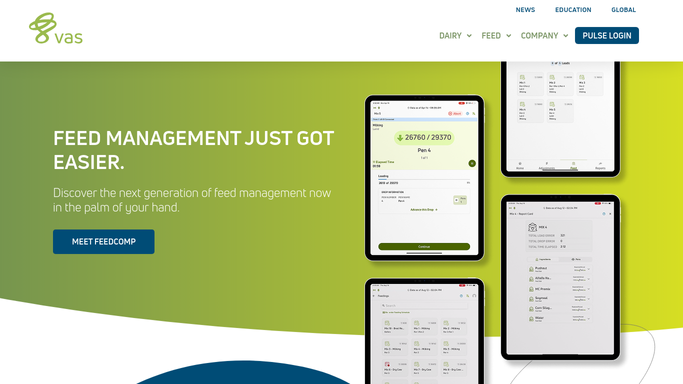
vas.com How to Automate DairyComp 305

WebRun opens DairyComp 305 to total production for the pay period. - Open DairyComp 305 and total pounds of milk shipped and average components for the pay period covered by the check
- Compare it against the pounds and components stated on the co-op's milk check statement
- Note the dollar difference if the two totals don't match
Done when The pay period's DairyComp 305 totals are compared against the co-op statement, with any gap noted.
-
2
QuickBooks - stage the deposit
- Open QuickBooks and stage the deposit for the amount on the milk check
- Categorize it to milk sales income for the correct pay period
- Leave it unreconciled if the DairyComp 305 totals didn't match the statement
Done when The deposit is staged in QuickBooks, reconciled only when the totals match.
-
3
Slack - flag any discrepancy for review
slack.com How to Automate Slack
WebRun opens Slack to flag any discrepancy for review. - Post a Slack alert to the farm office channel with the pay period totals from both sources
- Flag any discrepancy in pounds, components, or dollar amount
- Leave the entry for your bookkeeper to confirm and reconcile
Done when Your bookkeeper has a Slack alert with both totals and any discrepancy flagged.

How do I check that my milk check matches my own production records?
When your co-op's milk check payment lands, WebRun compares the pounds shipped and component values on the statement against DairyComp 305 production totals for that pay period, and stages the deposit in QuickBooks. It reconciles automatically when the numbers match, or flags any discrepancy in Slack for your bookkeeper to confirm before anything is finalized.
- Every milk check is checked against your own numbers instead of taken on faith
- A matching deposit reconciles itself in QuickBooks with no manual entry
- Discrepancies are flagged the day the payment lands, not discovered months later
Built for dairy farm owners · farm bookkeepers · dairy farm office managers · farm accountants
How is each run configured?
Secure by default
Connect once, stays signed in
WebRun signs in once and keeps each session in a persistent environment, so every run picks up right where it left off.
Every action is checked against this policy before it runs.
Questions, answered
Will WebRun reconcile the deposit in QuickBooks on its own?
Only when the DairyComp 305 production totals match the co-op statement exactly. If there's any discrepancy, it stages the deposit but leaves it unreconciled and flags the gap in Slack for your bookkeeper to confirm.
What counts as a discrepancy?
Any gap between the pounds shipped or component values in DairyComp 305 and what the co-op statement paid for, down to whatever tolerance you set, typically a few dollars to account for normal test variance.
Does it dispute the payment with the co-op?
No. WebRun only flags the gap internally for your bookkeeper. Any call to the co-op about a shortfall is a decision your team makes, not something WebRun sends on its own.
Related templates
Put this on autopilot.
Turn it on in minutes - or have our team set it up for you.