Automated CoreWeave Console Access Reviews
Every Monday, WebRun opens CoreWeave, lists every organization member with their access policy, checks which API credentials are still live and who owns them, opens a Trello card for each access that should be removed, and sends you the summary in WhatsApp.
How do I review who still has access to our cloud account?
WebRun reviews cloud access every Monday. It opens CoreWeave, lists organization members with their access policies and last sign-in, checks which API credentials are still live and unclaimed, opens a Trello card per removal, and sends the platform lead a WhatsApp summary.
- Leavers holding console access surface within a week
- Unclaimed credentials get a card instead of living on
- Policies wider than the role are named with a reason
Built for platform teams · DevOps engineers · security leads · ML infrastructure teams
What does WebRun do on every run?
The exact actions WebRun takes, in order - in plain language, so you can adjust anything.
-
WebRun signs in and gets to work
Opens
cloud.coreweave.comin a real browser with your saved login - no setup, no API keys. -
1
CoreWeave - audit members and credentials
coreweave.com
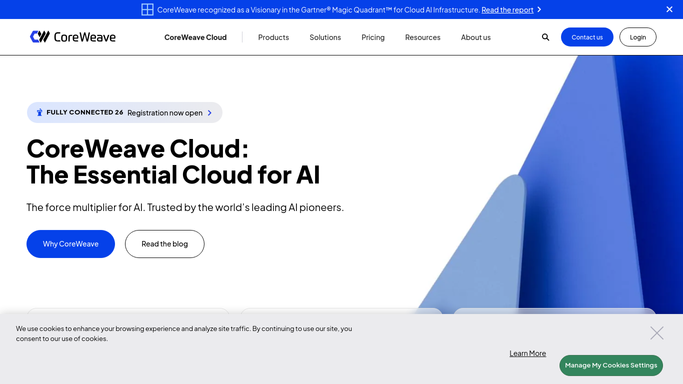
WebRun opens CoreWeave to audit members and credentials. - Open CoreWeave and list every organization member with their role and access policy
- Record which clusters and resources each policy grants, and when the member last signed in
- List live API access credentials and match each to the person or service that uses it
- Flag members who have not signed in for weeks, policies wider than the role needs, and credentials nobody claims
Done when Every member and credential has an owner, a last used date, and a keep or remove flag.
-
2
Trello - open a card per removal
trello.com

WebRun opens Trello to open a card per removal. - Open a Trello card for each member or credential flagged for removal
- Put the reason on the card: no sign-in, unclaimed credential, or a policy wider than the role
- Rank the board so anything touching production clusters sits at the top
- Leave the change to a person. WebRun never removes a member, edits a policy, or revokes a credential
Done when Every flagged access has a Trello card with its reason.
-
3
WhatsApp - send the access summary
whatsapp.com

WebRun opens WhatsApp to send the access summary. - Send the platform lead a short WhatsApp summary: members reviewed, credentials live, and access to remove
- Lead with anything holding production access without a recent sign-in
- Compare with last week so a shrinking or growing surface is obvious
Done when The platform lead has this week's access summary in WhatsApp.
How is each run configured?
Secure by default
Connect once, stays signed in
WebRun signs in once and keeps each session in a persistent environment, so every run picks up right where it left off.
Every action is checked against this policy before it runs.
Questions, answered
Will it remove a user or revoke a credential?
No. WebRun opens a Trello card explaining why access looks stale. Removing a member, narrowing a policy, or revoking a credential is always done by a person, so nothing in production breaks.
Are credential values ever recorded?
No. WebRun notes the credential name, its owner, and when it was last used. The secret value is never copied into Trello or into the WhatsApp summary.
How does it spot a leaver who kept access?
It reads each member's last sign-in date and flags anyone quiet for weeks who still holds an access policy, especially where that policy reaches production clusters.
Related templates
Put this on autopilot.
Turn it on in minutes - or have our team set it up for you.