Automated Tipalti Payment Reconciliation
Every morning after a payment run, WebRun opens Tipalti, compares the payments submitted against the ones that actually cleared, isolates anything failed, returned, or still pending, sends finance the exception list on Telegram, and posts a clean run summary with totals and counts to your finance channel in Microsoft Teams.
How do I reconcile a supplier payment run automatically?
WebRun reconciles each Tipalti payment run the next morning, comparing submitted totals against cleared totals and isolating every failed, returned, or pending supplier payment with its reason. It sends finance the exceptions on Telegram and posts the reconciled run summary to Microsoft Teams, so nothing sits unnoticed.
- Failed supplier payments surface the next morning, not at month end
- Submitted and cleared totals are reconciled by currency on every run
- Finance sees the largest blocked payments first
Built for finance teams · accounts payable · marketplace operators · controllers
What does WebRun do on every run?
The exact actions WebRun takes, in order - in plain language, so you can adjust anything.
-
WebRun signs in and gets to work
Opens
login.tipalti.comin a real browser with your saved login - no setup, no API keys. -
1
Tipalti - reconcile the payment run
tipalti.com
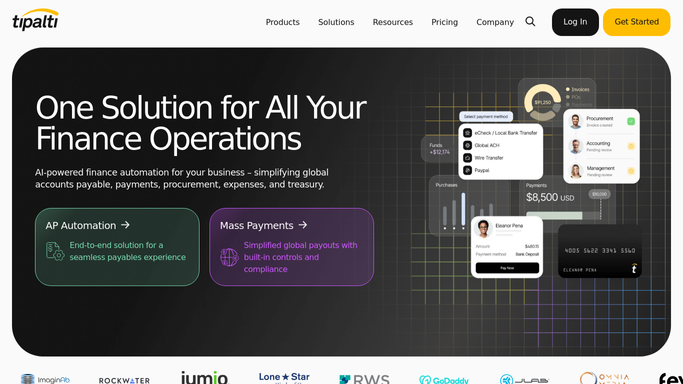
WebRun opens Tipalti to reconcile the payment run. - Open Tipalti and go to the most recent payment run
- Capture the total submitted, the total cleared, and the payment count for each
- List every payment marked failed, returned, or still pending with the supplier and amount
- Note the stated reason on each failed payment, such as invalid bank details or a missing tax form
Done when Submitted and cleared totals are reconciled and every exception is listed.
-
2
Telegram - send finance the exceptions
telegram.org

WebRun opens Telegram to send finance the exceptions. - Send the finance group the exception list on Telegram
- Show the supplier, amount, and failure reason on one line each
- Put the largest amounts first, since those hold up the most work
- Say clearly when the run cleared with no exceptions
Done when Finance has today's payment exception list on Telegram.
-
3
Microsoft Teams - post the run summary
microsoft.com

WebRun opens Microsoft Teams to post the run summary. - Post the run summary to your finance channel in Microsoft Teams
- Include the submitted total, the cleared total, the difference, and the payment counts
- Break the totals out by currency where the run covered more than one
- Note how many suppliers are waiting on a fix
Done when The finance channel has a reconciled summary of the run.
How is each run configured?
Secure by default
Connect once, stays signed in
WebRun signs in once and keeps each session in a persistent environment, so every run picks up right where it left off.
Every action is checked against this policy before it runs.
Questions, answered
Can it release, retry, or approve a payment?
No. WebRun reads the payment run and reports on it. Approving a run, retrying a failed payment, or releasing funds is always done by a person inside Tipalti.
Will it contact suppliers about failed payments?
No. The exception list goes to your internal Telegram group and Microsoft Teams channel. Emailing a supplier for corrected bank details stays a human action.
What if there was no payment run yesterday?
It says so in one line and stops. You get an explicit no run yesterday message rather than silence, so a skipped run is never mistaken for a broken automation.
Related templates
Put this on autopilot.
Turn it on in minutes - or have our team set it up for you.