Automated Snowflake Role and Access Reviews
Every Monday, WebRun opens Snowflake, lists every user with the roles they hold, follows each role to the databases, schemas, and warehouses it can reach, writes the access table into Airtable, and sends the data lead a WhatsApp summary of what changed.
How do I review who can access which data in Snowflake?
WebRun opens Snowflake every Monday, lists every user with the roles they hold, and follows each role to the databases, schemas, and warehouses it can reach. It writes the access table into Airtable as a dated snapshot and sends the data lead a WhatsApp summary of what changed this week.
- Leavers still holding a role are named every Monday
- Over broad grants are caught before an auditor asks
- A dated access snapshot builds up week after week
Built for data leads · analytics engineers · security teams · compliance officers
What does WebRun do on every run?
The exact actions WebRun takes, in order - in plain language, so you can adjust anything.
-
WebRun signs in and gets to work
Opens
app.snowflake.comin a real browser with your saved login - no setup, no API keys. -
1
Snowflake - read users, roles, and grants
snowflake.com
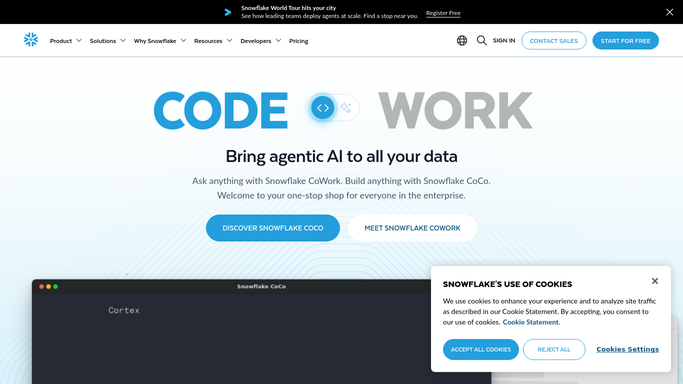
WebRun opens Snowflake to read users, roles, and grants. - Sign in to Snowflake and open the users and roles admin views
- List every user with their status, last login, and the roles granted to them
- Follow each role to the databases, schemas, and warehouses it can reach
- Flag disabled or never used accounts that still hold a role, and roles granted broadly
Done when Every user, the roles they hold, and what those roles reach are all recorded.
-
2
WhatsApp - summarise what changed
whatsapp.com

WebRun opens WhatsApp to summarise what changed. - Send the data lead a WhatsApp summary of this week's access picture
- Lead with roles or users that changed since the last review
- Name any account that has not logged in for months but still holds access
Done when The data lead has this week's access summary in WhatsApp.
-
3
Airtable - log the access table
airtable.com

WebRun opens Airtable to log the access table. - Open the access review base in Airtable and write a row per user and role pair
- Record the databases and schemas that pairing can reach
- Keep each week as a dated snapshot so grants can be compared over time
- Leave revoking a grant to your admins. WebRun never changes a role or a permission
Done when Airtable holds this week's dated access snapshot.
How is each run configured?
Secure by default
Connect once, stays signed in
WebRun signs in once and keeps each session in a persistent environment, so every run picks up right where it left off.
Every action is checked against this policy before it runs.
Questions, answered
Will it revoke access or change a role?
No. WebRun only reads users, roles, and grants and writes the review into Airtable. Revoking a grant, disabling a user, or editing a role stays with your admins.
Does it read the data inside my tables?
No. The run stays on the users, roles, and grants admin views. It records who can reach which database and schema, never the rows or column values inside them.
How does it catch leavers?
It reports accounts that are disabled or have not logged in for months but still hold a role, so a departed employee with live access shows up before an auditor asks.
Related templates
Put this on autopilot.
Turn it on in minutes - or have our team set it up for you.