Automated Petpooja Sales Channel Sync
Every morning, WebRun opens Petpooja, totals yesterday's sales split by online and dine-in with taxes and payment modes, drafts a matching sales journal in Xero, leaves it unposted for your review, and sends a reconciliation note to Slack.
How do I sync online and dine-in restaurant sales to my accounts?
Every morning, WebRun opens Petpooja and totals yesterday's sales, split by online and dine-in with taxes and payment modes. It drafts a matching sales journal in Xero, leaves it unposted for your review, and sends a reconciliation note to Slack, so your books stay accurate without any entry posting on its own.
- Channel-split sales drafted into Xero every morning
- Nothing posts to your books without human approval
- Gaps between POS and settlements flagged before posting
Built for restaurant owners · finance teams · bookkeepers · multi-outlet operators
What does WebRun do on every run?
The exact actions WebRun takes, in order - in plain language, so you can adjust anything.
-
WebRun signs in and gets to work
Opens
web.petpooja.comin a real browser with your saved login - no setup, no API keys. -
1
Petpooja - split online and dine-in
petpooja.com
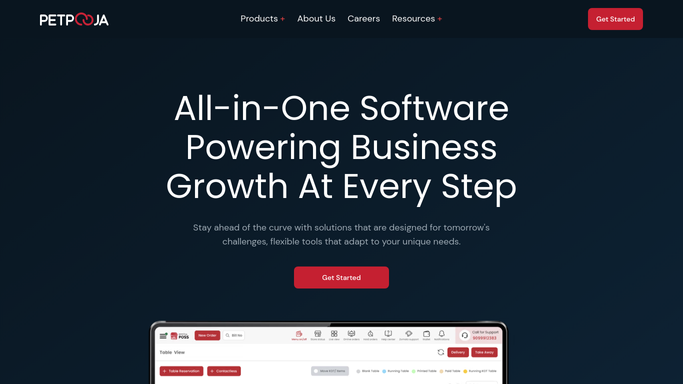
WebRun opens Petpooja to split online and dine-in. - Open Petpooja and total yesterday's net sales, taxes, and discounts
- Split the totals into dine-in and online channels
- Break each channel down by payment mode for the books
Done when Yesterday's sales are totalled and split by channel.
-
2
Xero - draft the sales entry
xero.com

WebRun opens Xero to draft the sales entry. - Draft a sales journal in Xero matching the channel and tax split
- Map each payment mode to the right account
- Leave the entry as a draft for you to review and post. Never post it automatically
Done when A draft sales entry is ready in Xero for your review.
-
3
Slack - post a reconciliation note
slack.com

WebRun opens Slack to post a reconciliation note. - Post a short note with the channel split and the drafted total
- Flag any gap between Petpooja sales and settlements
- Keep it internal for your finance team
Done when Your finance team has the reconciliation note in Slack.
How is each run configured?
Secure by default
Connect once, stays signed in
WebRun signs in once and keeps each session in a persistent environment, so every run picks up right where it left off.
Every action is checked against this policy before it runs.
Questions, answered
Will it post entries to my accounts without me?
No. WebRun leaves the sales entry as a draft in Xero for you to review and post. Nothing hits your books until a human approves it, so your accounts stay under your control.
How does it split online from dine-in?
It reads each bill's order type in Petpooja and groups sales into dine-in and online, then maps each payment mode to the right account so the draft matches how you actually traded.
What if Petpooja and settlements do not match?
It flags the gap in the Slack note rather than forcing the entry to balance, so your team can investigate a shortfall before anything is posted.
Related templates
Put this on autopilot.
Turn it on in minutes - or have our team set it up for you.