Automated Top Party Theme Sales Report
Every Monday, WebRun opens Artisan POS, ranks last week's party themes (superhero, princess, sports, and more) by revenue and units sold, logs the ranking to Google Sheets, posts it to Slack, and drafts a Mailchimp email teaser for the top theme for your team to review.
How do I find out which party themes are selling best?
WebRun turns last week's register data into a ranked theme report. Every Monday it opens Artisan POS, ranks party themes like superhero, princess, and sports by revenue and units, logs the ranking to Google Sheets, posts the top 5 to Slack, and drafts a Mailchimp teaser for the leading theme, ready for marketing to review.
- The team sees which themes are trending every Monday morning
- A campaign draft for the top theme is ready before marketing asks
- Rankings track revenue and units side by side
Built for party supply retailers · costume shop owners · party store marketing teams
What does WebRun do on every run?
The exact actions WebRun takes, in order - in plain language, so you can adjust anything.
-
WebRun signs in and gets to work
Opens
certek.comin a real browser with your saved login - no setup, no API keys. -
1
Artisan POS - rank last week's top-selling themes
certek.com
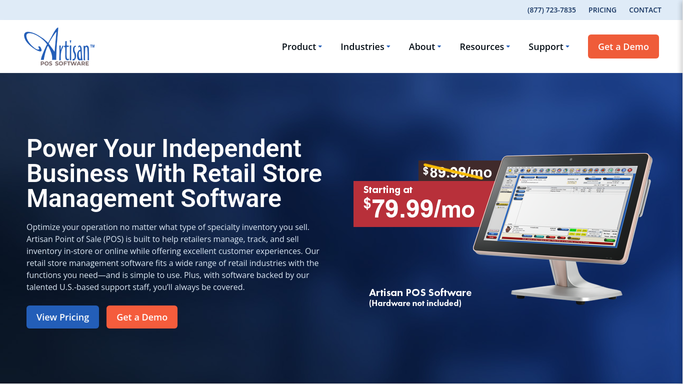
WebRun opens Artisan POS to rank last week's top-selling themes. - Open Artisan POS and pull last week's sales grouped by party theme
- Rank themes by revenue and by units sold
- Note which themes moved up or down versus the prior week
Done when Every theme sold last week is ranked by revenue and units.
-
2
Google Sheets - log the ranked theme report
google.com

WebRun opens Google Sheets to log the ranked theme report. - Open the theme performance tracker
- Log this week's ranking alongside prior weeks
- Highlight any theme that's newly in the top 5
Done when The tracker shows this week's ranking and the trend.
-
3
Slack - post the weekly ranking
slack.com

WebRun opens Slack to post the weekly ranking. - Post the top 5 themes by revenue to the team channel
- Note which theme is trending up fastest
- Link to the full ranking in Google Sheets
Done when The team has this week's theme ranking in Slack.
-
4
Mailchimp - draft a campaign teaser for the top theme
mailchimp.com

WebRun opens Mailchimp to draft a campaign teaser for the top theme. - Draft a short campaign teaser for the top-selling theme
- Save it to Mailchimp as a draft, do not send it
- Leave subject line and send timing for marketing to finalize
Done when A reviewable campaign draft exists for the top theme.
How is each run configured?
Secure by default
Connect once, stays signed in
WebRun signs in once and keeps each session in a persistent environment, so every run picks up right where it left off.
Every action is checked against this policy before it runs.
Questions, answered
Will it send the Mailchimp campaign on its own?
No. The campaign teaser is saved as a draft in Mailchimp for your marketing person to edit and send, WebRun never emails your list without a review.
How far back does the ranking look?
It ranks the prior 7 days of sales in Artisan POS each Monday, so the report always reflects last week specifically, not a rolling average.
Can it rank by units instead of revenue?
Yes. Both are logged to Google Sheets each week, so you can sort by whichever the team wants to lead with.
Related templates
Put this on autopilot.
Turn it on in minutes - or have our team set it up for you.