Automated HackerOne Critical Report Alerts
Every hour, WebRun opens HackerOne, checks for new vulnerability reports, posts a summary of each new report to Telegram, and sends a Twilio text to your security lead when a critical severity report needs same day triage.
How do I get alerted the moment a critical HackerOne report comes in?
WebRun checks HackerOne every hour for new vulnerability reports, posts a summary of each to your security team's Telegram channel, and sends a Twilio text alert the moment a report comes in as critical severity. It only reads and relays reports, so triage and payout decisions stay with your team.
- Critical reports reach the on call lead within the hour
- Every new report is visible in Telegram as it lands
- Report triage and payouts stay a human decision
Built for security teams · AppSec engineers · vulnerability management · SOC analysts
What does WebRun do on every run?
The exact actions WebRun takes, in order - in plain language, so you can adjust anything.
-
WebRun signs in and gets to work
Opens
hackerone.comin a real browser with your saved login - no setup, no API keys. -
1
HackerOne - check for new reports
hackerone.com
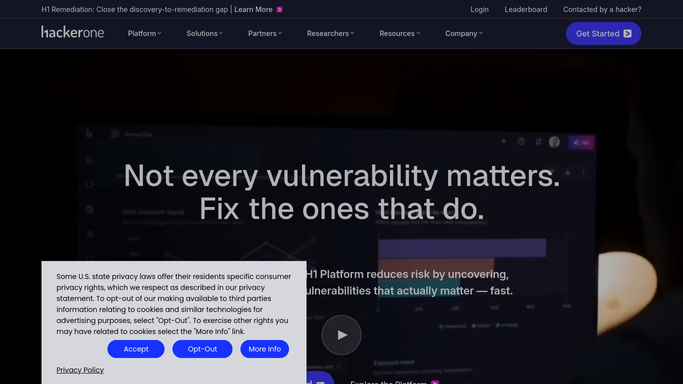
WebRun opens HackerOne to check for new reports. - Open the HackerOne inbox and filter to new and unreviewed reports
- Read each report's title, severity, and affected asset
- Sort by severity so critical and high reports surface first
Done when Every new report since the last run has a read severity and summary.
-
2
Telegram - post the report summary
telegram.org

WebRun opens Telegram to post the report summary. - Post a summary of each new report to the security team's Telegram channel
- Include the severity, title, and a link back to the report
- Leave triage, scoping, and payout decisions to the team
Done when Every new report is posted to Telegram.
-
3
Twilio - text critical reports
twilio.com

WebRun opens Twilio to text critical reports. - For any report marked critical severity, send a text alert via Twilio to the on call security lead
- Keep the text to the report title and severity only
- Skip the text for medium and low severity reports
Done when Every critical report has triggered a text alert.
How is each run configured?
Secure by default
Connect once, stays signed in
WebRun signs in once and keeps each session in a persistent environment, so every run picks up right where it left off.
Every action is checked against this policy before it runs.
Questions, answered
Will WebRun close, resolve, or pay out a report?
No. WebRun only reads and alerts on new reports. Triage, validation, and any bounty payout stay entirely with your security team.
How is a critical report defined?
Whatever severity HackerOne itself assigns the report. WebRun reads that rating directly, it never re-scores or re-triages a report.
Does it message the hacker who submitted the report?
No. WebRun never contacts a reporter. It only relays report summaries internally to your own Telegram and Twilio alerts.
Related templates
Put this on autopilot.
Turn it on in minutes - or have our team set it up for you.