Automated Gym Review Requests
Every Monday, WebRun opens PushPress to find members who had a notable moment last week, such as a PR or a membership milestone, drafts a review request pointing to your Google Business profile, and posts a Slack approval queue so staff send only the most timely, relevant asks.
How do I automatically ask gym members for Google reviews at the right time?
WebRun opens PushPress every Monday, finds members who hit a milestone last week such as a PR or first-month anniversary, drafts a personalized review request with your Google Business link for each, and posts a Slack approval queue. Staff approve each message before it goes out, growing reviews at the right moment.
- Review requests go out at the perfect moment after a member milestone
- No member receives more than one request every 90 days
- Staff approve every message before it reaches a member
Built for CrossFit gym owners · box operators · gym marketing staff · functional fitness studio owners
What does WebRun do on every run?
The exact actions WebRun takes, in order - in plain language, so you can adjust anything.
-
WebRun signs in and gets to work
Opens
app.pushpress.comin a real browser with your saved login - no setup, no API keys. -
1
PushPress - find recent milestone members
pushpress.com
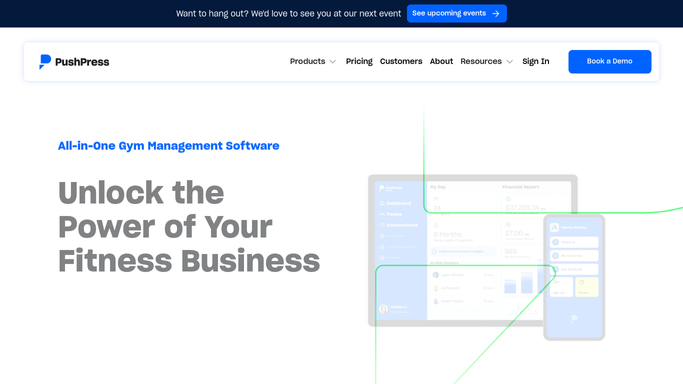
WebRun opens PushPress to find recent milestone members. - Open PushPress and identify members who logged a PR or completed their first month last week
- Capture each member's name, email, and the milestone they reached
- Exclude anyone who has already received a review request in the past 90 days
Done when A list of milestone members eligible for a review request is ready.
-
2
Google Business - prepare review link
business.google.com

WebRun opens Google Business to prepare review link. - Retrieve your Google Business review link from the profile dashboard
- Incorporate the link into each draft review request message
- Personalize the draft to reference the member's specific milestone
Done when Each draft review request includes the correct Google Business review link.
-
3
Slack - post approval queue
slack.com

WebRun opens Slack to post approval queue. - Post the approval queue to the marketing channel listing each member and their milestone
- Include the draft message text and a note on the preferred send method
- Wait for staff to approve each draft before any message is sent to the member
Done when Staff have this week's review request queue in Slack awaiting their approval.
How is each run configured?
Secure by default
Connect once, stays signed in
WebRun signs in once and keeps each session in a persistent environment, so every run picks up right where it left off.
Every action is checked against this policy before it runs.
Questions, answered
Will it send review requests to members without staff approving them?
No. WebRun drafts every review request and queues it in Slack for staff approval. No message reaches a member until a staff member reviews and approves it, keeping review solicitation under human control.
How does it pick the right moment to ask for a review?
It identifies members who reached a meaningful milestone in the past week, such as a personal record or a one-month membership anniversary in PushPress, so the request arrives when the member is most likely to feel positive about their experience.
Will a member get asked more than once?
No. WebRun checks each member's history and excludes anyone who received a review request in the past 90 days, so no one is contacted too frequently.
Related templates
Put this on autopilot.
Turn it on in minutes - or have our team set it up for you.