Automated Comic Shipment Reconciliation
Every Wednesday, WebRun opens Nerdslice, reads the new-comic shipment that was checked in, compares it line by line against the distributor invoice, logs every shortage, overage, and damaged book to Google Sheets, and posts a reconciliation digest to Slack for your buyer.
How do I automatically reconcile a comic shipment against the distributor invoice?
Every Wednesday, WebRun opens Nerdslice, reads the new-comic shipment your staff checked in, and compares it line by line to the distributor invoice. It logs every shortage, overage, and damaged book to Google Sheets with a dollar impact, then posts a reconciliation digest to Slack, so no invoice discrepancy goes unclaimed.
- Every shorted or damaged book is logged within an hour of check-in
- Buyer sees the total dollar variance in Slack the same morning
- No invoice line is paid without being reconciled against what actually arrived
Built for comic shop buyers · store owners · inventory managers · comic and game retailers
What does WebRun do on every run?
The exact actions WebRun takes, in order - in plain language, so you can adjust anything.
-
WebRun signs in and gets to work
Opens
nerdslice.comin a real browser with your saved login - no setup, no API keys. -
1
Nerdslice - read the checked-in shipment
nerdslice.com
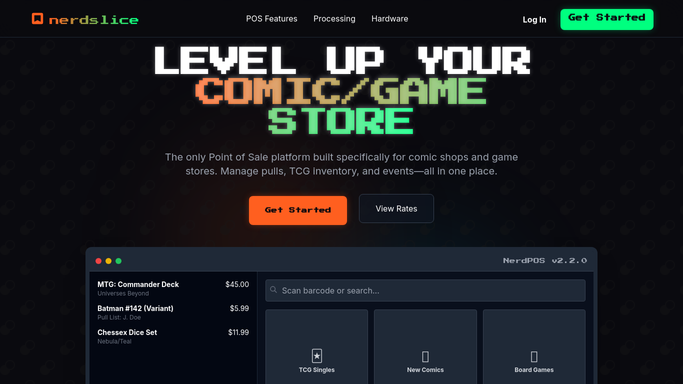
WebRun opens Nerdslice to read the checked-in shipment. - Open Nerdslice and pull the receiving record for this week's new-comic shipment
- Capture each title, its ordered quantity, its received quantity, and any condition notes
- Read the matching distributor invoice totals already attached to the receiving batch
- Flag any line where received does not equal ordered, or where a book is marked damaged
Done when Every invoice line has a received quantity and a condition note captured from Nerdslice.
-
2
Google Sheets - log shortages, overages, and damage
google.com

WebRun opens Google Sheets to log shortages, overages, and damage. - Open the Shipment Reconciliation sheet and add a tab for this week's invoice date
- Write one row per title with ordered, received, variance, unit cost, and dollar impact
- Total the shortages, overages, and damaged books separately so each category is clear
- Highlight any single line with a dollar impact over your review threshold
Done when The sheet holds a complete line-by-line variance with category totals and a dollar impact per issue.
-
3
Slack - post the reconciliation digest
slack.com

WebRun opens Slack to post the reconciliation digest. - Post a reconciliation digest to your buying channel with counts of shorted, over, and damaged books
- Call out the total dollar variance and the single largest discrepancy line
- Link the full Google Sheet so your buyer can file a claim or credit request
Done when Your buyer has a Slack summary of every variance and a link to the detailed sheet.
How is each run configured?
Secure by default
Connect once, stays signed in
WebRun signs in once and keeps each session in a persistent environment, so every run picks up right where it left off.
Every action is checked against this policy before it runs.
Questions, answered
Does it file the distributor claim for me?
No. WebRun logs the variances and posts the digest so your buyer can act. Filing the shortage claim or credit request stays a human decision, since it goes to your distributor.
How does it match the shipment to the invoice?
It reads the received quantities in Nerdslice and compares them line by line to the distributor invoice totals attached to that receiving batch, flagging every line where the two disagree.
Can it catch damaged books, not just miscounts?
Yes. Any book your staff marks damaged during check-in is captured from Nerdslice and logged in its own category alongside shortages and overages in the sheet.
Related templates
Put this on autopilot.
Turn it on in minutes - or have our team set it up for you.