User Interviews Automated Recruit Tracking
Every morning, WebRun opens User Interviews, reads the recruited count and target for each active study, works out which are behind pace, and posts a ranked at-risk list to Slack so your team can top up recruitment before sessions slip.
How do I flag studies falling short of their recruit target?
WebRun catches lagging recruitment early. Each morning it reads the recruited count and target for every active User Interviews study, works out which are behind pace against their deadline, and posts a ranked at-risk list to Slack. Your team sees the shortfall before sessions slip, and the digest stays internal, never reaching participants.
- At-risk studies surface days before the deadline, not after
- Recruitment shortfalls ranked by urgency every morning
- No study quietly under-recruits and delays sessions
Built for research ops · UX researchers · research managers · product teams
What does WebRun do on every run?
The exact actions WebRun takes, in order - in plain language, so you can adjust anything.
-
WebRun signs in and gets to work
Opens
www.userinterviews.comin a real browser with your saved login - no setup, no API keys. -
1
User Interviews - read recruited vs target
userinterviews.com
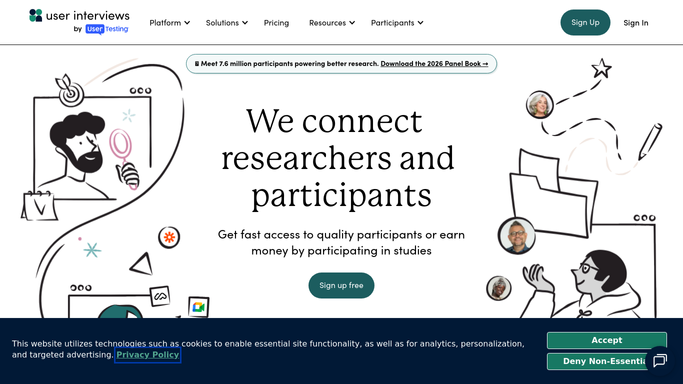
WebRun opens User Interviews to read recruited vs target. - Open User Interviews and list every active study
- Capture the target sample size and current recruited count for each
- Compare progress against the study's fielding deadline to spot studies behind pace
Done when Each active study has a recruited count, target, and pace read.
-
2
Slack - post the at-risk list
slack.com

WebRun opens Slack to post the at-risk list. - Post a ranked list of studies below their recruit target to the research channel
- Put the most behind, soonest-deadline studies first with the shortfall count
- Leave the digest for the team to action. This is an internal update, not a message to participants
Done when The team has today's at-risk recruitment list in Slack.
How is each run configured?
Secure by default
Connect once, stays signed in
WebRun signs in once and keeps each session in a persistent environment, so every run picks up right where it left off.
Every action is checked against this policy before it runs.
Questions, answered
Does it contact participants or change my studies?
No. WebRun only reads recruitment numbers and posts an internal Slack digest. It never messages participants and never edits a study in User Interviews.
How does it decide a study is at risk?
It compares each study's recruited count against its target and fielding deadline, so a study that is behind pace ranks higher than one merely short with weeks to spare.
Can it post to a specific research channel?
Yes. Point WebRun at the Slack channel your researchers watch and the at-risk list lands there every morning, ranked by urgency.
Related templates
Put this on autopilot.
Turn it on in minutes - or have our team set it up for you.