Automated Loyverse Item Movement Report
Every Monday, WebRun opens Loyverse, ranks every item sold in the past week by units and revenue, writes the full ranking to a Google Sheet, and posts your top five and bottom five movers to Slack so you know what to reorder and what to discount.
How do I see my best and worst selling Loyverse items each week?
Every Monday WebRun opens Loyverse, ranks every item sold in the past week by units and revenue, and writes the full ranking to Google Sheets alongside stock on hand. It then posts your top five and bottom five movers to Slack, so you know what to reorder and what to discount without pulling the report yourself.
- Top and bottom sellers are visible every Monday without pulling a report
- Reorder decisions are backed by a real ranking, not guesswork
- A running weekly history builds automatically in Google Sheets
Built for retail shops · boutiques · cafes · multi-store owners
What does WebRun do on every run?
The exact actions WebRun takes, in order - in plain language, so you can adjust anything.
-
WebRun signs in and gets to work
Opens
r.loyverse.comin a real browser with your saved login - no setup, no API keys. -
1
Loyverse - rank items by sales
loyverse.com
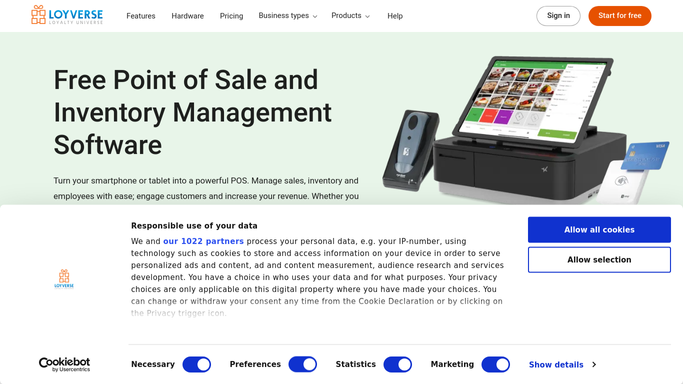
WebRun opens Loyverse to rank items by sales. - Open the Loyverse back office and pull item sales for the past 7 days
- Rank every item by units sold and by revenue
- Capture current stock on hand next to each item
- Separate the list into top movers and bottom movers
Done when Every item sold this week is ranked by units and revenue.
-
2
Google Sheets - log the weekly ranking
google.com

WebRun opens Google Sheets to log the weekly ranking. - Open the Weekly Item Movement sheet
- Append this week's full ranking with units, revenue, and stock on hand
- Keep prior weeks in place so trends are visible over time
Done when This week's ranking is logged alongside prior weeks.
-
3
Slack - post top and bottom movers
slack.com

WebRun opens Slack to post top and bottom movers. - Post the top five items by revenue and the bottom five by units sold
- Flag any top mover that is also low on stock
- Link to the Google Sheet for the full ranking
Done when Your team has this week's top and bottom movers in Slack.
How is each run configured?
Secure by default
Connect once, stays signed in
WebRun signs in once and keeps each session in a persistent environment, so every run picks up right where it left off.
Every action is checked against this policy before it runs.
Questions, answered
How far back does the ranking look?
It covers the past 7 days by default. Tell WebRun a different window, such as 14 or 30 days, and it will rank items over that period instead.
Does it tell me what to reorder?
It flags any top selling item that is also running low on stock, so you can see at a glance what to reorder first alongside what is moving fastest.
Will it change prices or discount slow items?
No. WebRun only reports the ranking. Any markdown or price change is a decision you make yourself, using the bottom movers list as a starting point.
Related templates
Put this on autopilot.
Turn it on in minutes - or have our team set it up for you.