Flag dead stock before it ties up your cash
Every Monday, WebRun opens Loyverse, finds items with no sales in the past 60 days, checks how much stock and cash value is tied up in each, writes a markdown candidate list to Google Sheets, and posts a Slack summary so you can clear dead stock before it ages further.
- No credit card
- Under $0.01 per run
- Cancel anytime
What does WebRun do on every run?
The exact actions WebRun takes, in order - in plain language, so you can adjust anything.
-
WebRun signs in and gets to work
Opens
r.loyverse.comin a real browser with your saved login - no setup, no API keys. -
1
Loyverse - find items with no recent sales
loyverse.com How to Automate Loyverse

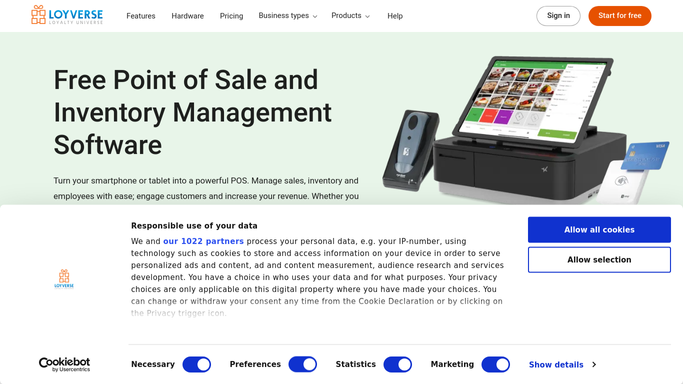
WebRun opens Loyverse to find items with no recent sales. - Open the Loyverse back office and pull item sales history
- Find items with zero sales in the past 60 days
- Capture current stock on hand and cost value for each item
- Rank the list by cash value tied up, highest first
Done when Every item with no sales in 60 days is listed with its tied up value.
-
2
Google Sheets - build the markdown candidate list
google.com How to Automate Google Sheets
WebRun opens Google Sheets to build the markdown candidate list. - Open the Dead Stock sheet
- Add a row per stale item with stock on hand, cost value, and days since last sale
- Keep the list live so cleared items drop off automatically
Done when The markdown candidate list is current and ranked by value.
-
3
Slack - summarize what to discount
slack.com How to Automate Slack
WebRun opens Slack to summarize what to discount. - Post a summary of total cash tied up in dead stock
- Name the top five items by value so you can decide on a markdown
- Link to the Google Sheet for the full list
Done when You have this week's dead stock summary in Slack.


How do I find dead stock in Loyverse to mark down?
Every Monday WebRun opens Loyverse, finds items with no sales in the past 60 days, and checks how much stock and cash value is tied up in each. It writes a ranked markdown candidate list to Google Sheets and posts a Slack summary of the top items by value, so slow stock gets cleared before it ages further.
- Cash tied up in stale stock is visible every week
- Markdown decisions are backed by real days since last sale
- Items that start selling again drop off the list automatically
Built for retail shops · boutiques · gift shops · multi-store owners
How is each run configured?
Secure by default
Connect once, stays signed in
WebRun signs in once and keeps each session in a persistent environment, so every run picks up right where it left off.
Every action is checked against this policy before it runs.
Questions, answered
How is dead stock defined?
By default, any item with zero sales in the past 60 days. Tell WebRun a different window, such as 30 or 90 days, and it will use that instead.
Will it change prices for me?
No. WebRun only flags candidates and their tied up value. Deciding the markdown percentage and applying it in Loyverse stays your call.
Does it remove items that sell again?
Yes. The list is rebuilt from live sales history each run, so any item that sells even once drops off the dead stock list automatically.
Related templates
Put this on autopilot.
Turn it on in minutes - or have our team set it up for you.