Win back customers who stopped coming in
Every Monday, WebRun opens Loyverse, finds customers who have not purchased in your chosen window, exports the lapsed segment with contact details and past spend to Google Sheets, and drafts a win back email in Mailchimp, leaving the campaign unsent for you to review and send.
- No credit card
- Under $0.01 per run
- Cancel anytime
What does WebRun do on every run?
The exact actions WebRun takes, in order - in plain language, so you can adjust anything.
-
WebRun signs in and gets to work
Opens
r.loyverse.comin a real browser with your saved login - no setup, no API keys. -
1
Loyverse - find lapsed customers
loyverse.com How to Automate Loyverse

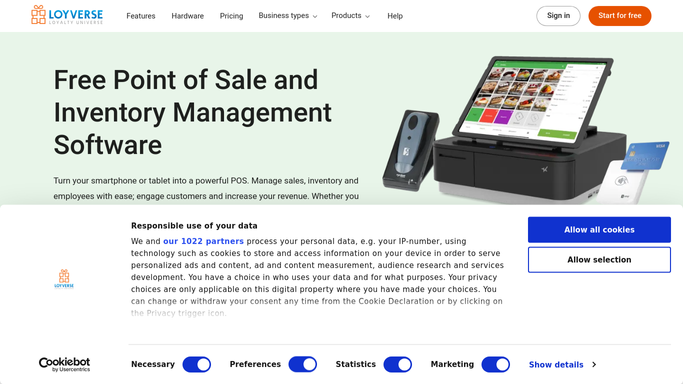
WebRun opens Loyverse to find lapsed customers. - Open the Loyverse back office and go to Customers
- Find customers whose last visit was more than your chosen number of days ago
- Capture each customer's email, last visit date, and lifetime spend
- Skip customers with no email or who opted out of marketing
Done when Every lapsed customer with a valid, opted in email is listed.
-
2
Google Sheets - build the win back segment
google.com How to Automate Google Sheets
WebRun opens Google Sheets to build the win back segment. - Open the Win Back Segment sheet
- Add a row per lapsed customer with email, last visit, and lifetime spend
- Tag higher spenders so you can offer them a warmer incentive
Done when The lapsed segment is listed and tagged by past spend.
-
3
Mailchimp - draft the campaign for approval
mailchimp.com How to Automate Mailchimp
WebRun opens Mailchimp to draft the campaign for approval. - Create or update the win back audience in Mailchimp from the segment
- Draft a friendly come back email with a clear offer
- Leave the campaign as a draft and do not schedule or send it
Done when The win back campaign is drafted in Mailchimp and left unsent for your review.


How do I win back lapsed Loyverse customers automatically?
Every Monday WebRun opens Loyverse, finds customers who have not purchased within your chosen window, and exports the lapsed segment with contact details and past spend to Google Sheets. It then drafts a win back email in Mailchimp and leaves the campaign unsent, so you review and approve it before anything mails.
- Lapsed customers get a personal win back offer
- The campaign is drafted for approval, never auto sent
- Only opted in customers land in the segment
Built for retail shops · cafes and restaurants · boutiques · salons and spas
How is each run configured?
Secure by default
Connect once, stays signed in
WebRun signs in once and keeps each session in a persistent environment, so every run picks up right where it left off.
Every action is checked against this policy before it runs.
Questions, answered
Will it email customers without me?
No. WebRun builds the segment and drafts the Mailchimp campaign, then stops. The email stays a draft until you review it and press send, so nothing reaches a customer without your approval.
Who counts as a lapsed customer?
Anyone whose last Loyverse purchase was longer ago than the window you set, for example 60 or 90 days. Adjust the window and the segment updates on the next run.
Does it respect marketing opt outs?
Yes. WebRun skips any customer without an email or who has opted out of marketing in Loyverse, so your win back list only ever contains contactable, opted in customers.
Related templates
Put this on autopilot.
Turn it on in minutes - or have our team set it up for you.