Automated Loyverse New Member Welcome Drafts
Every morning, WebRun opens Loyverse, finds every customer who joined your loyalty program the day before, logs each new member with their join date and first purchase in Google Sheets, and drafts a warm WhatsApp welcome message for each, leaving every message unsent for you to review and send.
How do I welcome new Loyverse loyalty members automatically?
Every morning WebRun opens Loyverse, finds customers who joined your loyalty program the day before, and logs each one with their join date and first purchase in Google Sheets. It then drafts a warm WhatsApp welcome per new member and leaves it unsent, so every new member gets a personal note only after you approve it.
- Every new member gets a personal welcome the next morning
- Every message is drafted for approval, never auto sent
- New member growth is logged automatically for the record
Built for cafes and coffee shops · salons and spas · retail shops · quick service restaurants
What does WebRun do on every run?
The exact actions WebRun takes, in order - in plain language, so you can adjust anything.
-
WebRun signs in and gets to work
Opens
r.loyverse.comin a real browser with your saved login - no setup, no API keys. -
1
Loyverse - find new loyalty members
loyverse.com
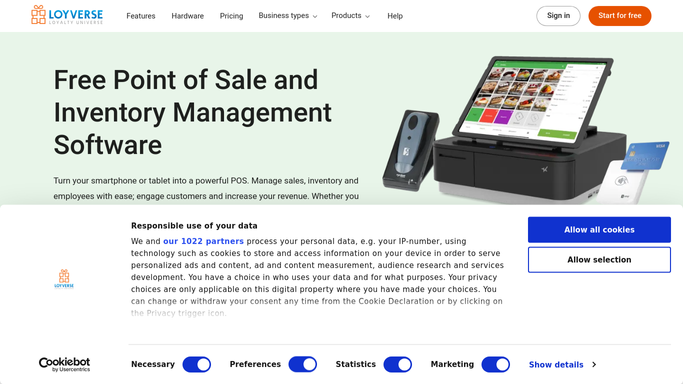
WebRun opens Loyverse to find new loyalty members. - Open the Loyverse back office and go to Customers
- Find every customer who joined the loyalty program yesterday
- Capture each member's name, phone number, and first purchase
- Skip anyone without a phone number on file
Done when Every new member from yesterday is listed with their details.
-
2
Google Sheets - log new members
google.com

WebRun opens Google Sheets to log new members. - Open the New Members sheet
- Add a row per new member with join date, first purchase, and phone number
- Keep a running log so member growth is visible over time
Done when Yesterday's new members are logged in the sheet.
-
3
WhatsApp - draft welcome messages for approval
whatsapp.com

WebRun opens WhatsApp to draft welcome messages for approval. - Draft a warm, on brand welcome message for each new member naming their first purchase
- Mention how their loyalty points work and how to check their balance
- Leave every message unsent as a draft for you to review and send
Done when A welcome draft exists for every new member and is left unsent for your approval.
How is each run configured?
Secure by default
Connect once, stays signed in
WebRun signs in once and keeps each session in a persistent environment, so every run picks up right where it left off.
Every action is checked against this policy before it runs.
Questions, answered
Will it message new members without my approval?
No. WebRun drafts every WhatsApp welcome and leaves it unsent. Nothing reaches a new member until you read the draft and press send yourself.
What does the welcome message say?
A short, warm note that names their first purchase and explains how their loyalty points work. Give WebRun a tone or example and it will match your voice on every draft.
What if a member has no phone number?
WebRun skips drafting a message for anyone without a phone number on file, and still logs them in Google Sheets so you know to collect it next visit.
Related templates
Put this on autopilot.
Turn it on in minutes - or have our team set it up for you.