Glooko Automated Diabetic Foot Exam Reminders
Every night, WebRun opens Epic to find diabetes patients overdue for their annual comprehensive foot exam, checks Glooko for neuropathy and complication risk flags to prioritize the riskiest patients, and drafts a reminder text in Twilio for each one, queued for staff to review and send the next morning.
How can I automatically find and remind patients overdue for a diabetic foot exam?
Every night, WebRun checks Epic for diabetes patients overdue for their annual foot exam, cross-checks each one's neuropathy and complication risk flags in Glooko, and drafts a reminder text in Twilio ranked by risk. Staff review and approve every draft the next morning before it sends, so the highest-risk overdue patients get reached first without a manual chart review.
- Every overdue foot exam is caught and ranked by complication risk each night
- The riskiest patients reach the top of tomorrow's outreach list
- No reminder texts a patient without staff approval first
Built for endocrinology clinics · CDCES diabetes educators · primary care diabetes programs · podiatry referral coordinators
What does WebRun do on every run?
The exact actions WebRun takes, in order - in plain language, so you can adjust anything.
-
WebRun signs in and gets to work
Opens
userweb.epic.comin a real browser with your saved login - no setup, no API keys. -
1
Epic - find patients overdue for a diabetic foot exam
epic.com
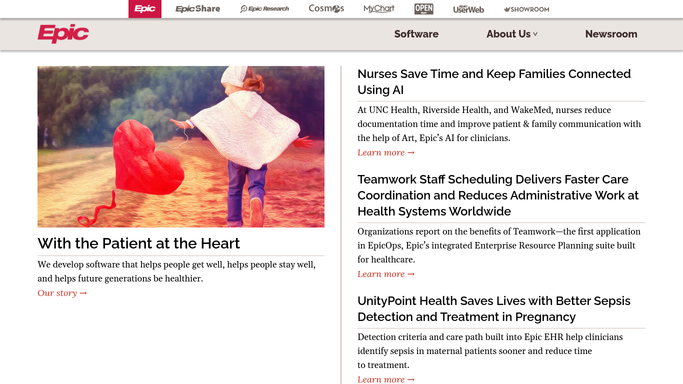
WebRun opens Epic to find patients overdue for a diabetic foot exam. - Open Epic and list diabetes patients with no comprehensive foot exam on record in the past 12 months
- Capture the patient's last exam date, primary provider, and contact preference
- Skip patients with a foot exam already scheduled
Done when Every patient overdue for a foot exam is listed with their last exam date.
-
2
Glooko - check neuropathy and complication risk flags
glooko.com

WebRun opens Glooko to check neuropathy and complication risk flags. - Look up each overdue patient's neuropathy and complication risk flags in Glooko
- Note recent glucose control and any prior foot-related events on file
- Rank patients with the highest risk flags first
Done when Every overdue patient is ranked by risk using their Glooko data.
-
3
Twilio - draft a reminder text for review
twilio.com

WebRun opens Twilio to draft a reminder text for review. - Draft a reminder text for each overdue patient with a scheduling link or callback number
- Queue every draft for front-desk review, highest risk first
- Send only after a staff member approves it. Nothing texts a patient automatically
Done when A reviewed reminder draft is queued for every overdue patient, ranked by risk.
How is each run configured?
Secure by default
Connect once, stays signed in
WebRun signs in once and keeps each session in a persistent environment, so every run picks up right where it left off.
Every action is checked against this policy before it runs.
Questions, answered
Will it text patients about a foot exam without staff approval?
No. Every reminder is drafted and queued overnight. A staff member reviews and approves each one the next morning before it sends.
How does it decide who to contact first?
It ranks the list using each patient's neuropathy and complication risk flags from Glooko, so the highest-risk overdue patients are reviewed and reached out to first.
What if a foot exam was already done outside this clinic?
If it was not recorded in Epic, the patient still appears on the list. Staff can confirm the outside exam, update the record, and the patient drops off future runs.
Related templates
Put this on autopilot.
Turn it on in minutes - or have our team set it up for you.