How to Automate Google Calendar

Google Calendar automates the parts that live inside it. Recurring events repeat, booking pages let people take a slot, notifications fire before a meeting, and Apps Script can run on a schedule. Keeping it accurate when the work is scheduled in another system is the part still done by hand.

The calendar is the only place anyone checks

Google Calendar is the free scheduling tool in Google Workspace, and in most small companies it has become the single source of truth about time, whether or not anyone intended that.

People will look at a calendar. They will not reliably look at a job management system, a rota tool or a booking platform, even when those are the systems the business actually runs on. If it is not on the calendar, for practical purposes it is not happening.

This produces a specific and very common failure. The real schedule lives in one system, everyone's behaviour is driven by another, and the gap between them is maintained by a person copying things across.

Two systems disagree about Thursday

The copying is invisible until it goes wrong, and it goes wrong in a way that costs real money.

A job gets booked in the field service system and somebody adds it to the shared calendar. A shift changes in the rota tool and the calendar keeps the old one. A client reschedules by email and the calendar gets updated but the job system does not.

Then an engineer drives to an address that was cancelled on Tuesday, or two people turn up for the same slot, or a visit that was moved never made it onto anyone's day at all.

The cause is never carelessness. It is that keeping two systems in step by hand is a task with no natural end, and it is always the first thing dropped on a busy day.

The calendar.google.com homepage, the app these three jobs run in. Google Calendar
The week filled in for you Jobs, shifts and appointments created where the work is booked, appearing on the right calendar without retyping.
Changes that follow through A visit moved in the job system moves on the calendar too, instead of drifting apart until someone notices.
Reminders with real detail The address, the reference and the contact pulled in, so nobody opens another system to find out where they are going.

Recurring events and booking pages cover a narrow slice

Google Calendar is more capable on its own than it is given credit for.

Events repeat on flexible rules. Appointment schedules let people book a slot from a public page, with buffers and limits. Working hours stop meetings landing at seven in the morning. Notifications fire by popup or email before an event. Calendars can be shared with fine-grained permissions, and Apps Script will run against them on a timer, so a nightly tidy-up is possible for anyone willing to write a little code.

What all of that shares is that the calendar is the origin. Something is created in the calendar, or created by someone booking through the calendar, and the calendar manages it from there.

When the appointment is created somewhere else, none of it applies. The calendar has no way to know that a job was booked in a different system twenty minutes ago, and no way to find out.

The week can fill itself from wherever the work is booked

The calendar can be written straight out of whatever system took the booking. Nobody needs to read one screen and type into another.

Tomorrow's jobs, read out of the field service system and written onto the right engineer's calendar with the address and the reference in the description. The week's shifts from a rota tool that has no calendar export. Appointments from a clinic system that only ever shows them in its own day view.

The corrections matter as much as the creations. A visit moved in the source system moves on the calendar. A cancellation removes the event instead of leaving it there to send somebody on a wasted trip.

It is worth being deliberate about direction. Pick one system as the truth, usually the one where the work is genuinely booked, and let the calendar follow it. Two systems that both write to each other will eventually fight, and the argument will surface as a double booking on a Friday afternoon.

Keeping two systems in step is nobody's job

Tomorrow's jobs are already written down somewhere; they are just not written down on the calendar. Moving them across is not skilled work, but it is the work that stops an engineer driving to the wrong town.

WebRun is an AI agent that works a real Chrome browser, signed in as you. It opens the system where the work is booked, including the ones with no API and no calendar export, reads the day, and writes the events onto the calendar with the details filled in.

It runs on your schedule in your own private environment, and you can watch a run and stop it. Anything that would notify a customer drafts and waits for a person.

The workflows below are already built, and each one shows the steps it takes.

Questions people ask

Will it create duplicate events if it runs twice?

Each workflow matches on a reference from the source system, so a second run updates the event it already created rather than adding another one.

Can it write to several people's calendars?

Yes, as long as the account it signs in with has permission to those calendars. It uses the same access a person would, so shared team calendars work the way they already do for you.

What about a booking system with no export at all?

That is the usual case. It reads the day off the screen the way a person would, then writes the events, so a system that never offered a calendar feed is no longer a dead end.

1,265 ready-made Google Calendar workflows

Each one names the apps it touches and the exact steps it takes. Open one to read what it will do, then turn it on.

Automated Seasonal Tea Markdown Alerts
Every Monday, WebRun checks Google Calendar for each seasonal blend's season-end date, checks remaining stock in ClearTEQ POS, and emails you a markdown recommendation while there's still time to sell through.
Google CalendarClearTEQ POSGmail
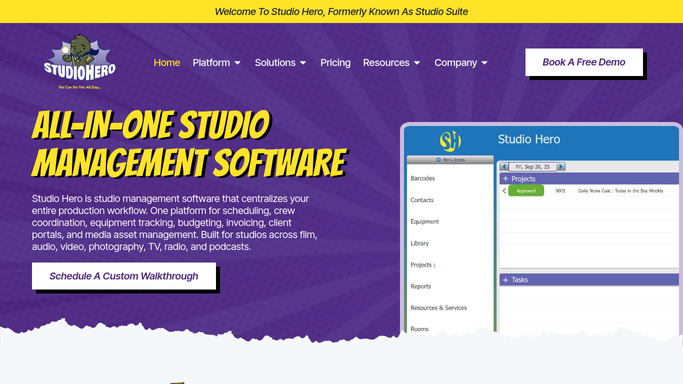
Studio Hero Automated Engineer Assignment Alerts
When Studio Hero assigns an engineer to a session, WebRun confirms the time and room on Google Calendar and sends the engineer a WhatsApp alert with everything they need to prep.
Studio HeroGoogle CalendarWhatsApp
Automated iClassPro Birthday Party Confirmations
When a new birthday party is booked in iClassPro, WebRun blocks the party room and coach on the gym's Google Calendar and drafts a confirmation email with the package details for staff to review and send.
iClassProGoogle CalendarGmail
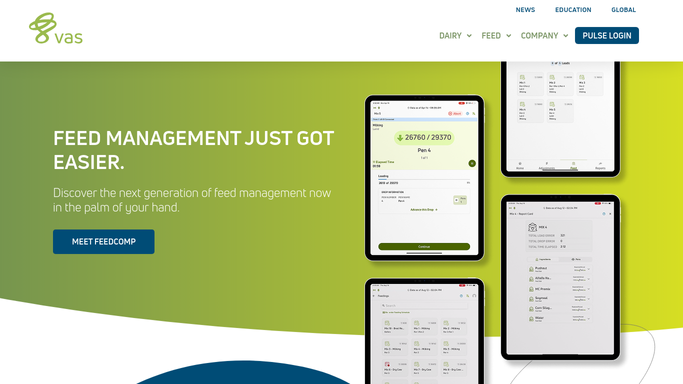
Automated DairyComp Calving Due Date Alerts
Every morning, WebRun checks DairyComp 305 for cows due to calve in the next 14 days, adds each expected date to a shared Google Calendar, and sends the overnight calving checker a Telegram list of who to watch closest.
DairyComp 305Google CalendarTelegram
ProShop Automatic Schedule Conflict Alerts
WebRun checks ProShop ERP for machines booked past capacity or jobs with conflicting due dates, cross references planned maintenance on your shared Google Calendar, and alerts your scheduler in Slack.
ProShop ERPGoogle CalendarSlack
Automated ElderSuite Annual Assessment Reminders
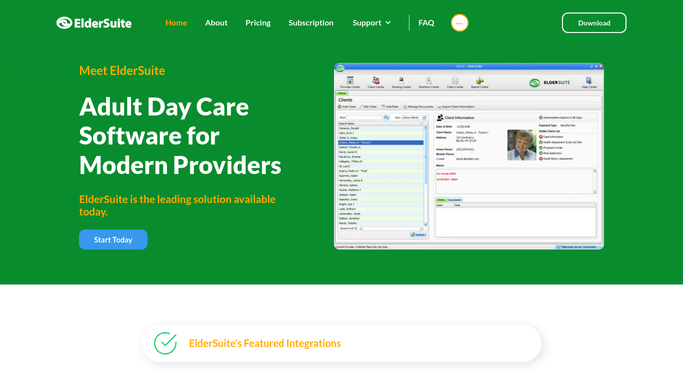
Every weekday morning, WebRun opens ElderSuite, finds participants whose annual comprehensive assessment is coming due, blocks time on the assessing nurse's calendar, and pings them on Telegram so no required reassessment is late.
ElderSuiteGoogle CalendarTelegram
Automated Vein Clinic Ultrasound Recheck Reminders
WebRun checks 1st Providers Choice each morning for patients due a follow-up or post-procedure surveillance ultrasound, confirms there's no appointment already on Google Calendar, and drafts a friendly reminder email in Outlook for the front desk to review and send.
1st Providers ChoiceGoogle CalendarOutlook
Healthie Automatic Group Class Scheduling
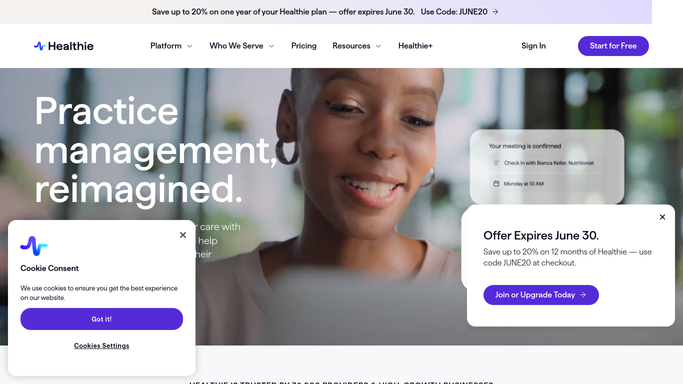
WebRun checks Healthie every Monday for open seats in this week's group nutrition classes, confirms each registered client's class package payment in Stripe, and books their seat on your class calendar.
HealthieStripeGoogle Calendar
Automatic Bleeding Disorder Referral Intake
WebRun finds new bleeding disorder referrals logged in Cellma, checks the earliest new-patient slot in Google Calendar, and logs each referral to a Google Sheets intake worklist for your coordinator to action.
Cellma (RioMed)Google CalendarGoogle Sheets
Glooko Automated Pre-Visit CGM Data Review
Every morning, WebRun opens Google Calendar to see which patients have a visit today, pulls each one's CGM and pump trends from Glooko into a one-page brief, and posts the care team a ready-to-read summary in Slack before patients arrive.
GlookoGoogle CalendarSlack
Automatic Denosumab Injection Reminders
WebRun checks Hologic Horizon DXA and the treatment log for patients due for their next denosumab injection, drafts a text reminder in Twilio for staff to send, and holds a Google Calendar slot before the 6-month window closes.
Hologic Horizon DXATwilioGoogle Calendar
Automated EMG Study Scheduling
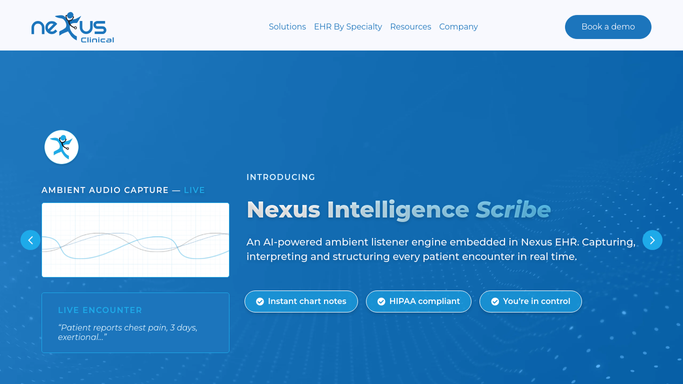
WebRun watches Nexus Clinical for new EMG and nerve conduction study referrals, books the earliest matching slot in Google Calendar, and drafts a Twilio text with prep instructions for staff to review and send to the patient.
Nexus ClinicalGoogle CalendarTwilio
Automatic Counseling Reschedule Outreach
Every hour, WebRun checks Progeny Clinical for canceled or no show counseling sessions, finds the next open slots in Google Calendar, and posts a Slack callback list so front desk staff can reach the patient and refill the slot.
Progeny ClinicalGoogle CalendarSlack
Automated Chronic Hepatitis C Monitoring
Every Monday, WebRun checks CureMD for chronic hepatitis C patients nearing the end of treatment or due for their SVR12 cure test, holds a lab visit slot on Google Calendar, and drafts a milestone email for clinician review.
CureMDGoogle CalendarGmail
Automated Occupier Co-Tenancy Clause Alerts
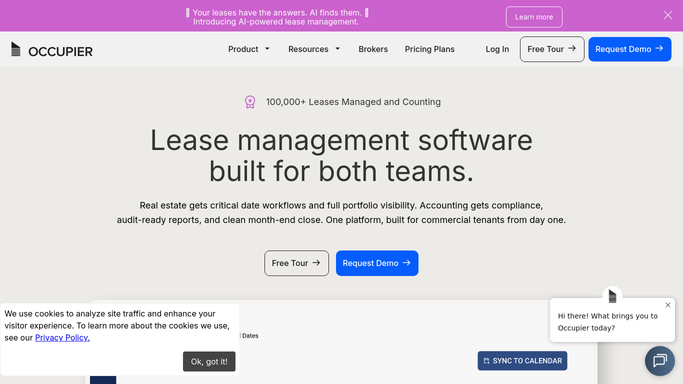
Every month, WebRun checks Occupier for leases with a co-tenancy clause approaching its annual measurement date, holds a calendar reminder to confirm current occupancy, and drafts a landlord notice in Gmail if a breach looks likely.
OccupierGoogle CalendarGmail
Automated Envoy Visitor Arrival Digest
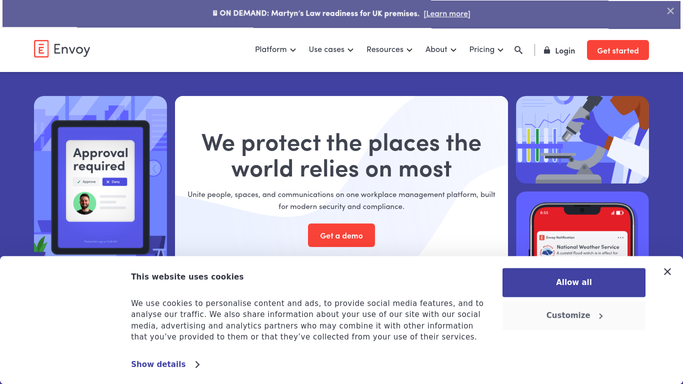
Every morning, WebRun opens Envoy, pulls today's expected visitors and their hosts, checks each host's Google Calendar for conflicts, and posts a Slack digest so your office knows who is coming in and when.
EnvoyGoogle CalendarSlack
Automated Estimate Rocket Crack Monitor Reminders
Every Monday, WebRun checks Estimate Rocket for active crack monitors due for a recheck, drafts a scheduling email for each customer, and holds a slot on the field tech's Google Calendar.
Estimate RocketGmailGoogle Calendar
Automated DripJobs Crew Schedule Confirmations
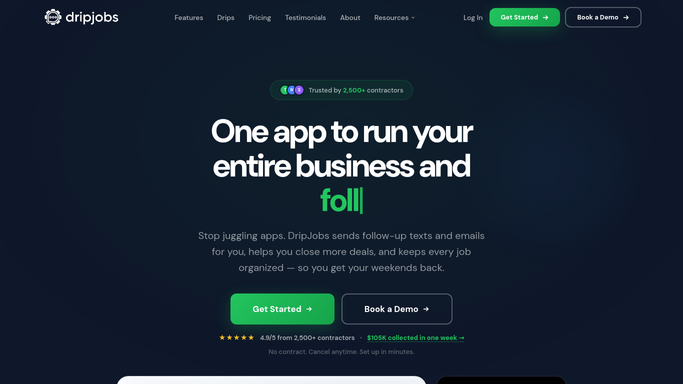
WebRun pulls tomorrow's scheduled gutter jobs from DripJobs, checks each crew member's availability in Google Calendar, and posts the finalized crew assignments to Slack every afternoon.
DripJobsGoogle CalendarSlack
Automated Chimney Burn Season Rebooking
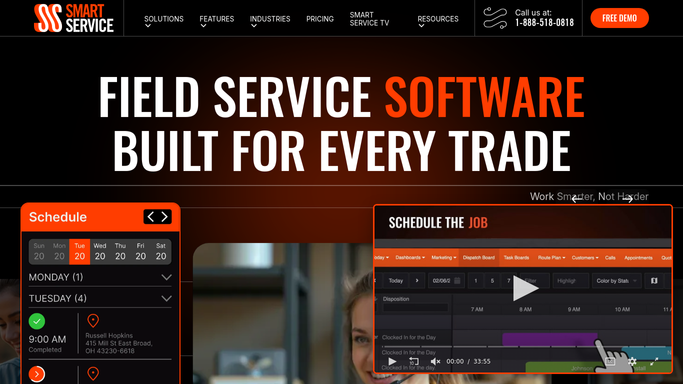
WebRun checks Smart Service for customers who swept with you last burn season but have not rebooked, holds open slots in Google Calendar, and drafts a rebooking email for each customer for your office to review before sending.
Smart ServiceGoogle CalendarGmail
Automated MedHub CCC Meeting Packets
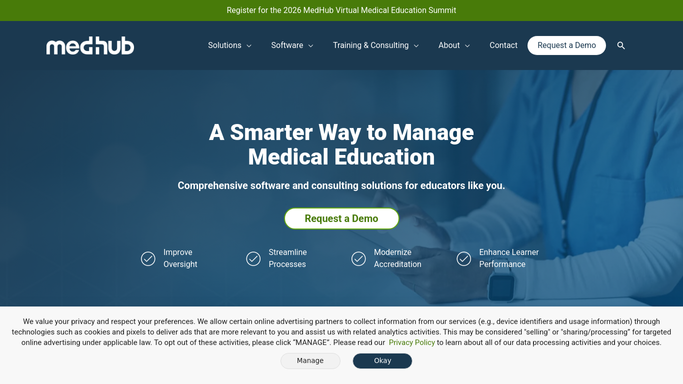
Before each Clinical Competency Committee meeting, WebRun compiles every resident's milestones, evaluation summary, and flags from MedHub into a Google Docs packet and puts the meeting on the committee's Google Calendar with the draft attached.
MedHubGoogle DocsGoogle Calendar
Automated QGenda Case Cancellation Follow-Ups
WebRun notices when a case is canceled in QGenda, opens the freed time on the shared Google Calendar, drafts a rebooking outreach email to the surgeon's scheduler in Gmail for your team to review, and posts the opening to Slack.
QGendaGoogle CalendarGmail
Automated Peblla Boba Pearl Prep Reminders
Every morning before opening, WebRun reads Peblla's order history to estimate today's likely volume, sets a reminder on your team calendar for how many servings of pearls and toppings to prep, and posts the same note to Slack.
PebllaGoogle CalendarSlack
Automatic Classroom Ratio Compliance Alerts
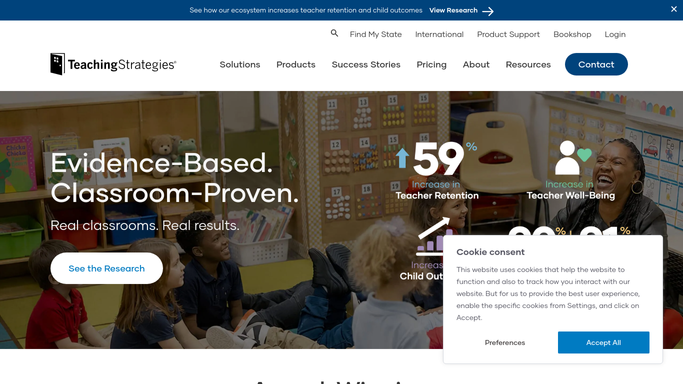
Every hour, WebRun checks each classroom's headcount in Teaching Strategies GOLD against the staff on shift in Google Calendar, and alerts the director in Slack the moment a room drifts out of ratio.
Teaching Strategies GOLDGoogle CalendarSlack
Automated Method Learning Deadline Alerts
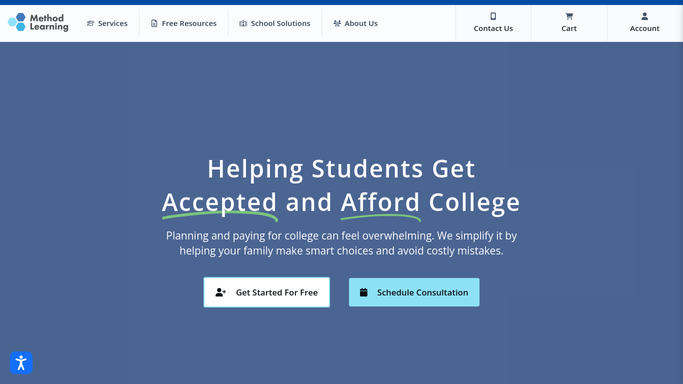
Each week, WebRun checks the shared college deadlines calendar, confirms each student's latest Method Learning score against the school's range, and drafts a deadline alert email in Gmail for your team to review.
Google CalendarMethod LearningGmail

Want one of these running on your own Google Calendar?

Show WebRun the process once and it will run it on schedule, in your own private browser environment.