How to Automate Notion

Notion automates inside its own pages. Database automations fire when a property changes, buttons run a set of actions, and recurring templates create pages on a schedule. Keeping the content true, when the facts come from systems Notion has no connection to, is still a person opening tabs.

Notion holds the version of the process people actually read

Notion is a document tool with a database hiding inside it, and that combination is why it ends up holding a company's operating manual.

A page can be prose for the parts that need explaining and a table for the parts that need tracking, on the same screen. So the onboarding checklist, the client list, the product roadmap and the description of how a refund gets approved all live in one place, which is genuinely rare.

New staff are pointed at it in week one. Contractors are given a link. When somebody asks how a thing works, the answer is a Notion URL rather than a conversation.

That makes accuracy the whole product. A wiki that is right is the most useful thing a company owns. A wiki that is out of date is worse than nothing, because people act on it.

A workspace goes stale in about three weeks

The decay is predictable and it always follows the same curve.

Someone builds a beautiful workspace in a burst of enthusiasm. For a fortnight it is maintained daily. Then the person who built it gets busy, one table stops matching reality, somebody notices, and trust starts leaking.

The maintenance is not intellectually demanding. It is opening the billing system to update which clients are active. Checking the recruiting tool to move three candidates along. Copying this month's numbers onto the dashboard page. Marking which pieces of equipment were serviced.

Nobody is assigned to any of it, because it does not look like a job. It looks like tidying, and tidying is what gets dropped first in a busy week.

The notion.so homepage, the app these three jobs run in. Notion
Pages that stay true The numbers in a dashboard page updated from the systems that hold them, instead of quietly aging.
Databases fed from outside Clients, applications and inventory added from wherever they really originate, without a weekly import.
The wiki that survives A workspace nobody has to volunteer to maintain is a workspace people keep using after month three.

Notion automations work on Notion's own pages

Notion has become considerably more capable, and it is worth using what is already there.

Database automations fire when a page is added or a property changes, and can edit properties, add pages or send a Slack message. Buttons run a set of steps on a click. Recurring database templates create a page on a schedule, which covers weekly reports and meeting notes. Formulas and rollups keep derived numbers correct across linked databases. Synced blocks keep one paragraph identical in six places.

Every one of those is triggered by something happening in Notion, or by a person pressing something in Notion.

None of it can find anything out. A formula cannot open your billing system. An automation cannot check whether an invoice cleared. The workspace is excellent at rearranging what it has been told and has no way to learn anything new.

The database can stay current without a maintainer

Give the workspace a way to find things out, and the weekly tidy-up stops being volunteer work. It becomes something that already happened overnight, before anybody opened the page.

The client database reconciled against the billing system each morning, so active and churned are actually right. The hiring board updated from the recruiting tool, with candidates in the stage they are really in. The dashboard page carrying this week's numbers, read from the places those numbers live rather than typed in by whoever remembered.

The equipment register updated with what got serviced. The content calendar updated with what actually published. The supplier table updated with the lead times that changed this week.

One practical note. Let the automation own specific properties and leave the prose to people. A page where a machine keeps a status field correct and a human writes the explanation underneath it is a page that stays useful. A page where both are fighting over the same paragraph is a page nobody edits again.

Keeping it fed is the unglamorous half

Building the workspace is the enjoyable part, and it is the part that gets done. Feeding it every week is the part that decides whether any of it was worth doing.

WebRun is an AI agent that works a real Chrome browser, signed in as you. It opens the billing system, the recruiting tool or the portal that holds the numbers, reads what is there, and updates the pages and database rows you point it at.

It runs on your schedule in your own private environment, and you can watch a run and stop it mid-way. Anything that would reach someone outside the team drafts and waits.

The workflows below are already built, and each one names what it opens.

Questions people ask

Do we need the Notion API and a developer?

No. It works the Notion interface signed in as you, so there is no integration to create, no token to manage and no developer needed to keep it running.

Will it overwrite something a person wrote?

Only the properties or blocks a workflow is pointed at. The usual setup has the automation own specific fields and leaves written content alone, so the two never compete for the same paragraph.

Can it read from a tool that Notion has no integration with?

Yes. It opens the tool in a browser the way you would and reads what is on screen, which is why it suits the industry systems and portals that will never appear on an integrations list.

1,067 ready-made Notion workflows

Each one names the apps it touches and the exact steps it takes. Open one to read what it will do, then turn it on.

Automated Carbonite Restore Test Logging
Every month, WebRun picks a sample of files from your Carbonite backups, records what it found in Notion, and opens a Trello card so someone runs and signs off the restore test.
Carbonite›Notion›Trello
Automated Campaign Monitor Results Export
Every Monday, WebRun pulls the results of last week's Campaign Monitor sends into an Airtable table and writes a short performance readout in Notion.
Campaign Monitor›Notion›Airtable
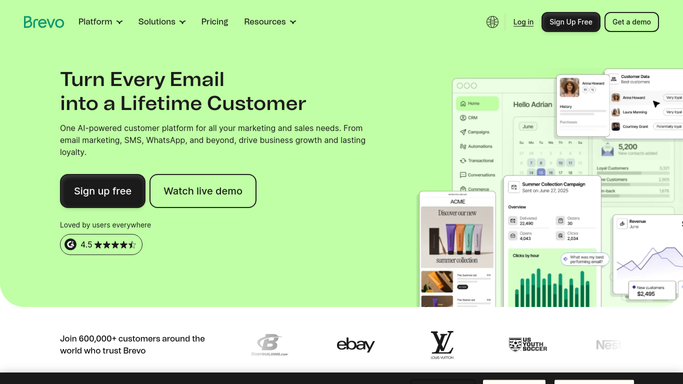
Automated Brevo Campaign Scorecard
Every Monday, WebRun reads last week's Brevo campaign results, writes each one into Airtable, and publishes a plain-English scorecard to Notion for the team.
Brevo›Airtable›Notion
Automated Breezy HR Pipeline Chasing
Every morning, WebRun walks your Breezy HR pipelines, finds candidates stuck in a stage too long, logs them in Airtable, and writes each hiring manager an action list in Notion.
Breezy HR›Airtable›Notion
Automated Bluehost Renewal Reminders
Every Monday, WebRun reads the renewal and expiry dates in your Bluehost account, keeps a renewals register in Notion, and messages you on WhatsApp when anything is close to lapsing.
Bluehost›Notion›WhatsApp
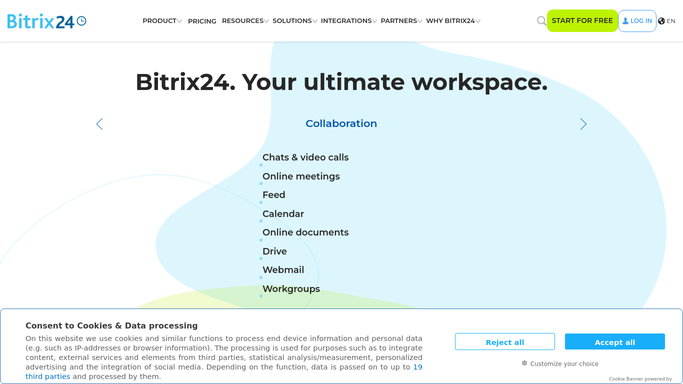
Automated Bitrix24 Stale Deal Follow-Ups
Every Monday, WebRun finds Bitrix24 deals with no activity for longer than you allow, logs them in Airtable with their age, and writes each rep a follow-up brief in Notion.
Bitrix24›Airtable›Notion
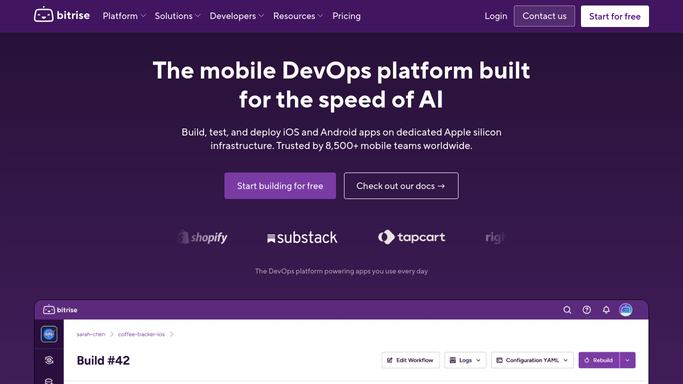
Automated Bitrise Build Health Scorecard
Every Monday, WebRun reads last week's Bitrise builds, logs pass rate, duration, and repeat failures into Airtable, and publishes a plain scorecard page in Notion for the team.
Bitrise›Airtable›Notion
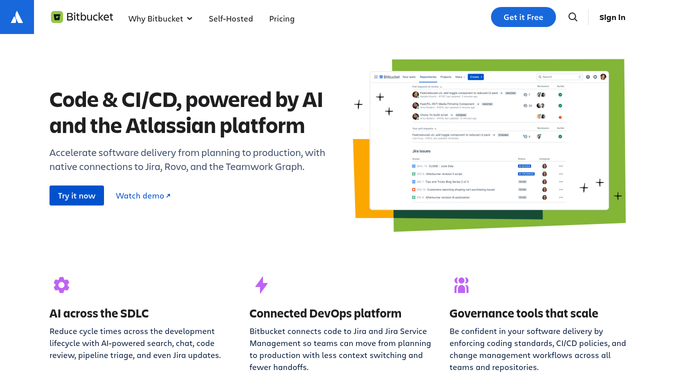
Automated Bitbucket Build Failure Digest
Every morning, WebRun collects the Bitbucket Pipelines runs that failed overnight, logs them in Notion, and messages the on-call engineer on WhatsApp.
Bitbucket›Notion›WhatsApp
Automated Birdeye Review Reply Drafts
Every morning, WebRun finds Birdeye reviews nobody has answered, logs them in Airtable, and writes a ready-to-post reply into Notion for you to approve.
Birdeye›Airtable›Notion
Automated Bilibili Comment Triage
Every morning, WebRun reads the new comments on your Bilibili videos, sorts them into questions, complaints, and praise in Airtable, and writes you a reply brief in Notion.
Bilibili›Airtable›Notion
Automated Bigpond Email Follow-Up Chase
Every few days, WebRun scans your Bigpond sent mail for messages that never got a reply, drafts a polite follow-up, cards each one in Trello, and keeps the register in Notion.
Bigpond›Trello›Notion
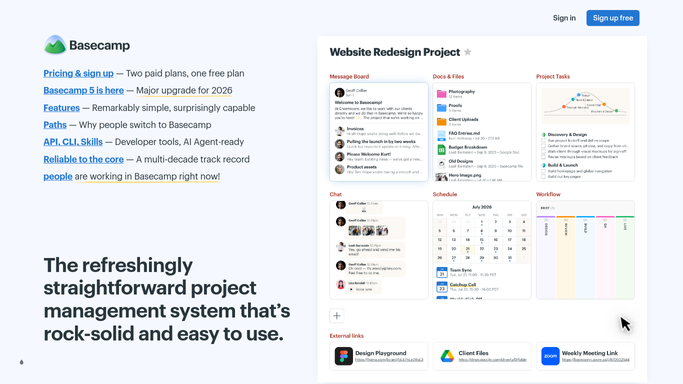
Automated Basecamp Project Health Reports
Every Monday, WebRun reviews each Basecamp project for overdue to-dos and silent message boards, writes a health table into Notion, and sends you the summary on Telegram.
Basecamp›Telegram›Notion
Automated Babbel Learner Onboarding
Every Monday, WebRun checks each new learner's Babbel setup, logs their course, level and start date in Airtable, and builds their first four weeks in Notion.
Babbel›Airtable›Notion
Automated Auth0 Credential Expiry Alerts
Every week, WebRun reviews your Auth0 tenant for credentials and certificates coming up for renewal, keeps the inventory in Notion, and texts the on-call engineer when something expires soon.
Auth0›Notion›Twilio
Automated AuditBoard Finding Tracking
Every morning, WebRun reads new AuditBoard issues and findings, writes each one into your Notion remediation register, and opens a Trello card for the owner so nothing sits in the audit tool alone.
AuditBoard›Notion›Trello
Automated Aruba Hosting Quota Monitoring
Every morning, WebRun checks disk and mailbox usage across your Aruba services, logs the readings in Airtable, and writes a flagged list into your Notion ops page.
Aruba.it›Airtable›Notion
Automated Arc.dev Candidate Follow-Up
Every morning, WebRun finds Arc.dev candidates waiting too long on your side, updates your Notion hiring tracker, and puts a card on the Trello board for each one.
Arc.dev›Notion›Trello
Automated App Store Connect Release Tracking
Every morning, WebRun reads the version and build status of each app in App Store Connect, updates your Notion release board, and logs ratings and review counts in Google Sheets.
App Store Connect›Notion›Google Sheets
Automated Apartments.com Listing Reports
Every Monday, WebRun reviews your Apartments.com listings for views and inquiries, writes the table into Notion, and texts you about any unit that drew no interest all week.
Apartments.com›Notion›Twilio
Automated AOL Mail Inbox Triage
Every morning, WebRun reads the new mail in your AOL Mail inbox, opens a Trello card for anything that needs an action, and writes the day's digest into Notion.
AOL Mail›Notion›Trello
Automated Anaplan Submission Tracking
Every morning during the planning cycle, WebRun checks which Anaplan contributors have submitted, updates the tracker in Airtable, and posts the outstanding list to Notion.
Anaplan›Airtable›Notion
Automated Amazon Business Order Tracking
Every morning, WebRun reads your open Amazon Business orders, logs each one in Airtable with its delivery date, and writes the late and pending-approval items into Notion.
Amazon Business›Airtable›Notion
Automated Alteryx Failure Triage
Every morning, WebRun collects the Alteryx workflows that errored overnight, opens a triage row in Airtable, and posts the owned failure list to Notion.
Alteryx›Airtable›Notion
Automated Allstate Policy Renewal Reviews
Every Monday, WebRun checks your Allstate policies for renewal dates and premium changes, writes a review page in Notion, and cards each upcoming renewal in Trello so nothing auto-renews unchecked.
Allstate›Notion›Trello

Want one of these running on your own Notion?

Show WebRun the process once and it will run it on schedule, in your own private browser environment.