Get every new learner started on the right course
Every Monday, WebRun signs into Babbel, checks each newly added learner is on the right language, course and level, captures their progress so far, records the setup in your Airtable learner base, builds a Notion onboarding page holding their first four weeks of lessons, and flags anyone whose account is still incomplete.
- No credit card
- Under $0.01 per run
- Cancel anytime
How do I onboard new team members onto a language course?
Every Monday WebRun checks each new learner's Babbel account is on the right course and level, records their start date, target and progress in Airtable, and builds a Notion onboarding page with their first four weeks of lessons. It flags anyone whose setup is still incomplete.
- Nobody sits on the wrong course for a month before anyone notices
- Every learner has a four week plan on day one
- Managers see who has not started while it is still early
Built for L and D teams · HR managers · people operations · training coordinators
What does WebRun do on every run?
The exact actions WebRun takes, in order - in plain language, so you can adjust anything.
-
WebRun signs in and gets to work
Opens
www.babbel.comin a real browser with your saved login - no setup, no API keys. -
1
Babbel - check each new learner's setup
babbel.com
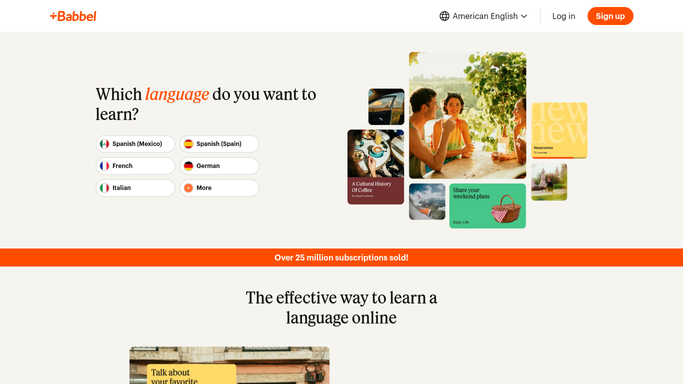
WebRun opens Babbel to check each new learner's setup. - Sign into Babbel and open the learner list for your team
- For each learner added in the last week, confirm the language, course and level match what was requested
- Capture lessons completed so far and the date of their last session
- Note any learner who has not opened a single lesson yet
Done when Every new learner has a confirmed course and level, or is flagged as unstarted.
-
2
Airtable - record course, level and start date
airtable.com How to Automate Airtable

WebRun opens Airtable to record course, level and start date. - Open your Learners base in Airtable and add or update a row per person
- Fill in language, course, level, start date, lessons completed and last active date
- Set the status field to Ready, Started or Needs setup
- Link each learner to their manager so the right person sees the gap
Done when Every new learner has a complete, current row in the Learners base.
-
3
Notion - build the first four weeks
notion.so How to Automate Notion

WebRun opens Notion to build the first four weeks. - Create a Notion onboarding page per learner from your standard template
- Lay out the first four weeks of lessons with a checkbox for each week
- Add the review sessions and the target the learner agreed with their manager
- Post a short internal roll-up listing who is Ready and who is still Needs setup
Done when Every new learner has a Notion page with a four week plan, and the roll-up is posted.
How is each run configured?
Secure by default
Connect once, stays signed in
WebRun signs in once and keeps each session in a persistent environment, so every run picks up right where it left off.
Every action is checked against this policy before it runs.
Questions, answered
Will it email learners who have not started?
No. WebRun writes an internal Notion roll-up and links each learner to their manager. Any nudge to the person is sent by their manager, not by WebRun.
Does it change anyone's Babbel course or level?
No. It reads the setup and flags a mismatch against what was requested. Changing a learner's course or level stays a human decision in Babbel.
What if someone was already onboarded last week?
They are skipped. WebRun checks the Airtable base first and only builds a plan for learners without one, updating progress on everyone else.
Related templates
Put this on autopilot.
Turn it on in minutes - or have our team set it up for you.