How to Automate Telegram

Telegram automates through its Bot API, which will post to a group or a channel on a schedule or on command. What a bot cannot do is find anything out. Getting the number onto the phone still needs something to read the system holding it first.

Telegram reaches the people who are not at a desk

Telegram is a free messaging app with groups, channels and bots, and for a lot of businesses it is the quickest way to reach someone who is nowhere near a computer. Drivers, engineers, site managers, kitchen staff and shop owners all have it open already.

It matters most where email is not really read and a desktop chat tool would never get installed. A crew of eight has a group. The owner has a channel where the day's numbers get posted. A supplier set up a bot that nobody ever configured properly.

Delivery is the appeal. A message lands on a phone in a pocket in about a second, costs nothing, and needs no licence and no company login. For a small operator that is often the only channel that genuinely works.

The person on site finds out last

The gap is never the sending. It is the knowing.

Someone at a desk checks whether the payment cleared, then types it into the group. Someone opens the job system to see which visits are booked for tomorrow and pastes the list in at nine at night. Someone notices at four in the afternoon that a delivery never left, four hours after the courier site said exactly that.

The information already exists. It is sitting behind a login on a screen nobody had open, waiting for a person to go and look before anyone else can be told.

By the time the group is told, the fact is often hours old, and the person it mattered to has already driven to the wrong place or waited for a part that was never coming.

The telegram.org homepage, the app these three jobs run in. Telegram
Tomorrow's list, tonight The next day's jobs read out of the scheduling system and posted to the crew group before anyone goes to bed.
Only what changed The deliveries that stopped moving and the payments that failed, rather than a full report nobody scrolls through.
Reaches people without a desk Drivers, engineers and site staff get the same facts as the office, on the phone already in their pocket.

A bot only says what it is handed

Telegram gives you real building blocks, and they are more capable than most people use.

The Bot API will post into a group or a channel on demand, run scheduled messages, offer buttons and keyboards, and take commands from members. Channels broadcast to any number of subscribers. A group can be quietly automated by a bot nobody has to think about.

What a bot cannot do is find anything out. It is a mouth, not a pair of eyes. Something has to hand it the figure, and that something is either a developer wiring up an API, assuming the system you care about even has one, or a person reading a screen and typing.

For most small operators it is the second, which is why so many of these groups are a stream of forwarded screenshots.

So the bot ends up as a megaphone for whatever a human already went and read, which is useful, but it is not automation.

The group can carry the day's facts

The posting has never been the problem. The reading in front of it is, and once a browser does that reading the group changes character.

Tomorrow's jobs, posted at six the evening before, read out of the scheduling system the office uses. The payments that failed overnight, named. The three deliveries that have not moved since yesterday, checked on the courier site by reference number. The stock lines that will not last the week.

It works the same way for the things people ask about all day. Whether the part arrived. Whether the invoice got paid. Whether the customer replied. Whether tomorrow is still going ahead.

Two things are worth deciding early. Post exceptions rather than everything, because a group that pings all day gets muted and then nobody sees the one message that mattered. And keep what goes to the crew separate from what goes to a customer: the crew group can run on its own, a message to a client should not.

Something has to go and look first

A bot will happily post the figure. Getting the figure is the part that still involves a person and a browser tab.

WebRun is an AI agent that works a real Chrome browser, signed in as you. It opens the scheduling system, the bank, the courier site or the supplier portal, reads what is on the screen, and hands the result to your bot to post into the group.

It runs on your schedule in your own private environment, and you can watch a run and stop it mid-way. Anything that would reach a customer is drafted and waits.

The workflows below are already built, and each shows exactly what it opens.

Questions people ask

Do I need a developer to set up a bot?

No. Creating a bot is a short conversation with BotFather inside Telegram and takes a couple of minutes. The part that normally needs a developer, getting real data to the bot, is what the workflow handles.

Can it message customers as well as staff?

It can, and that is the case to be careful with. Messages to your own crew group run on their own. Anything going to a customer is set up to draft and wait for a person to approve.

What if the group ends up too noisy?

Post exceptions rather than everything. Each workflow decides what is worth saying, so the group speaks when a delivery stalls or a payment fails, and stays quiet the rest of the time.

1,818 ready-made Telegram workflows

Each one names the apps it touches and the exact steps it takes. Open one to read what it will do, then turn it on.
Automated DBS Payment Approval Queue Alerts
Every morning, WebRun reads the DBS Bank queue of payments prepared but not yet approved, pings the approvers on Telegram, and drafts a Gmail summary for the finance lead.
DBS BankTelegramGmail
Automated DataCamp Assignment Rollout
Every Monday, WebRun stages the next DataCamp assignment for your group with a due date, waits for your approval to create it, then posts to Slack who has started and who has not opened it.
DataCampSlackTelegram
Automated Cvent Post-Event Survey Chase
Every morning, WebRun checks your Cvent survey response rate, drafts a Gmail reminder to each attendee who has not answered, and reports the numbers to Telegram.
CventGmailTelegram
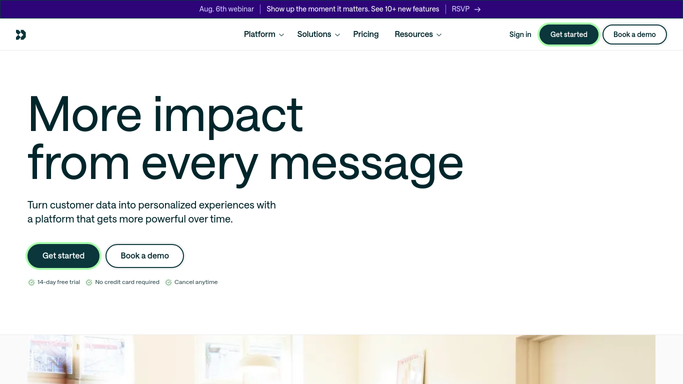
Automated Customer.io Deliverability Alerts
Every morning, WebRun reads bounce, complaint, and unsubscribe rates for each Customer.io message, pings Telegram when one is out of line, and posts the breakdown to Slack.
Customer.ioTelegramSlack
Automated Custify Onboarding Check
Every morning, WebRun finds the Custify accounts still stuck in onboarding with steps outstanding, posts them to Microsoft Teams, and pings Telegram about the most at-risk.
CustifyMicrosoft TeamsTelegram
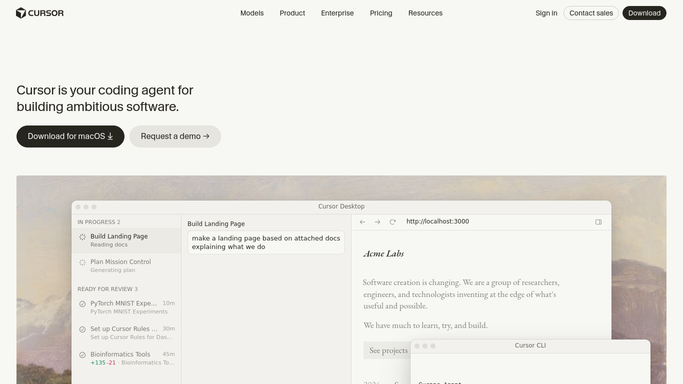
Automated Cursor Team Member Onboarding
When a new joiner is added, WebRun opens Cursor, checks the team plan has a free seat, queues the invite for the lead to send, posts the setup checklist to Microsoft Teams, and pings the lead on Telegram.
CursorMicrosoft TeamsTelegram
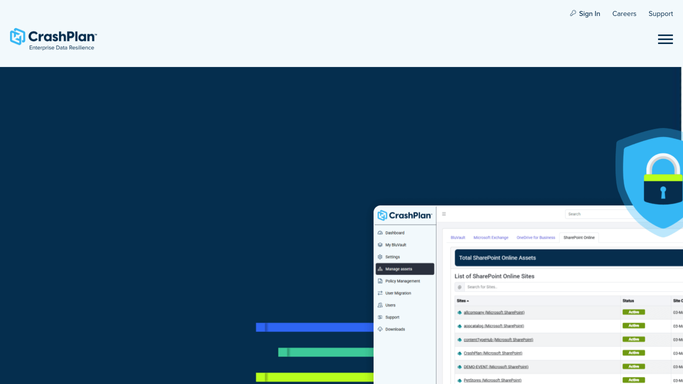
Automated CrashPlan Archive Expiry Watch
Every morning, WebRun lists your deactivated CrashPlan devices, works out how long each archive has left in cold storage, and posts the ones closest to expiry to your team.
CrashPlanMicrosoft TeamsTelegram
Automated Couchsurfing Reference Drafts
Every morning, WebRun checks which Couchsurfing stays have just ended, drafts the reference you owe each guest, tracks the ones owed to you in Microsoft Teams, and sends both to Telegram to approve.
CouchsurfingMicrosoft TeamsTelegram
Automated Contract Obligation Tracking
Every morning, WebRun opens Conga, reads the obligations and milestone dates inside live agreements, writes what falls due this week into Notion with an owner, and pings the contract owner on Telegram.
CongaNotionTelegram
Automated Confluent Schema Change Digest
Every morning, WebRun reads the new schema versions registered in Confluent, notes each subject's compatibility setting and the topics that use it, posts the digest to Microsoft Teams, and flags risky changes on Telegram.
ConfluentMicrosoft TeamsTelegram
Automated Concur Card Transaction Matching
Every morning, WebRun finds SAP Concur corporate card charges with no receipt or expense report attached and posts them to Microsoft Teams, with the total repeated in Telegram.
SAP ConcurMicrosoft TeamsTelegram
Automated Cognism Credit Usage Tracking
Every Monday, WebRun opens Cognism, reads the credits and exports used per user against what is left in the period, sends the burn rate to Telegram, and posts the per-user breakdown to Slack.
CognismTelegramSlack
Automated CodeSandbox Credit Usage Alerts
Every morning, WebRun reads your CodeSandbox credit usage, works out the run-out date at the current burn rate, and texts you through Twilio when the sprint is at risk.
CodeSandboxTwilioTelegram
Automated Cloudways Invoice Cost Review
Every Monday, WebRun reads your running Cloudways invoice by server and add-on, pings Telegram when the month is trending high, and posts the breakdown to Slack.
CloudwaysTelegramSlack
Automated Cloudinary Moderation Queue Checks
Every hour, WebRun checks the Cloudinary moderation queue, posts each pending upload to Teams with a preview and a recommendation, and pings Telegram when the queue backs up.
CloudinaryMicrosoft TeamsTelegram
Automated Close CRM Data Hygiene Audits
Every Monday, WebRun audits your Close leads and opportunities for a missing owner, value, or required field, posts a fix list to Microsoft Teams by rep, and flags the big gaps on Telegram.
CloseMicrosoft TeamsTelegram
Automated Clever App Request Approval Queue
Every morning, WebRun lists the Clever app requests still waiting on district approval, with who asked, from which school, and how long they have waited.
CleverGoogle SheetsTelegram
Automated Citrix Machine Registration Checks
Every hour, WebRun checks Citrix machine registration across your delivery groups, alerts Telegram when the available pool shrinks, and posts the detail to Microsoft Teams.
Citrix CloudMicrosoft TeamsTelegram
Automated CIBC Statement Collection
Every Monday, WebRun checks your CIBC accounts for new statements, files each one by account and period in Notion, and tells you what arrived in Telegram.
CIBCNotionTelegram
Automated Chromatic Snapshot Usage Watch
Every night, WebRun reads your Chromatic snapshot usage for the billing period, posts the burn rate to Microsoft Teams, and pings Telegram when the pace runs over plan.
ChromaticMicrosoft TeamsTelegram
Automated Checkmarx Open Source License Review
Every Monday, WebRun reads the open source packages and licenses in your Checkmarx projects, flags restrictive ones, and drafts a note for legal to review.
CheckmarxTelegramGmail
Automatic Cash App Unpaid Request Chasing
Every morning, WebRun finds the Cash App payment requests still unpaid, ages each one, posts the chase list to Telegram, and opens a Trello card for anything gone cold.
Cash AppTelegramTrello
Automated Newsletter Unsubscribe Lists
Every Monday, WebRun finds the repeat senders filling your Canary Mail inbox that you never read, drafts an unsubscribe list for your approval, and sends you the summary on Telegram.
Canary MailTwilioTelegram
Automated BuzzSumo Author Outreach Lists
Every Monday, WebRun runs your BuzzSumo topic searches, ranks the authors behind the coverage, posts the outreach list to Telegram, and texts you when a big name starts covering it.
BuzzSumoTwilioTelegram

Want one of these running on your own Telegram?

Show WebRun the process once and it will run it on schedule, in your own private browser environment.