How to Automate Outlook

Outlook automates thoroughly inside Microsoft 365. Rules sort and flag, Quick Steps bundle actions, and Power Automate connects to anything with a connector. Answering a message that needs a fact from a system with no connector is the part that still waits for a person and several browser tabs.

Outlook carries the mail the company is governed by

Outlook is the mail and calendar client bundled with Microsoft 365, and in a company of any size it carries a heavier load than personal email ever does.

It is where the audit trail lives. Approvals arrive in it. Contracts are attached to it. When a dispute happens two years later, the thread in somebody's Outlook is the evidence.

It also runs on shared mailboxes, and that is where the volume sits. The accounts inbox, the support address, the bookings mailbox, the one the whole team can see. Those have service levels attached, formally or otherwise, and somebody notices when they slip.

All of it sits inside a governed estate with an IT department, a tenant and an approval queue for anything new, which shapes what is realistic more than any technical limit.

The mailbox is a queue with a clock on it

A shared mailbox is a queue where every item needs looking up before it can be closed.

A customer asks for a delivery date, which is in the industry system nobody outside operations has open. A supplier queries an invoice, and the answer is in the accounts package. Somebody asks whether their order shipped, and it is on a courier site behind a reference in an earlier email in the same thread.

The pattern repeats all day. Read, open two or three other systems, find one fact, type a short reply, close it.

When the queue backs up it is almost never because the answers are difficult. It is because each one costs four minutes of looking, and there are ninety of them.

The queue is also visible in a way most work is not. Everyone can see how many are unread, which means a backlog turns into a conversation about the team rather than about the four minutes of looking each message costs.

The outlook.com homepage, the app these three jobs run in. Outlook
Shared mailboxes that keep pace The queue triaged and the routine answers prepared before the team starts, so the service level survives Monday.
Facts from outside the tenant The portal, the industry package and the customer extranet Power Automate has no connector for, read and quoted.
Drafted, never sent Replies wait in the folder. Nothing leaves the company without somebody having read it.

Rules and Power Automate stay inside the tenant

Outlook has serious automation, and inside Microsoft it is better than most alternatives.

Rules move, flag, categorise and forward on conditions. Quick Steps bundle several actions behind one click. Automatic replies handle absence. Shared mailboxes and delegation let a team work one address properly. Power Automate connects Outlook to hundreds of products, so an email can create a task, file an attachment or start an approval.

The reach of all of it is the connector list. Where Microsoft or a vendor built a connector this is excellent, and you should use it before anything else.

The systems that hold the answers people email about are frequently not on that list. The industry package the business runs on. The regional supplier portal. The customer's own extranet. The internal tool built years ago by somebody who has left. Those never had a connector and never will.

The reply can carry a fact from outside Microsoft

Which emails can be answered without a person should depend on the question, not on who once built a connector. Anything with a login can be opened and read.

The delivery date question answered from the industry system, with the real date in the sentence. The invoice query answered with what the accounts package actually shows. The shipping question answered from the courier site, using the reference already sitting in the thread.

The triage is worth as much as the answers. A shared mailbox sorted before anyone arrives, with the items that need a specialist flagged, the routine ones already drafted, and anything ageing past its service level pushed to the top.

The rule that does not bend: drafted, not sent. This is company email, quoted back in disputes and read by regulators. A draft costs two seconds to approve and keeps a person accountable for every sentence that leaves the building.

Looking things up is the part to hand over

Judging what to say to a customer is the job. Opening four systems to find one date is not.

WebRun is an AI agent that works a real Chrome browser, signed in as you. It reads the message, opens whatever holds the answer including the systems with no connector, and leaves a reply in the drafts folder with the real detail in it.

It runs on your schedule in your own private environment, nothing is installed into the tenant, and a workflow can be restricted to a named list of domains.

The workflows below are already built, and each one names the systems it opens.

Questions people ask

Does IT have to approve anything in our tenant?

No. Nothing is installed into Microsoft 365 and no tenant-wide permissions are granted. It works the browser signed in as a normal user and sees only what that user can see.

Where does this stop and Power Automate start?

Power Automate owns anything with a connector, and it is the better tool there. This picks up at the boundary of the connector list, which is where most industry systems and customer portals sit.

Can it work a shared mailbox rather than a personal one?

Yes, as long as the account it signs in with has access to that mailbox. It uses the same permissions your team already has.

219 ready-made Outlook workflows

Each one names the apps it touches and the exact steps it takes. Open one to read what it will do, then turn it on.
Automated Verity Contract Pharmacy Claim Recon
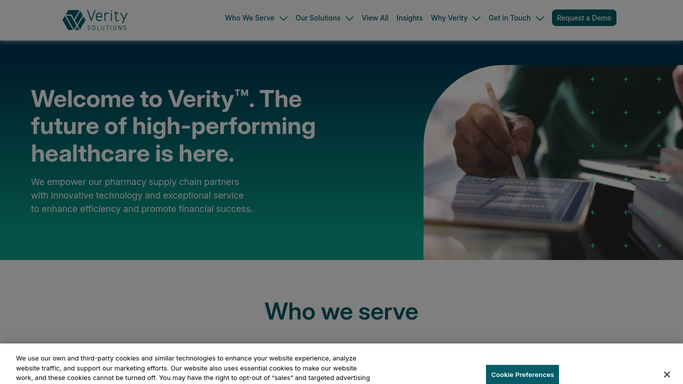
Every Monday, WebRun opens Verity Solutions, pulls the week's contract pharmacy dispense claims, checks them against the TPA gateway records, and sends you a reconciliation report of anything that doesn't match.
Verity Solutions›Smartsheet›Outlook
Automated Waystar Appeal Deadline Reminders
WebRun scans open denials in Waystar for approaching appeal deadlines, emails the assigned biller a reminder in Outlook, and pings Slack for anything due within 3 days so a missed window never costs you the appeal.
Waystar›Outlook›Slack
Automated Experian Health Prior Auth Escalations
Every morning, WebRun checks Experian Health for prior authorizations still pending beyond your SLA, escalates the oldest ones to your auth supervisor in Slack, and drafts a status request to the payer for review before sending.
Experian Health›Slack›Outlook
Automated XSOLIS Authorization Expiry Warnings
WebRun checks XSOLIS every morning for authorizations expiring within 48 hours, logs each to a Google Sheet, drafts the extension request in Outlook, and posts a Slack alert so your UM team can act before coverage lapses.
XSOLIS›Google Sheets›Outlook
Automated iQueue Abandoned Block Alerts
Once a month, WebRun checks LeanTaaS iQueue for blocks with little or no use over the trailing 90 days, drafts a reclaim recommendation with the supporting utilization history, logs it to Google Sheets, and emails your governance committee a memo in Outlook to review at the next meeting.
LeanTaaS iQueue›Google Sheets›Outlook
Automated Account Order Backlog Summary
WebRun compiles each eyecare account's open and in-progress jobs from Ocuco Innovations, drafts a personalized backlog summary in Outlook per account, and posts your account managers a Slack rollup of which accounts have aging jobs.
Ocuco Innovations›Outlook›Slack
Sonio Automated Claim Appeal Queue
Each morning, WebRun opens Sonio, matches denied ultrasound claims to the report and codes behind them, queues each in Google Sheets by appeal deadline, and drafts an appeal letter in Outlook for a biller to review and send.
Sonio›Google Sheets›Outlook
Automated Lens Remake Warranty Check
WebRun reviews remake requests in Ocuco Innovations against the original job date and coating warranty, builds a Google Sheet worklist marking each as warranty or chargeable, and drafts an Outlook reply to the account.
Ocuco Innovations›Google Sheets›Outlook
Automated Executed Agreement Notices
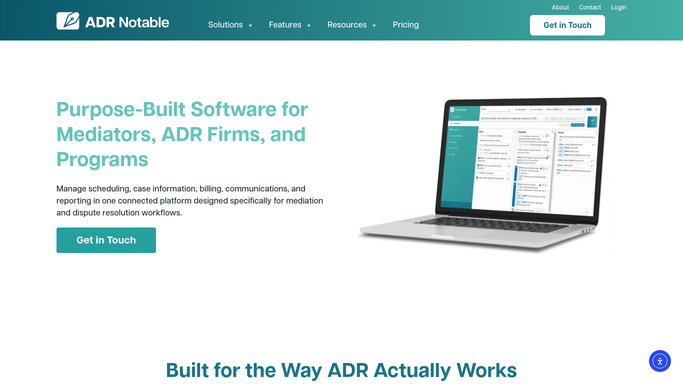
When DocuSign shows a mediation agreement fully executed, WebRun updates the case in ADR Notable and drafts a confirmation to each party's counsel in Outlook with the effective date and next steps, leaving every message for you to send.
ADR Notable›DocuSign›Outlook
Automated Pathology Result Tracking
WebRun matches specimens sent to pathology against results received in EndoManager, flags any biopsy still outstanding past its expected turnaround, alerts the provider in Outlook, and drafts patient result letters for review once results are in.
EndoManager›Outlook›Slack
Automated Trademark Portfolio Reports
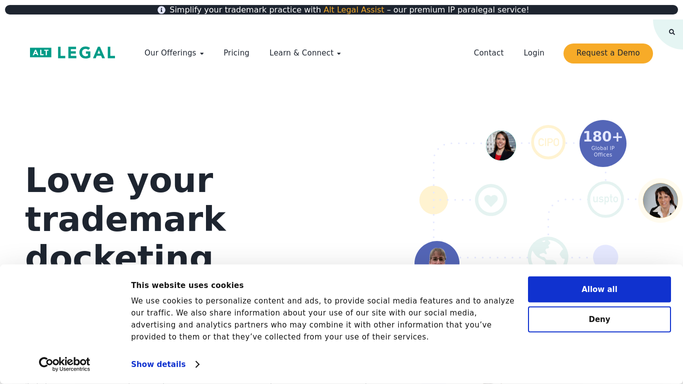
Each month, WebRun opens Alt Legal, pulls each client's trademark portfolio and current status, builds a clean status report in a Google Sheet, and drafts the cover email in Outlook for you to review before it goes out.
Alt Legal›Google Sheets›Outlook
Automated Digital Impression Alerts
WebRun watches for incoming digital impression and intraoral scan files, matches each to the right patient chart in XLDent, and pings the team in Slack so the case moves to design without sitting in an inbox.
XLDent›Outlook›Slack
nAbleIVF Automated Cryo Consent Recall
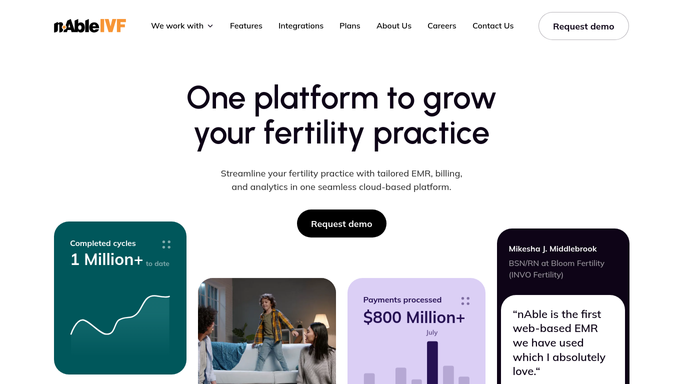
Every week, WebRun opens nAbleIVF, finds patients whose annual cryopreservation storage consent is coming up for renewal, drafts a recall email and a DocuSign renewal packet for each, and leaves both for staff to review so no consent lapses without the patient having a chance to renew.
nAbleIVF›Outlook›DocuSign
Automated Battery ERI Replacement Recall
Every morning, WebRun scans Octagos for devices that have reached battery ERI or RRT, drafts a generator-replacement recall email in Outlook for each patient, and posts your clinician a Slack list so no depleting device is missed.
Octagos›Outlook›Slack
Automated Sedation Record Audits
Every day, WebRun audits yesterday's moderate sedation records in HI-IQ for missing fields, logs the gaps to Google Sheets, and drafts a completion request to the responsible clinician in Outlook for you to approve.
HI-IQ›Google Sheets›Outlook
Automated Position Statement Collection
Ahead of each session, WebRun finds cases in ADR Notable that still owe a confidential position statement, drafts a secure request in Outlook to each party's counsel, and tracks arrivals in a Dropbox folder, leaving every request unsent for your review.
ADR Notable›Outlook›Dropbox
Automated 1031 Identification Reminders
As the 45-day window narrows, WebRun reads exchanges in Accruit Exchange Manager Pro that still lack a replacement-property identification, drafts a text in Twilio and an email in Outlook to the taxpayer, and leaves both for a facilitator to send.
Accruit Exchange Manager Pro›Twilio›Outlook
Automated 1031 Exchange Agreement Drafts
For each confirmed exchange, WebRun assembles the agreement package in Accruit Exchange Manager Pro, prepares a DocuSign envelope for the taxpayer, and drafts a cover note in Outlook, leaving everything queued for a facilitator to send.
Accruit Exchange Manager Pro›DocuSign›Outlook
Automated Seat Appointment Confirmations
WebRun finds patients with a final restoration due to seat in the next few days, drafts a confirmation text and an email for each, and leaves both unsent so your front desk can confirm the visit with one review.
XLDent›Twilio›Outlook
Automated Mediation Session Reminders
Each morning, WebRun reads tomorrow's mediation sessions from ADR Notable and Google Calendar, drafts a reminder in Outlook to each party covering the time, location, and documents to bring, and leaves every message unsent for your review.
ADR Notable›Google Calendar›Outlook
Sonio Automated Abnormal Finding Referrals
Each morning, WebRun opens Sonio, finds finalized reports with an abnormal or flagged finding, drafts a referral note in Outlook to the matching specialist for a clinician to approve and send, and alerts the MFM team in Slack so nothing waits.
Sonio›Outlook›Slack
Automated Consignment Stent Par Alerts
Every morning, WebRun checks consignment stent counts in HI-IQ against your par levels, drafts a restock request to each vendor rep in Outlook for you to approve, and posts a low-stock summary to Slack.
HI-IQ›Outlook›Slack
Automated Agreement to Mediate Chasing
WebRun checks DocuSign each day for agreements to mediate that are still unsigned, matches each to its case in ADR Notable, and drafts a polite reminder in Outlook to whichever party has not signed, leaving it for you to send.
ADR Notable›DocuSign›Outlook
Automated 1031 Party Detail Collection
For each new exchange, WebRun checks Accruit Exchange Manager Pro for missing taxpayer and settlement-agent details, drafts a short request email in Outlook, and queues a DocuSign intake form, leaving both for a facilitator to send.
Accruit Exchange Manager Pro›Outlook›DocuSign

Want one of these running on your own Outlook?

Show WebRun the process once and it will run it on schedule, in your own private browser environment.