Send clients a clear portfolio status report
On a monthly cadence, WebRun opens Alt Legal, pulls each client's marks with their status, next deadline, and jurisdiction, builds a clean portfolio status report in a Google Sheet, and drafts a cover email in Outlook left unsent so an attorney can review before the client sees it.
- No credit card
- Under $0.01 per run
- Cancel anytime
What does WebRun do on every run?
The exact actions WebRun takes, in order - in plain language, so you can adjust anything.
-
WebRun signs in and gets to work
Opens
app.altlegal.comin a real browser with your saved login - no setup, no API keys. -
1
Alt Legal - pull the client portfolio status
altlegal.com How to Automate Alt Legal

WebRun opens Alt Legal to pull the client's portfolio status. - Open Alt Legal and pull the selected client's full mark portfolio
- Capture each mark, its status, jurisdiction, registration or application number, and next deadline
- Note any marks in office action, opposition, or approaching a renewal
Done when The client's marks are captured with their current status and next deadline.
-
2
Google Sheets - build the status report
google.com How to Automate Google Sheets
WebRun builds the client's portfolio status report in a Google Sheet. - Build a clean status report with one row per mark and columns for status, jurisdiction, number, and next deadline
- Group by status so registered, pending, and at-risk marks are easy to scan
- Add a short summary line of counts by status at the top
Done when A tidy portfolio status report is ready in the Google Sheet.
-
3
Outlook - draft the cover email
outlook.com How to Automate Outlook
WebRun drafts the portfolio report cover email, left unsent for review. - Draft a cover email that summarises the portfolio and highlights anything needing the client's attention
- Reference the attached status report so the client can review the detail
- Leave the email saved as a draft for an attorney to review and send. Never send a client report on its own
Done when A cover email sits drafted and unsent for the client report.
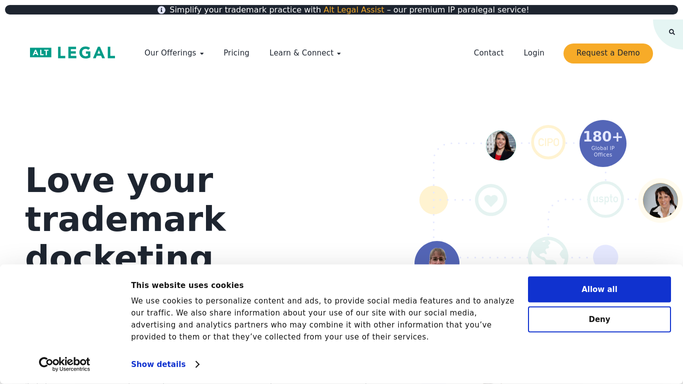


How do I compile a trademark portfolio status report for clients automatically?
On a monthly cadence, WebRun opens Alt Legal, pulls each client's marks with their status, jurisdiction, and next deadline, and builds a clean portfolio status report in a Google Sheet. It then drafts the cover email in Outlook and leaves it unsent, so an attorney reviews every client report before it is sent.
- Clients get a clean, current portfolio report on a set cadence
- At-risk and pending marks are grouped and highlighted
- Every client report is reviewed before it is sent
Built for trademark attorneys · IP law firms · in-house IP counsel · brand protection teams
How is each run configured?
Secure by default
Connect once, stays signed in
WebRun signs in once and keeps each session in a persistent environment, so every run picks up right where it left off.
Every action is checked against this policy before it runs.
Questions, answered
Will it send the report to the client without me?
No. WebRun builds the report and drafts the cover email in Outlook, then leaves it unsent for an attorney to review and send. No client sees their portfolio report until a person approves it.
Where does the status data come from?
WebRun reads each mark's live status, jurisdiction, and next deadline straight from the client's docket in Alt Legal, so the report reflects today's real portfolio rather than a stale export.
Can it highlight marks that need attention?
Yes. WebRun groups the report by status and calls out marks in an office action, opposition, or approaching a renewal, so the client and the attorney see what needs action first.
Related templates
Put this on autopilot.
Turn it on in minutes - or have our team set it up for you.