How to Automate Mailchimp

Mailchimp automates the sending. Journeys react to signups, purchases and clicks, segments update themselves, and campaigns can be scheduled well ahead. Assembling what goes in the email, the new stock, the current prices, the week's news, is the part that still takes a person a morning.

Mailchimp is the audience a business actually owns

Mailchimp is an email marketing platform, and its importance has less to do with email than with ownership. A list is the only audience a business controls outright.

Social reach is rented and the rent changes without notice. Search rankings move. An email list is a set of people who said yes, sitting in a file you could export tomorrow, worth roughly the same today as it was last year.

That is why even businesses with no marketing team keep one. The shop with two thousand customers. The studio with a class list. The wholesaler whose buyers actually want to know when something is back in stock.

And it is why the list quietly decays when nobody sends anything, which is the usual outcome.

The newsletter waits on somebody assembling it

Almost nobody stops sending because they ran out of things to say. They stop because putting one together takes a morning.

The morning goes on gathering. Opening the shop admin to see what came into stock. Checking which lines changed price. Finding the photo. Copying descriptions. Checking which of these went out in the last one. Then, finally, writing.

The writing is twenty minutes. The gathering is two hours, and it happens in six browser tabs.

So the monthly newsletter becomes quarterly, then stops, and a list that took three years to build gets one email in eighteen months and half of it forgets who you are.

It is the least dramatic way a business loses money. Nothing breaks, nobody complains, and a channel that cost nothing to keep simply stops working.

The mailchimp.com homepage, the app these three jobs run in. Mailchimp
Content gathered for you This week's new arrivals, price changes and news collected from the systems that hold them, ready to drop in.
An audience that matches reality Who bought, who lapsed and who churned, taken from the system that actually knows, not last quarter's export.
Sent only when you say A campaign to your whole list is not reversible, so it is prepared and waits for a person to press send.

Journeys react to what the audience does

Mailchimp's own automation is strong on the behavioural side and worth setting up properly.

Customer Journeys branch on signups, purchases, clicks, tags and dates, so a welcome sequence, an abandoned cart or a lapsed-buyer nudge all run without anyone touching them. Segments update themselves from conditions. Send Time Optimisation picks the hour. Transactional and product blocks pull items in when a connected store is supported.

Every one of those reacts to something the audience did, or to something a connected platform told Mailchimp about.

What none of it can do is find out what happened in your business. Mailchimp has no idea that eleven products arrived on Tuesday, that a supplier changed a price, that a class filled up, or that the thing three hundred people asked about is finally back. Somebody has to go and look, then type it in.

The campaign can be built from what changed this week

The email itself takes twenty minutes to write. The hour in front of it goes on opening other screens and copying what they say, and that hour is why the email often does not go at all.

This week's arrivals, read out of the shop admin with names, prices and images, laid into the campaign in the order you want them. The lines that dropped in price. The classes with places left on Saturday. The three items that came back into stock, which is the single email this kind of business sends that gets opened by everyone.

The audience side matters too. Who actually bought in the last ninety days, taken from the system that knows rather than an export somebody did in March. Who lapsed. Who churned and should stop receiving this entirely.

One boundary, and it is a firm one. A campaign to a whole list cannot be recalled and reaches thousands of real people at once. Assembling it can run unattended. Sending it should be a person looking at the thing and pressing the button.

Assembling the content is the slow part

Writing the email is a job for somebody who knows the customers. Collecting what goes in it is not.

WebRun is an AI agent that works a real Chrome browser, signed in as you. It opens the shop admin, the booking system or the supplier site, reads what changed, and builds the campaign in Mailchimp with the items, prices and images already placed.

It runs on your schedule in your own private environment, and you can watch a run and stop it. The campaign waits as a draft for you to read and send.

The workflows below are already built, and each one names what it opens.

Questions people ask

Will it send a campaign to my list on its own?

No. It prepares the campaign and leaves it as a draft. An email to a whole list cannot be recalled, so pressing send stays with a person.

Can it pull products from a shop with no Mailchimp integration?

Yes. It reads the shop admin the way you would, taking names, prices and images, which is why it suits the platforms that never appeared on an integrations list.

How does it keep the audience accurate?

By reading the system that actually knows who bought and when, then updating tags or segments to match, so the list reflects this month rather than the last time somebody did an export.

240 ready-made Mailchimp workflows

Each one names the apps it touches and the exact steps it takes. Open one to read what it will do, then turn it on.

Automated Pull-List Subscriber Winback
Each week, WebRun finds pull-list subscribers in Nerdslice who have stopped collecting their boxes, logs them to Google Sheets with what is piling up, and drafts a friendly winback email in Mailchimp for each one that you approve before sending.
NerdsliceGoogle SheetsMailchimp
Automatic Seasonal Solar Film Campaigns
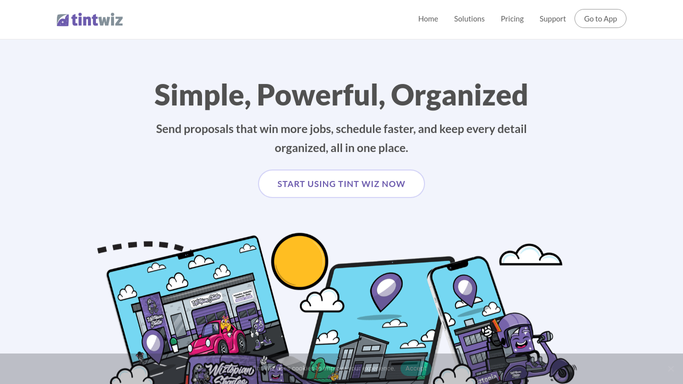
WebRun pulls past residential customers from Tint Wiz, segments who is a fit for solar and heat-rejection film this season, and drafts a Mailchimp campaign plus a target list so you fill the slow months while approving the send.
Tint WizMailchimpGoogle Sheets
Automated Masonry Sealing Rebooking
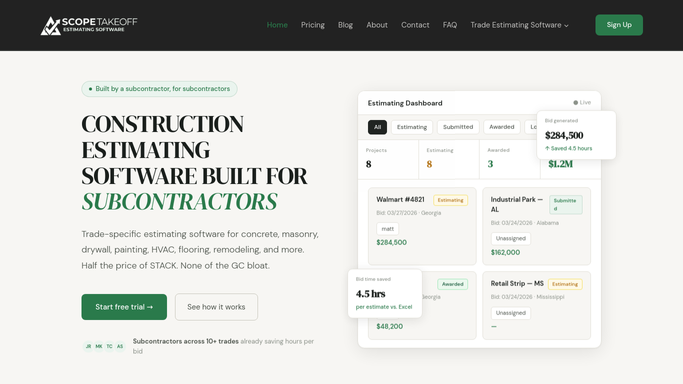
WebRun finds clients whose masonry sealing is due to be refreshed from your ScopeTakeoff history, drafts a seasonal outreach campaign in Mailchimp, and tells you in Slack before it goes out.
ScopeTakeoffMailchimpSlack
Automated Seasonal Coating Campaigns
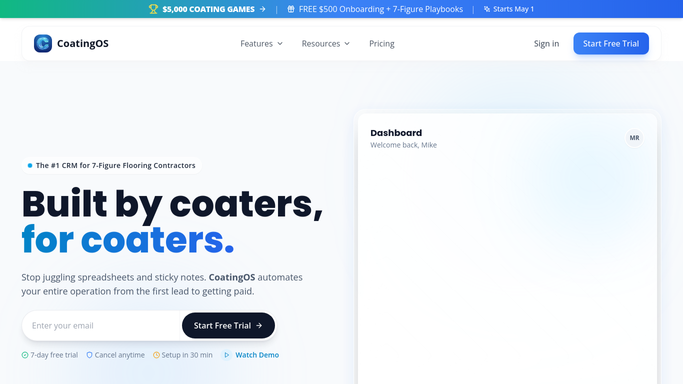
WebRun pulls past coating customers due for a refresh or an add-on space from CoatingOS, segments them by job type, and drafts a seasonal Mailchimp campaign for you to review before it sends.
CoatingOSMailchimpGmail
Automated New Collection Announcements
When a new collection lands in Like Sew, WebRun drafts a customer email and a Facebook post about it, both left for your approval before anything publishes.
Like SewMailchimpFacebook
Automated Variant Preorder Arrival Alerts
When a variant-cover shipment lands, WebRun matches the received copies in Nerdslice to the customers who preordered them, drafts a personal arrival email in Mailchimp and a short pickup text in Twilio, and leaves both unsent for your approval.
NerdsliceMailchimpTwilio
Automated Sealant and Fluoride Recall
WebRun finds children overdue for sealants or fluoride in Oryx Dental, builds a target list in Google Sheets, and drafts an educational recall campaign in Mailchimp for your team to approve.
Oryx DentalGoogle SheetsMailchimp
Automated Class Waitlist Offers
When a class seat opens in Like Sew, WebRun finds the next person on the waitlist and drafts them an offer email for you to approve before it sends.
Like SewMailchimpGoogle Sheets
Automated BridalLive Trunk Show RSVPs
WebRun tracks RSVPs for your upcoming BridalLive trunk show, drafts a Mailchimp reminder to invitees who have not booked, and posts your team a Slack digest of confirmed attendees, open slots, and gowns to pull.
BridalLiveMailchimpSlack
Automated Season Pass Renewal Reminders
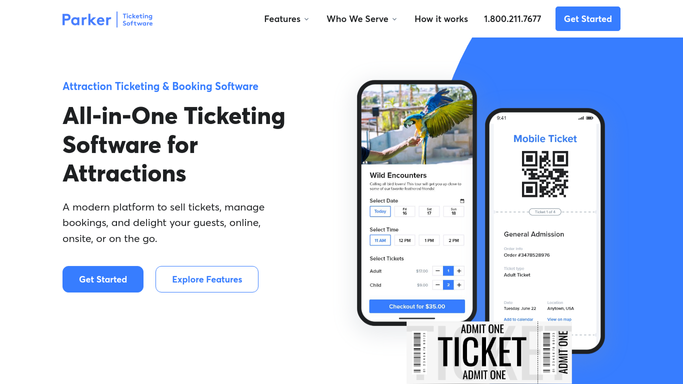
Each week, WebRun finds season passes nearing expiry in Parker, builds a segmented renewal reminder campaign in Mailchimp with each passholder's expiry date and renewal offer, and posts the membership team a summary in Slack, leaving the campaign unsent for approval.
ParkerMailchimpSlack
Automated Import Arrival Announcements
When a special import arrives in ShelfPerks, WebRun matches it to the customers who asked to be notified, then drafts a Mailchimp announcement to that segment for you to review before it goes out.
ShelfPerksGoogle SheetsMailchimp
Automated Cider Club Renewal Reminders
WebRun finds club members whose membership is coming up for renewal in Arryved, drafts a personalized renewal reminder for each in Mailchimp, and pings your team in Telegram to review before anything sends.
ArryvedMailchimpTelegram
Auditdata Automated Supply Reorder Campaigns
Every week, WebRun finds patients likely out of hearing aid batteries, domes, and wax guards in Auditdata Manage, then drafts a reorder campaign in Mailchimp for staff to approve before it sends.
Auditdata ManageMailchimpGoogle Sheets
Automated Pediatric Recall Reactivation
WebRun finds children overdue for their six-month recall in Oryx Dental, builds a reactivation list in Google Sheets, and drafts a gentle come-back campaign in Mailchimp for you to approve.
Oryx DentalGoogle SheetsMailchimp
Flybook Automated Pre-Arrival Reminders
Every morning, WebRun finds ranch weeks starting soon in Flybook, builds a packing and travel reminder tailored to each party's activities and season, and drafts it in Mailchimp for your team to review before it goes out.
FlybookMailchimpGoogle Sheets
EXEMPTAX Automated Certificate Collection
Each week, WebRun pulls the NetSuite customers with no valid resale certificate, opens EXEMPTAX to queue a guided collection request for each, drafts a Mailchimp campaign to invite them, and leaves the campaign unscheduled for review.
NetSuiteEXEMPTAXMailchimp
Automated Cider Club Pickup Notifications
WebRun finds this batch's club allocations in Arryved, drafts a personalized pickup-ready email for each member in Mailchimp, and posts a Slack alert so your team approves it before anything sends.
ArryvedMailchimpSlack
Automated Comic Pull-Box Ready Alerts
Each new-comic-day, WebRun reads the freshly built pull-box manifests in Nerdslice, matches each subscriber to their titles, and drafts a personal ready-for-pickup email in Mailchimp for you to approve before it goes out.
NerdsliceMailchimpDiscord
Automated Grant Program Guideline Change Notices
When grant program rules, indirect cost rates, or award terms change, WebRun identifies all affected active grantees in Submittable, drafts a tailored notice for each, and queues every draft for your approval before sending.
SubmittableMailchimpGoogle Sheets
Buildout Automated Tenant Prospect Nurture Reminders
WebRun checks Buildout for contacts due for a scheduled touchpoint, drafts a personalized check-in for each one, and adds a Mailchimp nurture step so no relationship goes cold.
BuildoutMailchimpGmail
iClassPro Automated Recurring Billing Reminders
Before each billing cycle, WebRun checks iClassPro for families on recurring tuition plans and drafts a billing heads-up for staff to review and send, so parents are never surprised by an auto-charge.
iClassProMailchimpQuickBooks
Avalara Sales Tax Rate Change Client Notices
WebRun checks Avalara for published rate changes effective in the next 60 days, maps each change to affected clients, and drafts a rate-change advisory email per client for your review before anything is sent.
AvalaraMailchimpGoogle Sheets
Oracle MICROS Simphony Review Request Drafts
Every day, WebRun identifies guests who completed a dine-in or delivery check in Oracle MICROS Simphony the prior evening, and drafts personalized review request emails for your marketing team to approve and send.
Oracle MICROS SimphonyMailchimpSlack
Automated Submittable Grantee Report Reminders
WebRun monitors Submittable for upcoming grantee progress and final report deadlines, drafts reminder messages for overdue or near-due reports, and queues them for your approval before sending.
SubmittableMailchimpGoogle Sheets

Want one of these running on your own Mailchimp?

Show WebRun the process once and it will run it on schedule, in your own private browser environment.