How to Automate Google Calendar

Google Calendar automates the parts that live inside it. Recurring events repeat, booking pages let people take a slot, notifications fire before a meeting, and Apps Script can run on a schedule. Keeping it accurate when the work is scheduled in another system is the part still done by hand.

The calendar is the only place anyone checks

Google Calendar is the free scheduling tool in Google Workspace, and in most small companies it has become the single source of truth about time, whether or not anyone intended that.

People will look at a calendar. They will not reliably look at a job management system, a rota tool or a booking platform, even when those are the systems the business actually runs on. If it is not on the calendar, for practical purposes it is not happening.

This produces a specific and very common failure. The real schedule lives in one system, everyone's behaviour is driven by another, and the gap between them is maintained by a person copying things across.

Two systems disagree about Thursday

The copying is invisible until it goes wrong, and it goes wrong in a way that costs real money.

A job gets booked in the field service system and somebody adds it to the shared calendar. A shift changes in the rota tool and the calendar keeps the old one. A client reschedules by email and the calendar gets updated but the job system does not.

Then an engineer drives to an address that was cancelled on Tuesday, or two people turn up for the same slot, or a visit that was moved never made it onto anyone's day at all.

The cause is never carelessness. It is that keeping two systems in step by hand is a task with no natural end, and it is always the first thing dropped on a busy day.

The calendar.google.com homepage, the app these three jobs run in. Google Calendar
The week filled in for you Jobs, shifts and appointments created where the work is booked, appearing on the right calendar without retyping.
Changes that follow through A visit moved in the job system moves on the calendar too, instead of drifting apart until someone notices.
Reminders with real detail The address, the reference and the contact pulled in, so nobody opens another system to find out where they are going.

Recurring events and booking pages cover a narrow slice

Google Calendar is more capable on its own than it is given credit for.

Events repeat on flexible rules. Appointment schedules let people book a slot from a public page, with buffers and limits. Working hours stop meetings landing at seven in the morning. Notifications fire by popup or email before an event. Calendars can be shared with fine-grained permissions, and Apps Script will run against them on a timer, so a nightly tidy-up is possible for anyone willing to write a little code.

What all of that shares is that the calendar is the origin. Something is created in the calendar, or created by someone booking through the calendar, and the calendar manages it from there.

When the appointment is created somewhere else, none of it applies. The calendar has no way to know that a job was booked in a different system twenty minutes ago, and no way to find out.

The week can fill itself from wherever the work is booked

The calendar can be written straight out of whatever system took the booking. Nobody needs to read one screen and type into another.

Tomorrow's jobs, read out of the field service system and written onto the right engineer's calendar with the address and the reference in the description. The week's shifts from a rota tool that has no calendar export. Appointments from a clinic system that only ever shows them in its own day view.

The corrections matter as much as the creations. A visit moved in the source system moves on the calendar. A cancellation removes the event instead of leaving it there to send somebody on a wasted trip.

It is worth being deliberate about direction. Pick one system as the truth, usually the one where the work is genuinely booked, and let the calendar follow it. Two systems that both write to each other will eventually fight, and the argument will surface as a double booking on a Friday afternoon.

Keeping two systems in step is nobody's job

Tomorrow's jobs are already written down somewhere; they are just not written down on the calendar. Moving them across is not skilled work, but it is the work that stops an engineer driving to the wrong town.

WebRun is an AI agent that works a real Chrome browser, signed in as you. It opens the system where the work is booked, including the ones with no API and no calendar export, reads the day, and writes the events onto the calendar with the details filled in.

It runs on your schedule in your own private environment, and you can watch a run and stop it. Anything that would notify a customer drafts and waits for a person.

The workflows below are already built, and each one shows the steps it takes.

Questions people ask

Will it create duplicate events if it runs twice?

Each workflow matches on a reference from the source system, so a second run updates the event it already created rather than adding another one.

Can it write to several people's calendars?

Yes, as long as the account it signs in with has permission to those calendars. It uses the same access a person would, so shared team calendars work the way they already do for you.

What about a booking system with no export at all?

That is the usual case. It reads the day off the screen the way a person would, then writes the events, so a system that never offered a calendar feed is no longer a dead end.

1,265 ready-made Google Calendar workflows

Each one names the apps it touches and the exact steps it takes. Open one to read what it will do, then turn it on.
Automated Zoho Projects Overdue Task Chasing
Every morning, WebRun finds overdue and unowned tasks in Zoho Projects, puts at-risk milestones on your calendar, and posts a chase list to WhatsApp grouped by owner.
Zoho ProjectsGoogle CalendarWhatsApp
Automated Zoho Payroll Pay Run Checklist
Three days before payday, WebRun checks Zoho Payroll for anything that would hold up the run, posts the checklist to Microsoft Teams, and books your approval slot.
Zoho PayrollGoogle CalendarMicrosoft Teams
Automated Zoho Creator Pending Record Queue
Every morning, WebRun checks your Zoho Creator apps for records stuck awaiting approval or action, posts the queue to Microsoft Teams, and books review time in Google Calendar.
Zoho CreatorGoogle CalendarMicrosoft Teams
Automated Yandex Mail Morning Brief
Every morning, WebRun reads your Yandex Mail inbox, picks out what actually needs a reply, blocks focus time in Google Calendar, and sends you the brief on WhatsApp.
Yandex MailWhatsAppGoogle Calendar
Automated Webex Meeting Link Checks
Every afternoon, WebRun compares tomorrow's Google Calendar meetings with your Webex schedule, finds the ones missing or mismatched, and posts the fix list to Microsoft Teams.
WebexGoogle CalendarMicrosoft Teams
Automated Vultr Backup Coverage Checks
Every Monday, WebRun reviews your Vultr instances for missing backups and snapshots, books a fix-it block in Google Calendar, and sends you the gap list on WhatsApp.
VultrGoogle CalendarWhatsApp
Automated VistaCreate Design Asset Register
Every week, WebRun catalogues your VistaCreate projects into an Airtable register with format and last edited date, and books a Google Calendar refresh for anything gone stale.
VistaCreateAirtableGoogle Calendar
Automated USPS Shipment Tracking Digest
Every morning, WebRun tracks your USPS shipments, books a chase reminder on Google Calendar for anything stuck, and sends you a WhatsApp digest of what moved.
USPSWhatsAppGoogle Calendar
Automated Upwork Milestone Deadline Tracking
Every morning, WebRun reads your active Upwork contracts, puts each milestone due date on Google Calendar, and sends you a WhatsApp list of what is due this week and what is already late.
UpworkGoogle CalendarWhatsApp
Automated Trust Wallet Transaction Records
Every Sunday, WebRun reviews your Trust Wallet transaction history, texts you about any large outgoing transfer, and puts the tax and reporting deadlines on your Google Calendar.
Trust WalletTwilioGoogle Calendar
Automated Tradify Daily Job Briefing
Every afternoon, WebRun reads tomorrow's Tradify schedule, mirrors each job onto the team Google Calendar, and sends the crew a Telegram brief with times and addresses.
TradifyGoogle CalendarTelegram
Automated TikTok Performance Reporting
Every Monday, WebRun reads your TikTok analytics, blocks filming time in Google Calendar for the formats that performed, and posts the scorecard to Microsoft Teams.
TikTokGoogle CalendarMicrosoft Teams
Automated Teamwork Milestone Risk Alerts
Every Monday, WebRun checks Teamwork for milestones due in the next two weeks, works out which ones still have open tasks, books the risky ones into your calendar, and alerts Telegram.
TeamworkGoogle CalendarTelegram
Automated Talkdesk Queue Scorecards
Every morning, WebRun pulls yesterday's Talkdesk queue and agent numbers, books coaching time in Google Calendar where it is needed, and posts the scorecard to Microsoft Teams.
TalkdeskGoogle CalendarMicrosoft Teams
Automated Tailscale Key Expiry Reminders
Every Monday, WebRun checks which Tailscale device and auth keys expire soon, drafts a heads-up email to each owner, and blocks time in your calendar to rotate them.
TailscaleGmailGoogle Calendar
Automated SquadCast Recording Checks
Every morning, WebRun checks each SquadCast session from yesterday, confirms every participant track finished uploading, cross-checks your calendar for sessions with no recording, and messages you on WhatsApp.
SquadCastGoogle CalendarWhatsApp
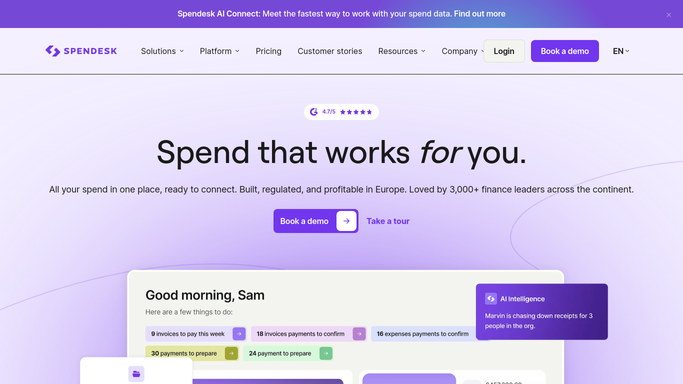
Automated Spendesk Missing Receipt Tracking
Every morning, WebRun finds Spendesk payments still missing a receipt or a category, logs each one against its owner in Airtable, and books close time when the backlog gets big.
SpendeskAirtableGoogle Calendar
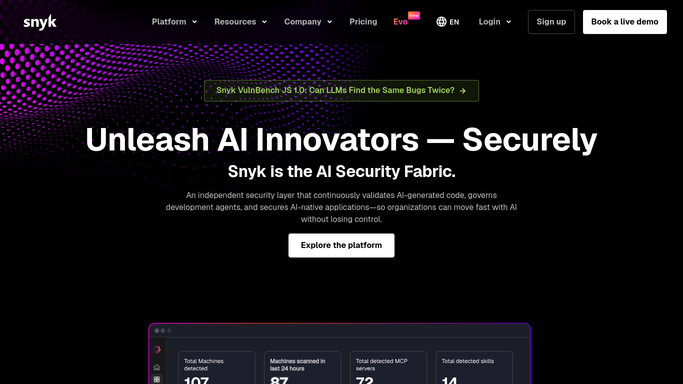
Automated Snyk Licence Issue Reviews
Every Monday, WebRun opens Snyk, collects the licence issues flagged across your projects, holds a legal review slot on Google Calendar, and sends engineering the list on WhatsApp.
SnykGoogle CalendarWhatsApp
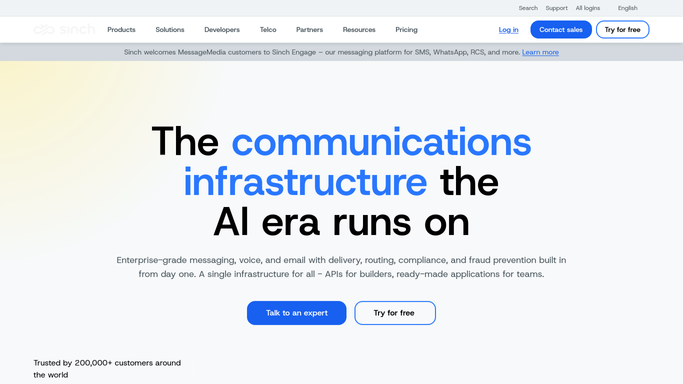
Automated Sinch Balance and Runway Alerts
Every morning, WebRun reads your Sinch account balance and recent message spend, works out how many days of credit are left, and WhatsApps you before it runs out.
SinchWhatsAppGoogle Calendar
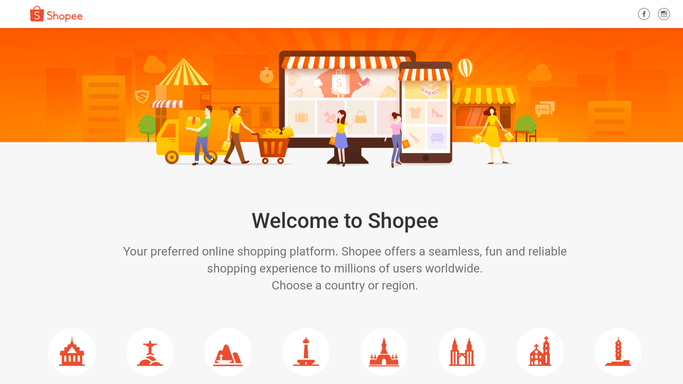
Automated Shopee Low Stock Alerts
Every morning, WebRun checks stock on your Shopee listings, works out which will run out first at the current sales rate, alerts Telegram, and books restock time in your calendar.
ShopeeTelegramGoogle Calendar
Automated Sage Supplier Payment Runs
Every Monday, WebRun lists the Sage bills falling due this week, blocks a payment run in Google Calendar, and posts the approval list to Microsoft Teams. It never pays anyone.
SageGoogle CalendarMicrosoft Teams
Automated Reddit Ads Budget Pacing Checks
Every morning, WebRun checks how fast each Reddit Ads campaign is spending, messages you on WhatsApp when one is off pace, and puts every campaign end date on your Google Calendar.
Reddit AdsWhatsAppGoogle Calendar
Automated Overdue Project Task Chasing
Every morning, WebRun finds overdue tasks in ProjectManager.com, drafts a nudge to each assignee in Gmail for you to approve, and books a short catch-up slot in your Google Calendar.
ProjectManager.comGmailGoogle Calendar
Automated Pinterest Ads Budget Pacing Alerts
Every morning, WebRun checks Pinterest Ads campaign spend against budget, messages you on WhatsApp when pacing looks wrong, and books a review slot in Google Calendar.
Pinterest AdsWhatsAppGoogle Calendar

Want one of these running on your own Google Calendar?

Show WebRun the process once and it will run it on schedule, in your own private browser environment.