Keep open-source licence problems off your release path
Every Monday, WebRun signs in to Snyk, opens each project's open-source findings, collects every licence issue your policy flags along with the package and the project it came from, holds a short legal review slot on Google Calendar for anything new, and sends engineering the week's licence list on WhatsApp.
- No credit card
- Under $0.01 per run
- Cancel anytime
How do I review open-source licence issues from Snyk every week?
WebRun signs in to Snyk every Monday and collects the open-source licence issues flagged across your projects, noting the package, version, licence, and project for each. It holds a legal review slot on Google Calendar when new high severity issues appear and sends engineering the full list on WhatsApp.
- Licence problems surface weekly instead of during a customer security review
- New issues are separated from the known backlog every Monday
- Legal gets a review slot only when something genuinely new appears
Built for engineering leads · platform teams · open-source compliance · security engineers
What does WebRun do on every run?
The exact actions WebRun takes, in order - in plain language, so you can adjust anything.
-
WebRun signs in and gets to work
Opens
app.snyk.io/loginin a real browser with your saved login - no setup, no API keys. -
1
Snyk - collect flagged licence issues
snyk.io
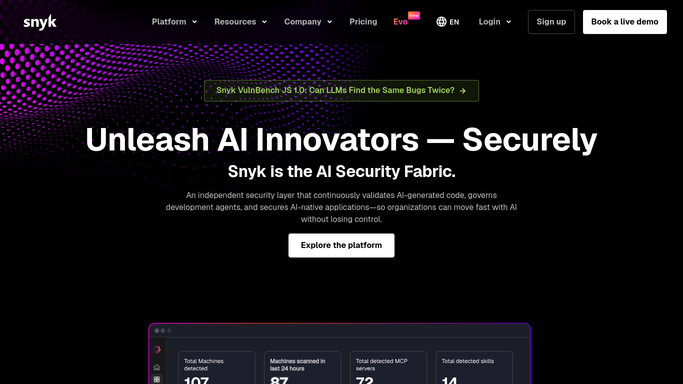
WebRun opens Snyk to collect flagged licence issues. - Sign in to Snyk and open your organisation's project list
- For each project, open the open-source findings and filter to licence issues
- Capture the package, its version, the licence, the severity your policy assigns, and the project
- Mark which issues are new since last week and which are carried over
Done when Every flagged licence issue is listed with its package, project, and age.
-
2
Google Calendar - hold a legal review slot
calendar.google.com How to Automate Google Calendar

WebRun opens Google Calendar to hold a legal review slot. - Open Google Calendar and check whether a licence review is already booked this week
- If new high severity licence issues appeared, hold a 20 minute slot on your own calendar
- Put the affected packages and projects in the event notes
- Leave guest invitations unsent so you choose who joins
Done when A review slot is held whenever new high severity licence issues appear.
-
3
WhatsApp - send engineering the licence list
whatsapp.com How to Automate WhatsApp

WebRun opens WhatsApp to send engineering the licence list. - Send the engineering group this week's licence list, new issues first
- Show the count per project so the worst repository is obvious
- Call out anything that has sat unresolved for more than a month
Done when Engineering has the week's licence list on WhatsApp.
How is each run configured?
Secure by default
Connect once, stays signed in
WebRun signs in once and keeps each session in a persistent environment, so every run picks up right where it left off.
Every action is checked against this policy before it runs.
Questions, answered
Will it change my Snyk policies or ignore findings?
No. WebRun only reads your projects and their findings. It never edits a licence policy, ignores an issue, opens a fix pull request, or changes any setting in Snyk. Every decision stays with your team.
Does it invite legal to the review automatically?
No. The calendar slot is created as a hold on your own calendar with guest invitations left unsent, so you decide who is pulled into the review before anything goes out.
Can it cover only the repositories that ship to customers?
Yes. Give WebRun the list of projects or the Snyk organisation that matters and it skips everything else, which keeps the weekly list short and actionable.
Related templates
Put this on autopilot.
Turn it on in minutes - or have our team set it up for you.