Automated USPS Shipment Tracking Digest
Every morning, WebRun looks up each open USPS tracking number, reads the latest scan and expected delivery date, books a Google Calendar chase reminder for any parcel with no movement for two days, and sends you a WhatsApp digest split into delivered, in transit, and stuck.
How do I track USPS shipments and spot the ones that are stuck?
WebRun tracks your open USPS shipments every morning, reading the latest scan and expected delivery date for each. It books a Google Calendar chase reminder for parcels with no movement for two days and sends you a WhatsApp digest split into delivered, in transit, and stuck, ranked oldest first.
- Stuck parcels surface before the customer emails about them
- Each stalled shipment gets a dated chase reminder
- Delivered parcels clear themselves off the list
Built for ecommerce sellers · fulfilment teams · customer service · small retailers
What does WebRun do on every run?
The exact actions WebRun takes, in order - in plain language, so you can adjust anything.
-
WebRun signs in and gets to work
Opens
www.usps.comin a real browser with your saved login - no setup, no API keys. -
1
USPS - track every open shipment
usps.com
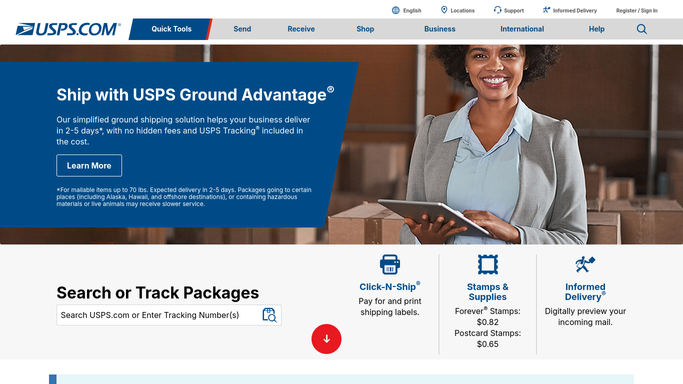
WebRun opens USPS to track every open shipment. - Open USPS tracking and look up each tracking number on your open shipment list
- Read the current status, the latest scan location, and the expected delivery date
- Mark anything delivered since the last run as complete
- Flag parcels with no new scan for two days or more as stuck
Done when Every open tracking number has a current status and a last-scan date.
-
2
Google Calendar - book the chase reminders
calendar.google.com

WebRun opens Google Calendar to book the chase reminders. - Open your operations calendar in Google Calendar
- Create a chase reminder for each stuck parcel, titled with the tracking number and the customer
- Set the reminder for the next working day so someone follows up while it still matters
- Remove reminders for parcels that have since been delivered
Done when Every stuck parcel has a dated chase reminder on the calendar.
-
3
WhatsApp - send the delivery digest
whatsapp.com

WebRun opens WhatsApp to send the delivery digest. - Send yourself a WhatsApp digest split into delivered, in transit, and stuck
- Show the tracking number, the customer, and the days since the last scan for each stuck parcel
- Put the oldest stuck parcels at the top
- Leave contacting the customer or filing a USPS claim to a person
Done when You have today's delivery digest on WhatsApp with the stuck parcels ranked.
How is each run configured?
Secure by default
Connect once, stays signed in
WebRun signs in once and keeps each session in a persistent environment, so every run picks up right where it left off.
Every action is checked against this policy before it runs.
Questions, answered
Will it file a claim or contact USPS for me?
No. WebRun reads tracking status only. Filing a missing mail search, opening a claim, or contacting USPS support is done by a person, because those steps are hard to undo.
Does it message my customers about their parcel?
No. The digest goes to you on WhatsApp and the reminders go on your own calendar. Any message to a customer about a delay is written and sent by your team.
When does a parcel count as stuck?
When there has been no new USPS scan for two days or more, which you can change. Delivered parcels drop off the list on their own and their chase reminders are removed.
Related templates
Put this on autopilot.
Turn it on in minutes - or have our team set it up for you.