How to Automate Telegram

Telegram automates through its Bot API, which will post to a group or a channel on a schedule or on command. What a bot cannot do is find anything out. Getting the number onto the phone still needs something to read the system holding it first.

Telegram reaches the people who are not at a desk

Telegram is a free messaging app with groups, channels and bots, and for a lot of businesses it is the quickest way to reach someone who is nowhere near a computer. Drivers, engineers, site managers, kitchen staff and shop owners all have it open already.

It matters most where email is not really read and a desktop chat tool would never get installed. A crew of eight has a group. The owner has a channel where the day's numbers get posted. A supplier set up a bot that nobody ever configured properly.

Delivery is the appeal. A message lands on a phone in a pocket in about a second, costs nothing, and needs no licence and no company login. For a small operator that is often the only channel that genuinely works.

The person on site finds out last

The gap is never the sending. It is the knowing.

Someone at a desk checks whether the payment cleared, then types it into the group. Someone opens the job system to see which visits are booked for tomorrow and pastes the list in at nine at night. Someone notices at four in the afternoon that a delivery never left, four hours after the courier site said exactly that.

The information already exists. It is sitting behind a login on a screen nobody had open, waiting for a person to go and look before anyone else can be told.

By the time the group is told, the fact is often hours old, and the person it mattered to has already driven to the wrong place or waited for a part that was never coming.

The telegram.org homepage, the app these three jobs run in. Telegram
Tomorrow's list, tonight The next day's jobs read out of the scheduling system and posted to the crew group before anyone goes to bed.
Only what changed The deliveries that stopped moving and the payments that failed, rather than a full report nobody scrolls through.
Reaches people without a desk Drivers, engineers and site staff get the same facts as the office, on the phone already in their pocket.

A bot only says what it is handed

Telegram gives you real building blocks, and they are more capable than most people use.

The Bot API will post into a group or a channel on demand, run scheduled messages, offer buttons and keyboards, and take commands from members. Channels broadcast to any number of subscribers. A group can be quietly automated by a bot nobody has to think about.

What a bot cannot do is find anything out. It is a mouth, not a pair of eyes. Something has to hand it the figure, and that something is either a developer wiring up an API, assuming the system you care about even has one, or a person reading a screen and typing.

For most small operators it is the second, which is why so many of these groups are a stream of forwarded screenshots.

So the bot ends up as a megaphone for whatever a human already went and read, which is useful, but it is not automation.

The group can carry the day's facts

The posting has never been the problem. The reading in front of it is, and once a browser does that reading the group changes character.

Tomorrow's jobs, posted at six the evening before, read out of the scheduling system the office uses. The payments that failed overnight, named. The three deliveries that have not moved since yesterday, checked on the courier site by reference number. The stock lines that will not last the week.

It works the same way for the things people ask about all day. Whether the part arrived. Whether the invoice got paid. Whether the customer replied. Whether tomorrow is still going ahead.

Two things are worth deciding early. Post exceptions rather than everything, because a group that pings all day gets muted and then nobody sees the one message that mattered. And keep what goes to the crew separate from what goes to a customer: the crew group can run on its own, a message to a client should not.

Something has to go and look first

A bot will happily post the figure. Getting the figure is the part that still involves a person and a browser tab.

WebRun is an AI agent that works a real Chrome browser, signed in as you. It opens the scheduling system, the bank, the courier site or the supplier portal, reads what is on the screen, and hands the result to your bot to post into the group.

It runs on your schedule in your own private environment, and you can watch a run and stop it mid-way. Anything that would reach a customer is drafted and waits.

The workflows below are already built, and each shows exactly what it opens.

Questions people ask

Do I need a developer to set up a bot?

No. Creating a bot is a short conversation with BotFather inside Telegram and takes a couple of minutes. The part that normally needs a developer, getting real data to the bot, is what the workflow handles.

Can it message customers as well as staff?

It can, and that is the case to be careful with. Messages to your own crew group run on their own. Anything going to a customer is set up to draft and wait for a person to approve.

What if the group ends up too noisy?

Post exceptions rather than everything. Each workflow decides what is worth saying, so the group speaks when a delivery stalls or a payment fails, and stays quiet the rest of the time.

1,818 ready-made Telegram workflows

Each one names the apps it touches and the exact steps it takes. Open one to read what it will do, then turn it on.


Automated Weekly Athlete Progress Digest
WebRun reads each athlete's latest sessions and Sports Vision EyeQ trends in RightEye, logs the week's progress in Google Sheets, and sends the coach a clear Telegram digest of who improved and who stalled.
RightEyeGoogle SheetsTelegram
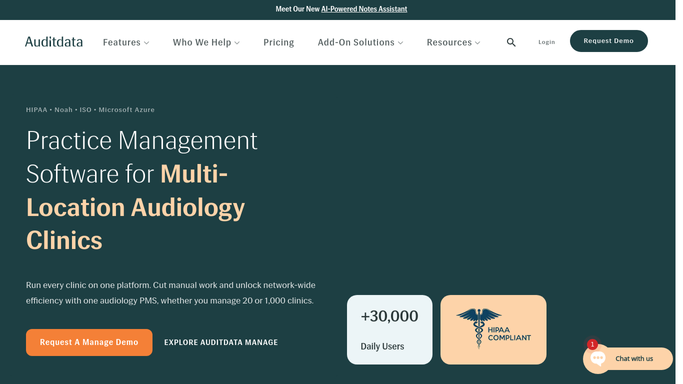
Auditdata Automated Consumable Reordering
Every morning, WebRun checks receiver, dome, and wax guard stock across locations in Auditdata Manage, drafts a purchase order in QuickBooks for anything below par, and pings your team on Telegram.
Auditdata ManageQuickBooksTelegram
OnRamp Automated Coating Reject Digest
Each day, WebRun reads the quality checklist and reject records in OnRamp, tallies rejects by defect type such as orange peel, thin film, or contamination, records the trend in a Google Sheet, and posts a Telegram digest of the top defects and jobs needing rework.
OnRampGoogle SheetsTelegram
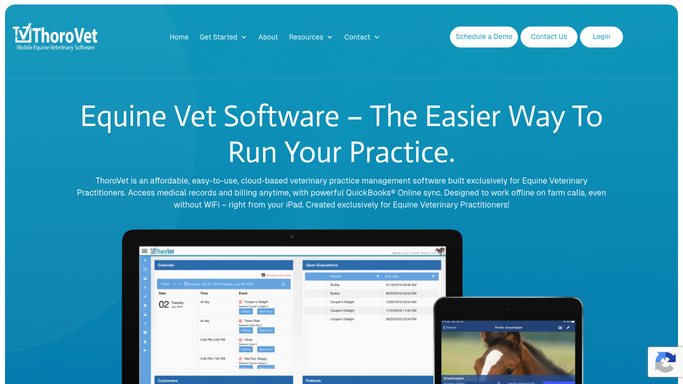
Automated Equine Dental Recall Reminders
WebRun scans ThoroVet each week for horses whose annual dental float is coming due, drafts a friendly recall text for each owner, and sends your team an internal recall list on Telegram so no horse goes a year without a check.
ThoroVetTwilioTelegram
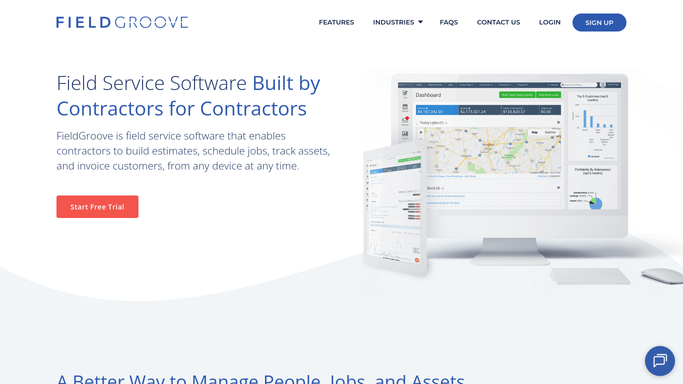
FieldGroove Automated Bag Inventory Alerts
Every morning, WebRun counts cellulose bags used on recent blown-in jobs in FieldGroove, updates your on-hand count in a sheet, and pings Telegram when a product drops below its threshold.
FieldGrooveGoogle SheetsTelegram
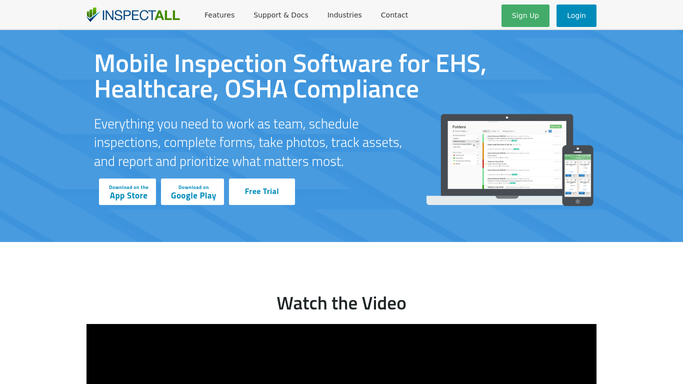
Automated Monthly Crane Scheduling
At the start of each month, WebRun reads InspectAll for cranes on a monthly frequent-inspection cycle, blocks each visit on your team calendar, and sends the scheduler a Telegram plan for the month.
InspectAllGoogle CalendarTelegram
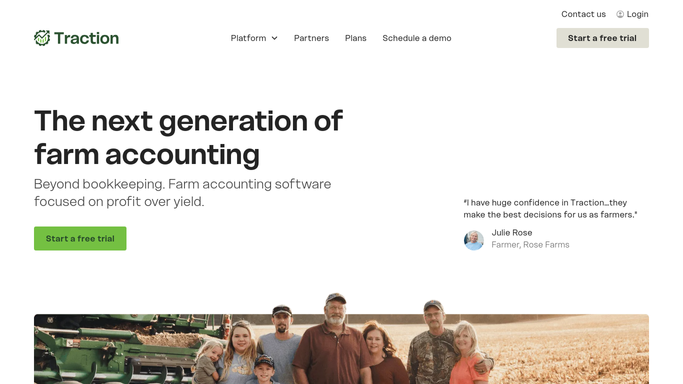
Automated Cost Per Bushel Crop Digest
Each week, WebRun reads your cost and profit per bushel by crop in Traction Ag, logs the numbers to a Google Sheet, and sends you a Telegram digest so you always know where each crop stands.
Traction AgGoogle SheetsTelegram
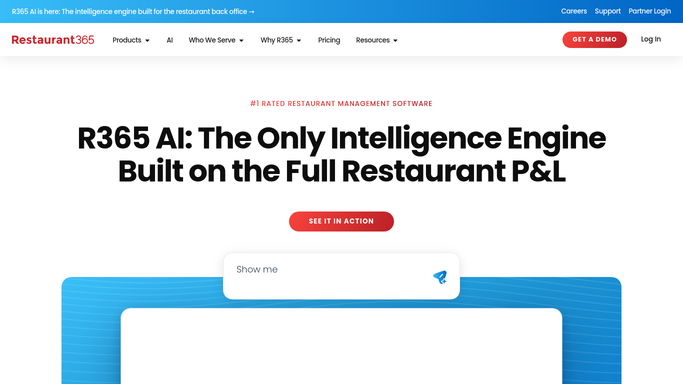
Automated Food Cost Variance Reporting
Every week, WebRun pulls each location's theoretical versus actual food cost from Restaurant365, writes the variances to a Google Sheet trend, and sends you a Telegram digest of the units and categories drifting most.
Restaurant365Google SheetsTelegram
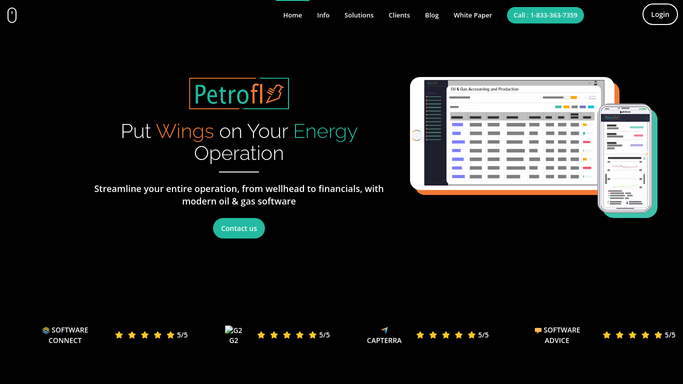
Automated Royalty Payment Status Digest
After each distribution run, WebRun reviews Petrofly and QuickBooks to see which royalty owners were paid, held, or below the minimum, totals the run, and sends you a Telegram digest of who got paid and who is still waiting.
PetroflyQuickBooksTelegram
Automated Partial Disposition Flags
WebRun watches renovation capex in QuickBooks, checks each project against the retired components in a KBKG study, and flags partial disposition candidates so their remaining basis is not lost.
QuickBooksKBKGTelegram
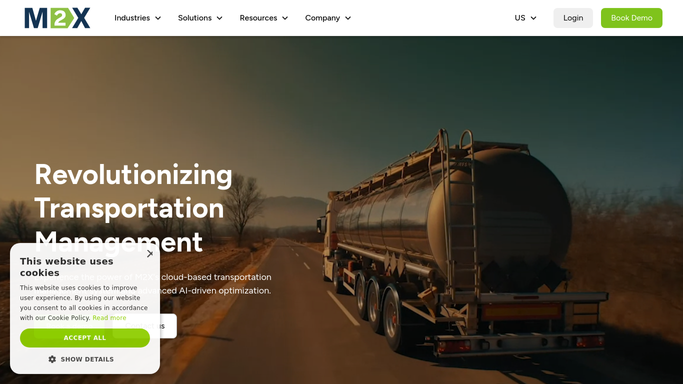
Automated Livestock Delay Escalation
WebRun watches inbound loads in M2X, spots delays that put a load's processing window at risk, posts the alert to the dispatch Slack channel, and escalates the most urgent ones to the on-call manager on Telegram.
M2XSlackTelegram
BeyondTrucks Automated Missed-Pickup Alerts
WebRun watches each scheduled pickup in BeyondTrucks against its appointment window and the driver's live status, and escalates any run that is late or about to be late to your dispatch channel in Slack and on-call over Telegram.
BeyondTrucksSlackTelegram
Automated Weighted Feed Follow-Up Drafts
A few days after a weighted feed consult, WebRun reviews the visit and care plan in MilkNotes, drafts a caring check-in email in Gmail, and pings you in Telegram so no feeding follow-up is missed.
MilkNotesGmailTelegram
Automated Vision Therapy Benefit Checks
Ahead of each new evaluation, WebRun reads the patient's insurance details from Sanet Vision Integrator, checks vision therapy coverage on the payer portal, logs the result in a Google Sheet, and posts a heads up to your billing team on Telegram.
Sanet Vision IntegratorGoogle SheetsTelegram
Automated DSO AR Aging Rollup
Each week, WebRun opens Denticon, pulls insurance and patient AR aging for every office, consolidates it in a Google Sheet, and posts a group aging summary to Telegram that flags the worst buckets.
DenticonGoogle SheetsTelegram
FieldX Automated Scouting Route Planning
Every morning, WebRun opens FieldX, sees which fields are due for scouting, orders them into an efficient route, adds it to Google Calendar, and sends the plan to the scout in Telegram.
FieldXGoogle CalendarTelegram
Automated Plant Flow Anomaly Alerts
Every hour, WebRun reads the plant flow figures logged in Operator10, compares them to normal for the time of day, and pings operators in Telegram when something looks off.
AllMax Operator10Google SheetsTelegram
Automated Asset Dependency Alerts
Every few hours, WebRun reads the asset dependency graph in Vani Software, finds shots stuck because an upstream asset is not ready, and pings the responsible lead on Telegram so the bottleneck gets cleared fast.
Vani SoftwareTelegram
Interpreter.io Automated Unfilled Booking Digest
Every morning, WebRun reviews the coming days of court bookings in Interpreter.io, groups the ones that still need an interpreter by how soon they are, and sends your coordinator a single internal Telegram digest to work from.
Interpreter.ioTelegram
Runit Automated Core Stock Replenishment
Every morning, WebRun checks stock on your core never-out models in Runit against their reorder points and sends a Telegram list of what to replenish today.
RunitTelegram
Automated Elevator Callback Digest
Each week, WebRun reviews FIELDBOSS callback tickets, finds units with repeat trouble calls, and sends your service manager a Telegram digest of the worst repeat offenders.
FIELDBOSSGoogle SheetsTelegram
Automated Unwound Deal Product Flags
WebRun compares unwound and returned deals against the aftermarket products still active in MenuMetric, logs the products that need cancelling to Google Sheets, and sends the F&I office a Telegram alert so no VSC or GAP contract stays live on a dead deal.
MenuMetricGoogle SheetsTelegram
Automated Concrete Truck Reassignment
When a jobsite falls behind, WebRun spots trucks stacking up or waiting in Dispatch360, drafts a reassignment to a ready job, and pings dispatch on Slack and Telegram to approve the move before any truck is redirected.
Dispatch360SlackTelegram
Automated Missing Exit Scan Alerts
Every few minutes, WebRun checks Engage Mobilize for hauls that logged a site entry but never a geofence exit scan, and alerts dispatch so a truck is never left unaccounted for on a lease.
Engage MobilizeTelegram

Want one of these running on your own Telegram?

Show WebRun the process once and it will run it on schedule, in your own private browser environment.