How to Automate QuickBooks

QuickBooks automates the bookkeeping that happens inside it. Bank rules categorise transactions, recurring templates raise invoices on a schedule, and reminders go out on terms you set. Reconciling against systems that sit outside the ledger, and chasing the money, is where the hours still go.

QuickBooks is the version of the business the accountant sees

QuickBooks is the small-business accounting package most of the English-speaking world settled on, and its real role is producing the version of the company that other people act on.

The bank looks at what comes out of it. The accountant works from it. A buyer doing due diligence reads it. The owner checks one number in it on a Sunday night and decides whether to hire.

That gives it a property most software does not have. Being slightly out of date is not a small problem, because decisions get made on it while it is wrong, and the error only surfaces at the point where it is expensive to fix.

Everything in it arrives from somewhere else. Sales happened in a till or a platform. Payments happened at a bank. Expenses happened on a card. The ledger is downstream of all of it.

Month end is four hours of chasing

The bookkeeping itself is mostly solved. What is left is fetching and comparing.

Somebody exports yesterday's takings from the till system and checks them against what came into the bank. Somebody downloads a statement from a card portal and matches lines to receipts. Somebody opens the ledger, lists who is overdue, cross-checks against a spreadsheet of who has already been chased, and writes five emails.

The chasing is the part that keeps slipping, and it is the part that determines whether the company has cash in April. It slips because it is uncomfortable, repetitive, and always competing with something more urgent.

So invoices age quietly. Not because nobody knows how to send a reminder, but because nobody had the list in front of them on a day they had twenty minutes spare.

A chase list every Monday Who is overdue, by how much and for how long, gathered before anybody opens the ledger to look.
Reconciled against the source What the till, the platform or the bank says, checked against what the books say, with the gaps named.
Reminders that stay polite Nothing goes to a customer without a person reading it, because a wrong chase costs more than a late payment.

Bank rules match what already arrived

QuickBooks automates more than a lot of people configure, and the built-in features are worth exhausting first.

Bank feeds pull transactions in and bank rules categorise them by description, amount or payee. Recurring transactions raise the same invoice every month without anyone touching it. Automatic reminders chase overdue invoices on a schedule you define. Payment links let a customer pay from the invoice. Reports can be scheduled and emailed.

All of that operates on what has already reached the ledger. A rule can categorise a transaction the bank feed delivered. A reminder can chase an invoice that exists.

What none of it does is go and look. It cannot open the till system to check what today actually took, read the platform that holds your online orders, or check the customer portal that shows a purchase order was approved. The comparing, which is where the errors live, is still manual.

The ledger can be checked against the systems it came from

Reconciling is a monthly ordeal because it waits for a person to have the time. As a daily check that runs on its own, it is barely an event.

Yesterday's card takings read off the terminal's own portal and compared with what landed in the bank, with the difference flagged rather than discovered in six weeks. Platform payouts checked against the deposits in the ledger. Supplier statements pulled from each supplier's account area and compared line by line with what you have recorded owing.

The chase list is the other half. Who is overdue, how much, how long, who was already contacted and when, assembled every Monday morning and put in front of a person with the largest and oldest at the top.

The line to hold is where money and customers meet. Assembling the list runs on its own quite safely. Sending a chase to a customer should be read by a person first, because a demand sent to someone who paid last week costs a relationship that a week of ageing never would.

Chasing is a job, not a decision

Deciding who gets credit and who gets a phone call is judgement. Finding out who is overdue and by how much is not.

WebRun is an AI agent that works a real Chrome browser, signed in as you. It opens the ledger, the till portal, the bank or the platform, reads what each one says, and puts the comparison or the chase list in front of you.

It runs on your schedule in your own private environment, and you can watch a run and stop it. Anything going to a customer drafts and waits.

The workflows below are already built, and each one names the systems it opens.

Questions people ask

Will it email our customers about money on its own?

Not unless you deliberately allow it for a narrow case. The default is that the chase list and the drafted messages are put in front of a person, because a wrong chase costs more than a late payment.

Do we need the QuickBooks API or an accountant licence?

No. It works the QuickBooks interface signed in as you, so it sees exactly what you see and needs no developer setup or extra licence.

Can it reconcile against a till system with no export?

Yes, and that is the common case. It reads the day's figures off the portal the way a person would, then compares them with the ledger and reports the difference.

459 ready-made QuickBooks workflows

Each one names the apps it touches and the exact steps it takes. Open one to read what it will do, then turn it on.


Automated PrismHR Client Invoice Summaries
Every Monday, WebRun opens PrismHR, pulls the invoiced payroll and admin fee totals for every client from last week's runs, reconciles them against QuickBooks, and posts your finance team a Slack summary of what was billed and what is still outstanding.
PrismHRQuickBooksSlack
Automated Yeti Per-Push Invoice Drafts
The morning after a storm, WebRun totals each site's completed pushes in Yeti Software, drafts a per-push invoice in QuickBooks for each customer, and emails you a summary of what's ready to send.
Yeti SoftwareQuickBooksGmail
UpKeep Automated Spare Parts Reorder Alerts
Every Monday, WebRun checks parts inventory in UpKeep against reorder points, drafts a QuickBooks purchase order for anything low, and posts Slack so a manager can approve before it goes to the supplier.
UpKeepQuickBooksSlack
Automated Parts Price File Change Alerts
WebRun compares each night's ASPEN parts price file update against the prior file, flags SKUs with a cost or list price change over 5 percent, logs every change in Google Sheets, and pings your parts manager on Telegram before counter staff sell at the old price.
ASPEN (Charter Software)QuickBooksTelegram
Automated EverLogic Floorplan Curtailment Tracking
On the 1st of every month, WebRun checks EverLogic for units crossing into a new floorplan curtailment tier in the next 30 days, confirms the payable in QuickBooks, and logs the schedule to a sheet for your controller.
EverLogicQuickBooksGoogle Sheets
Automated DockMaster Deposit Confirmations
The moment a new deposit is recorded on a boat sale in DockMaster, WebRun matches it to the invoice in QuickBooks and drafts a confirmation email in Gmail for your sales team to send.
DockMasterQuickBooksGmail
Automated Markt POS Cash Reconciliation
Every night, WebRun compares the counted cash drawer against Markt POS's closing Z-report and the deposit recorded in QuickBooks, logs the reconciliation to Google Sheets, and flags any variance in Slack.
Markt POSQuickBooksGoogle Sheets
Automated Eclipse Charge Account Reminders
WebRun finds contractor charge accounts past their payment terms in Epicor Eclipse, confirms the live balance in QuickBooks, drafts a statement reminder in Gmail for each, and posts your credit team a Slack chase list.
Epicor EclipseQuickBooksGmail
Function Point Automated Client Invoice Reminders
Every Monday, WebRun checks Function Point and QuickBooks for client invoices past due, drafts a polite payment reminder for each in Gmail, and leaves every draft for your accounts team to review and send.
Function PointQuickBooksGmail
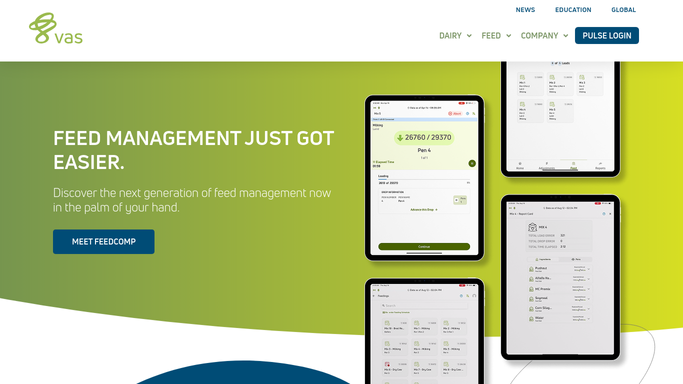
Automated DairyComp Milk Check Reconciliation
When your co-op's milk check payment lands, WebRun compares the pounds and components paid against DairyComp 305 production records, stages the deposit in QuickBooks, and flags any discrepancy in a Slack alert for your bookkeeper to confirm.
DairyComp 305QuickBooksSlack
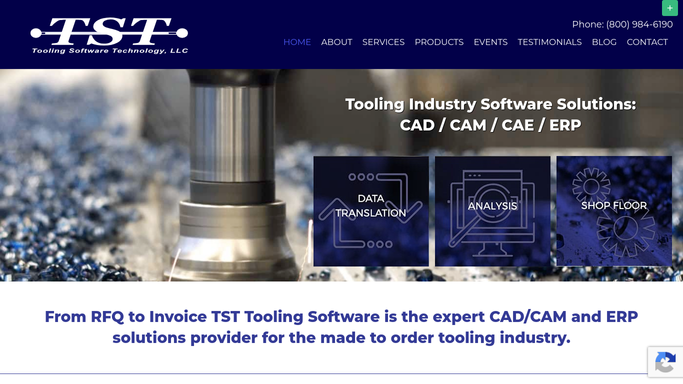
TSTracker Automated Quote Conversion Tracking
Every Monday, WebRun compares quotes entered in TSTracker's Estimating module against the jobs that actually converted to a build, checks the won amount against QuickBooks, and logs a running conversion rate report in Google Sheets.
TSTrackerQuickBooksGoogle Sheets
Odyssey ERP Automated Casting Yield Reports
Every Monday, WebRun compares poured weight to good shipped weight for last week's jobs in Odyssey ERP, checks the job cost impact in QuickBooks, and compiles a yield report by job and alloy in Google Sheets.
Odyssey ERPQuickBooksGoogle Sheets
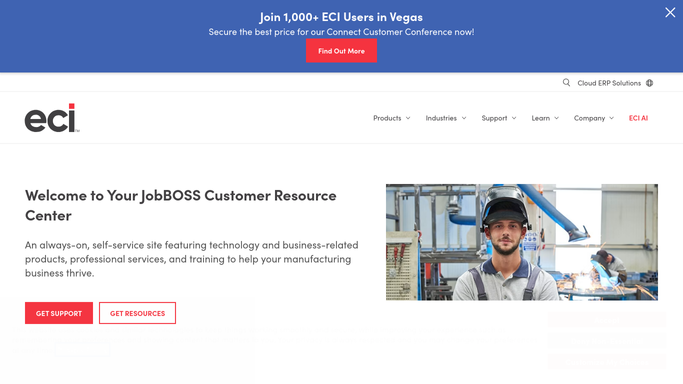
JobBOSS Automatic Customer Open Order Report
WebRun reads every open job per customer in JobBOSS, cross-checks invoicing status in QuickBooks, and logs a per-customer open order summary to a Google Sheet so you can answer a status call without digging through JobBOSS.
JobBOSSQuickBooksGoogle Sheets
Automated AestheticsPro Daily Revenue Digest
Every night, WebRun tallies the day's treatments and payments in AestheticsPro, reconciles the total against QuickBooks, and posts a clear revenue recap to Slack before you close up.
AestheticsProQuickBooksSlack
Automated ManageAmerica Home Inventory Aging Report
WebRun checks ManageAmerica for every home listed for sale, cross checks the carrying cost in QuickBooks, and logs an aging report so your sales team knows which homes have sat longest.
ManageAmericaQuickBooksGoogle Sheets
Automated GorillaDesk Attic Restoration Upsells
When a completed job notes attic damage such as contaminated insulation, WebRun drafts a restoration estimate in QuickBooks and a personalized outreach email in Gmail so your team can offer the upsell while the job is fresh.
GorillaDeskQuickBooksGmail
Automated Arborgold Storm Billing Summary
When a storm is marked complete, WebRun pulls every job Arborgold logged for the event, reconciles the total billable revenue against invoiced amounts in QuickBooks, and posts a full storm billing summary to Slack.
ArborgoldQuickBooksSlack
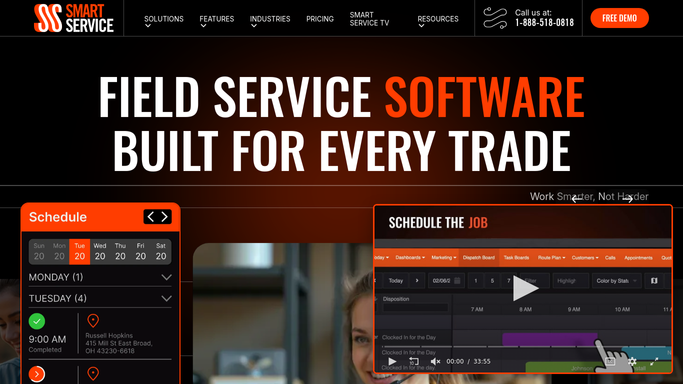
Automated Chimney Cap and Damper Upsell Quotes
WebRun checks Smart Service for inspections that recommend a new chimney cap or damper, drafts a priced quote in QuickBooks for each, and posts your office a Slack list of upsell opportunities ready to offer.
Smart ServiceQuickBooksSlack
Automated MicroBiz Ink Reorder Alerts
Every morning, WebRun checks fountain pen ink and cartridge stock in MicroBiz against your reorder levels, drafts a QuickBooks purchase order for anything low, and pings you on Telegram to approve it before it goes to the supplier.
MicroBizQuickBooksTelegram
Automated Accolent ERP Consignment Reconciliation
Every month, WebRun compares consigned inventory levels in Accolent ERP against each practice's usage report, drafts a QuickBooks invoice for items used since the last count, and posts a Google Sheet discrepancy log for your inventory team to review.
Accolent ERPQuickBooksGoogle Sheets
Total Party Planner Automated Deposit Invoices
WebRun finds newly booked events that still need a deposit invoice, drafts it in QuickBooks with the right amount and due date, and leaves it for you to review before it goes out.
Total Party PlannerQuickBooksSlack
Automated Client Payroll Register Summaries
After each client's payroll run finalizes in Payroll Relief, WebRun compiles the register into a plain summary, reconciles the totals against the client's QuickBooks bank feed, and drafts a Gmail summary for the client's bookkeeper to review before it goes out.
Payroll ReliefQuickBooksGmail
ePS Radius Automatic Open Order Reporting
Every Monday, WebRun compiles each customer's open orders from ePS Radius, checks which completed orders haven't been invoiced yet in QuickBooks, and logs a combined backlog report to Google Sheets.
ePS RadiusQuickBooksGoogle Sheets
Automated Cerbo Membership Renewal Reminders
Every Monday, WebRun finds patients whose annual membership or care plan renews within 30 days, checks QuickBooks to confirm they haven't already paid, and drafts a personal renewal reminder in Gmail for staff to review and send.
CerboQuickBooksGmail

Want one of these running on your own QuickBooks?

Show WebRun the process once and it will run it on schedule, in your own private browser environment.