How to Automate QuickBooks

QuickBooks automates the bookkeeping that happens inside it. Bank rules categorise transactions, recurring templates raise invoices on a schedule, and reminders go out on terms you set. Reconciling against systems that sit outside the ledger, and chasing the money, is where the hours still go.

QuickBooks is the version of the business the accountant sees

QuickBooks is the small-business accounting package most of the English-speaking world settled on, and its real role is producing the version of the company that other people act on.

The bank looks at what comes out of it. The accountant works from it. A buyer doing due diligence reads it. The owner checks one number in it on a Sunday night and decides whether to hire.

That gives it a property most software does not have. Being slightly out of date is not a small problem, because decisions get made on it while it is wrong, and the error only surfaces at the point where it is expensive to fix.

Everything in it arrives from somewhere else. Sales happened in a till or a platform. Payments happened at a bank. Expenses happened on a card. The ledger is downstream of all of it.

Month end is four hours of chasing

The bookkeeping itself is mostly solved. What is left is fetching and comparing.

Somebody exports yesterday's takings from the till system and checks them against what came into the bank. Somebody downloads a statement from a card portal and matches lines to receipts. Somebody opens the ledger, lists who is overdue, cross-checks against a spreadsheet of who has already been chased, and writes five emails.

The chasing is the part that keeps slipping, and it is the part that determines whether the company has cash in April. It slips because it is uncomfortable, repetitive, and always competing with something more urgent.

So invoices age quietly. Not because nobody knows how to send a reminder, but because nobody had the list in front of them on a day they had twenty minutes spare.

A chase list every Monday Who is overdue, by how much and for how long, gathered before anybody opens the ledger to look.
Reconciled against the source What the till, the platform or the bank says, checked against what the books say, with the gaps named.
Reminders that stay polite Nothing goes to a customer without a person reading it, because a wrong chase costs more than a late payment.

Bank rules match what already arrived

QuickBooks automates more than a lot of people configure, and the built-in features are worth exhausting first.

Bank feeds pull transactions in and bank rules categorise them by description, amount or payee. Recurring transactions raise the same invoice every month without anyone touching it. Automatic reminders chase overdue invoices on a schedule you define. Payment links let a customer pay from the invoice. Reports can be scheduled and emailed.

All of that operates on what has already reached the ledger. A rule can categorise a transaction the bank feed delivered. A reminder can chase an invoice that exists.

What none of it does is go and look. It cannot open the till system to check what today actually took, read the platform that holds your online orders, or check the customer portal that shows a purchase order was approved. The comparing, which is where the errors live, is still manual.

The ledger can be checked against the systems it came from

Reconciling is a monthly ordeal because it waits for a person to have the time. As a daily check that runs on its own, it is barely an event.

Yesterday's card takings read off the terminal's own portal and compared with what landed in the bank, with the difference flagged rather than discovered in six weeks. Platform payouts checked against the deposits in the ledger. Supplier statements pulled from each supplier's account area and compared line by line with what you have recorded owing.

The chase list is the other half. Who is overdue, how much, how long, who was already contacted and when, assembled every Monday morning and put in front of a person with the largest and oldest at the top.

The line to hold is where money and customers meet. Assembling the list runs on its own quite safely. Sending a chase to a customer should be read by a person first, because a demand sent to someone who paid last week costs a relationship that a week of ageing never would.

Chasing is a job, not a decision

Deciding who gets credit and who gets a phone call is judgement. Finding out who is overdue and by how much is not.

WebRun is an AI agent that works a real Chrome browser, signed in as you. It opens the ledger, the till portal, the bank or the platform, reads what each one says, and puts the comparison or the chase list in front of you.

It runs on your schedule in your own private environment, and you can watch a run and stop it. Anything going to a customer drafts and waits.

The workflows below are already built, and each one names the systems it opens.

Questions people ask

Will it email our customers about money on its own?

Not unless you deliberately allow it for a narrow case. The default is that the chase list and the drafted messages are put in front of a person, because a wrong chase costs more than a late payment.

Do we need the QuickBooks API or an accountant licence?

No. It works the QuickBooks interface signed in as you, so it sees exactly what you see and needs no developer setup or extra licence.

Can it reconcile against a till system with no export?

Yes, and that is the common case. It reads the day's figures off the portal the way a person would, then compares them with the ledger and reports the difference.

459 ready-made QuickBooks workflows

Each one names the apps it touches and the exact steps it takes. Open one to read what it will do, then turn it on.


Automated LoanPro Late Fee Flags
Every night, WebRun opens LoanPro to find payments that missed the grace period, calculates the fee each loan's terms allow, and logs it to a Google Sheet for a servicing agent to confirm before it is assessed in LoanPro or posted in QuickBooks.
LoanProGoogle SheetsQuickBooks
Automated accesso Refund Request Follow-Ups
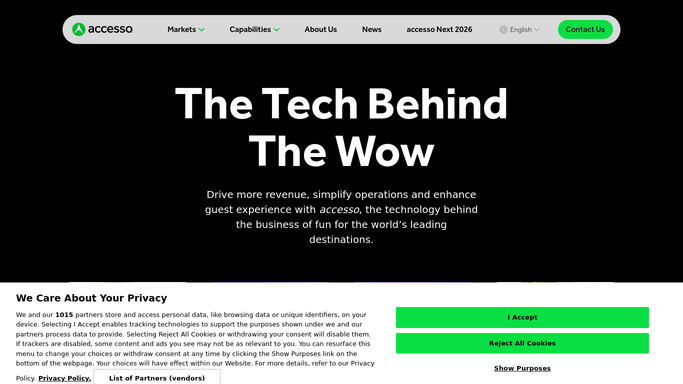
WebRun checks accesso each morning for pending refund requests, drafts a reply and a credit memo in QuickBooks for each one, and posts guest services and finance a Slack list to review. WebRun never issues a refund itself.
accessoQuickBooksSlack
Automated EverLogic QuickBooks Sync Checks
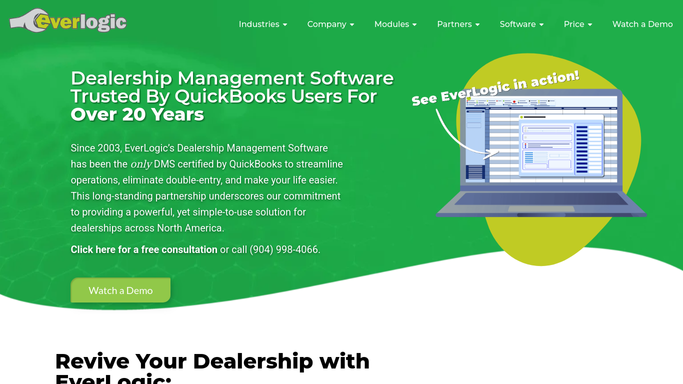
Every night, WebRun compares deals closed in EverLogic against postings in QuickBooks, flags any sale missing an invoice or with a mismatched amount, and posts the discrepancy list to Slack for accounting to fix in the morning.
EverLogicQuickBooksSlack
Automated Estimate Rocket Job Cost Overrun Alerts
Every night, WebRun compares actual job costs in Estimate Rocket against the original estimate, cross-checks posted expenses in QuickBooks, and posts your project manager a Slack flag for any foundation repair job running over budget.
Estimate RocketQuickBooksSlack
Automated FieldServio Invoice Payment Reminders
WebRun checks QuickBooks every Monday for generator service invoices past due, confirms the job details in FieldServio, and queues a polite payment reminder text in Twilio for each customer, left unsent until your team approves it.
FieldServioQuickBooksTwilio
Automated Post Holiday Clearance Markdowns
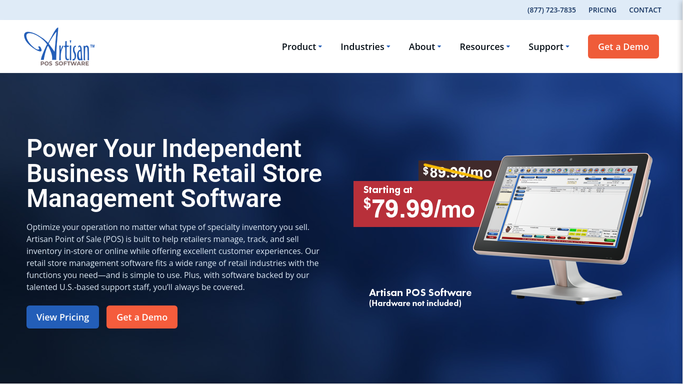
The Monday after any holiday push, WebRun finds seasonal stock still sitting in Artisan POS, checks its cost and margin in QuickBooks, and suggests a markdown percentage to move it before it ties up a shelf all season.
Artisan POSGoogle SheetsQuickBooks
Automated Markt POS Primal Reorder Alerts
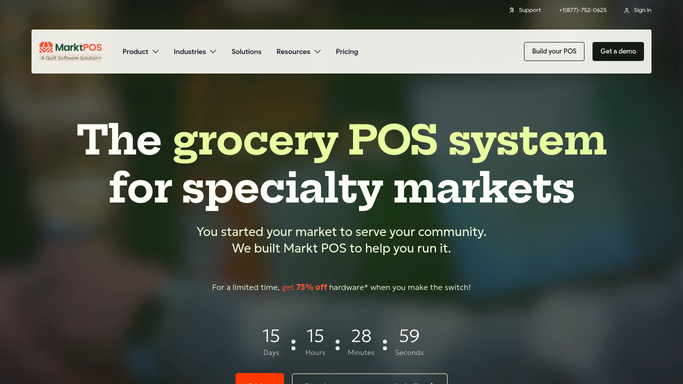
Every morning, WebRun checks primal cut stock levels in Markt POS, drafts a reorder purchase order in QuickBooks for review, and texts the manager which cuts are running low.
Markt POSQuickBooksTwilio
Total Party Planner Automated Gratuity Payout Reports
WebRun totals the gratuity and service charge collected on each event, splits it across the staff who worked it, and posts a payout worksheet so payroll runs without hand-tallied math.
Total Party PlannerQuickBooksTelegram
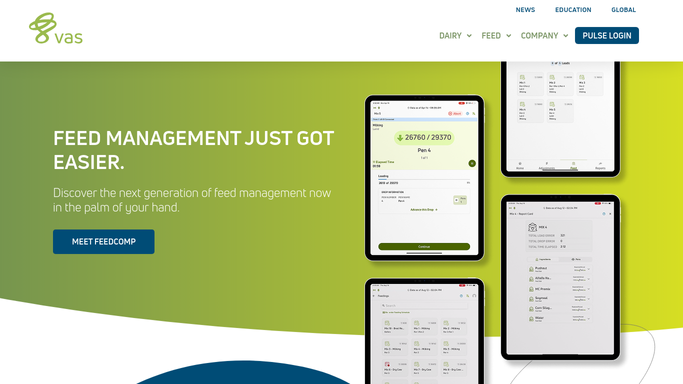
Automated DairyComp Feed Reorder Alerts
Every Monday, WebRun checks your feed inventory log against your milking herd count in DairyComp 305, drafts a QuickBooks purchase order for anything projected to run low before next week's delivery, and posts a Slack alert for a manager to approve.
DairyComp 305Google SheetsQuickBooks
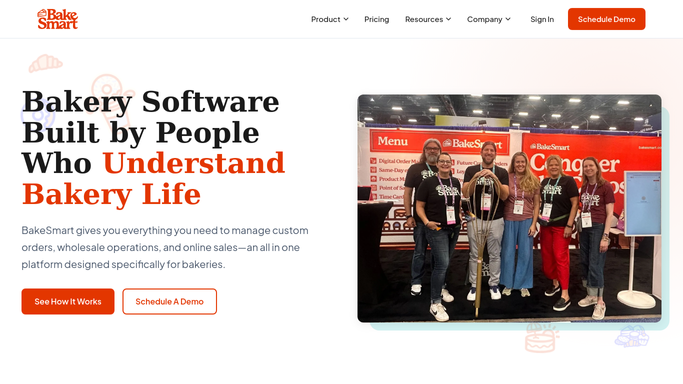
Automatic Wholesale Invoice Past Due Reminders
Every Monday, WebRun opens QuickBooks, finds wholesale invoices past their due date, checks the account's standing in BakeSmart, and drafts a payment reminder email for review before it reaches the customer.
BakeSmartQuickBooksGmail
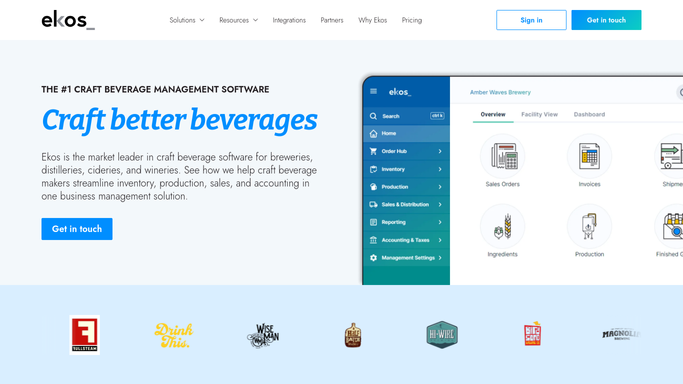
Automated Ekos Keg Deposit Reconciliation
Every Monday, WebRun compares keg deposits owed in Ekos against deposits recorded in QuickBooks, flags mismatches, and posts a clean reconciliation summary to Slack so nothing quietly goes unpaid.
EkosQuickBooksSlack
CyFrame Automated Forecast vs Schedule Reports
Every Monday, WebRun opens CyFrame, compares this month's sales forecast against the scheduled run plan, logs any SKU with no scheduled run or a quantity shortfall to a Google Sheet, and drafts a purchase order in QuickBooks for the material needed to cover the gap.
CyFrameGoogle SheetsQuickBooks
Automated HRT Control Monthly Revenue Reports
On the first of each month, WebRun pulls hormone therapy revenue and collections from QuickBooks, checks it against HRT Control visit and refill counts, and emails the owner a clean monthly summary.
HRT ControlQuickBooksGmail
Automated Yeti Salt Usage Reconciliation
Every Monday, WebRun totals the salt and ice melt logged per site in Yeti Software, compares it to what QuickBooks shows was billed, and writes the variances to a sheet.
Yeti SoftwareQuickBooksGoogle Sheets
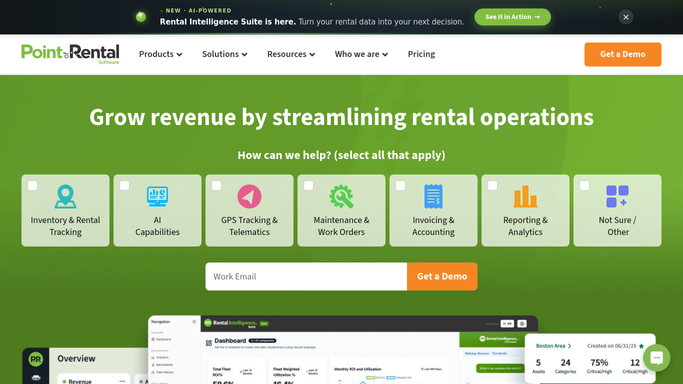
Point of Rental Automated Invoice Chasing
Every morning, WebRun finds rental orders with a past due balance in Point of Rental, confirms each invoice in QuickBooks, drafts a text payment reminder for each customer, and posts your accounts team a Slack chase list ranked by amount overdue.
Point of RentalQuickBooksTwilio
Automated Ideal Price List Mismatch Alerts
Every Monday, WebRun compares unit and parts pricing in Ideal DMS against item costs in QuickBooks, flags anything that does not match, and sends your office manager a Telegram alert so a stale price never gets invoiced.
Ideal DMSQuickBooksTelegram
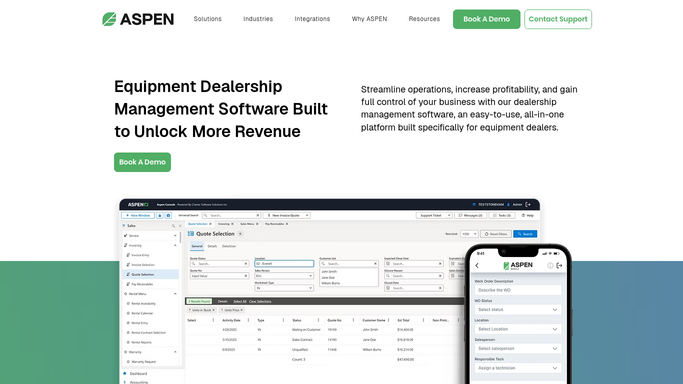
Automated Rental Fleet Utilization Report
WebRun pulls rental hours and days-out for every unit in the ASPEN rental fleet, calculates utilization against target, cross-checks rental revenue posted in QuickBooks, and logs a ranked utilization report to Google Sheets.
ASPEN (Charter Software)QuickBooksGoogle Sheets
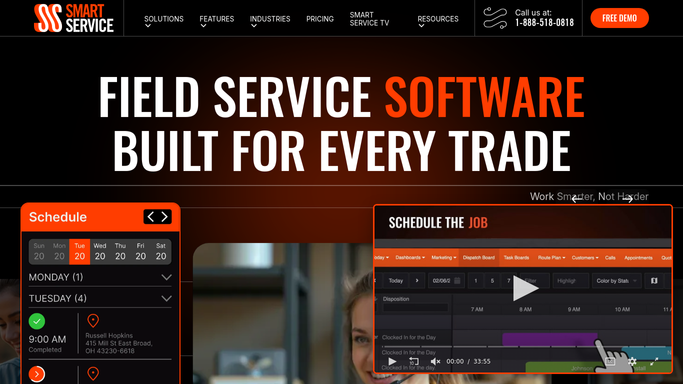
Automated Smart Service Repair Quote Drafts
WebRun checks Smart Service for inspections that failed or found needed repairs, drafts a repair estimate in QuickBooks for each, and drafts a follow-up email in Gmail summarizing the recommended work for the office to review before sending.
Smart ServiceQuickBooksGmail
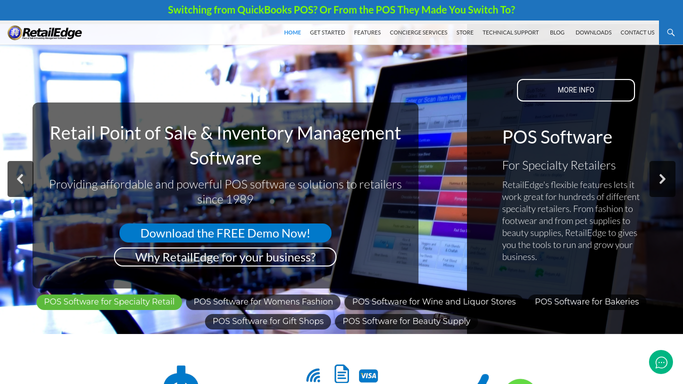
Automated RetailEdge Overstock Markdown Alerts
Every night, WebRun finds slow moving gadget SKUs sitting above target stock in RetailEdge, checks the margin impact in QuickBooks, and alerts you on Telegram with a suggested markdown.
RetailEdgeQuickBooksTelegram
Automated GoPrep Failed Payment Recovery
Every morning, WebRun flags GoPrep subscriptions with a declined payment, checks the invoice status in QuickBooks, drafts a payment update text in Twilio, and posts your billing team a Slack recovery worklist.
GoPrepQuickBooksTwilio
Automated PoultryPlan Feed Mill Reorder Alerts
Every morning, WebRun checks feed bin levels against expected consumption in PoultryPlan, posts a reorder recommendation to Slack for your approval, and logs the confirmed order into QuickBooks against the right house.
PoultryPlanSlackQuickBooks
Automated Cropster Green Coffee Inventory Alerts
Every morning, WebRun checks each green coffee lot in Cropster against its reorder point, confirms the committed inventory value in QuickBooks, and posts a Slack alert for any origin that will run out before the next shipment lands.
CropsterQuickBooksSlack
Automated Ekos Ingredient Reorder Alerts
Every morning, WebRun checks raw material inventory in Ekos against your reorder points, cross checks QuickBooks for any purchase order already outstanding, and posts a Slack alert listing exactly what to reorder and from whom.
EkosQuickBooksSlack
Automated InnoVint Distributor Order Follow Ups
Every Wednesday, WebRun checks which distributor orders shipped in InnoVint against unpaid invoices in QuickBooks, and drafts a friendly follow up email per distributor in Gmail for your sales team to review before it sends.
InnoVintQuickBooksGmail

Want one of these running on your own QuickBooks?

Show WebRun the process once and it will run it on schedule, in your own private browser environment.